The best podcast tools in 2026 fall into three main categories: browser-based remote recording platforms, local recording software, and all-in-one recording and editing tools. The right choice depends on whether you need video footage, how often you publish, whether you outsource editing, and if your podcast is a hobby or revenue stream.
Most podcasters don't need advanced features, just reliable tools that support high-quality audio capture, fit their skill level, and align with their long-term goals.
Podcasts have skyrocketed in popularity in recent years, and they’re one of the best ways to build brand awareness, establish yourself as a thought leader, and curate an online community. While it’s easy to think that podcasting is just talking into a mic, there’s so much more that happens behind the scenes, and navigating podcast tools can be a challenge, even for experienced editors and marketers.
Podcast tools are set to evolve in 2026 with the introduction of new AI features, the rise of browser-based platforms, and a stronger focus on all-in-one podcast recording and editing tools. Whether you’re a solo host or looking to scale an established podcast, you might be wondering whether you need separate recording and editing tools or if one platform can do it all.
In this podcast tool guide, we’re breaking down recording vs editing tools, and offering our advice on the best podcast software options for solo podcasters, interviewers, brands, and agencies.
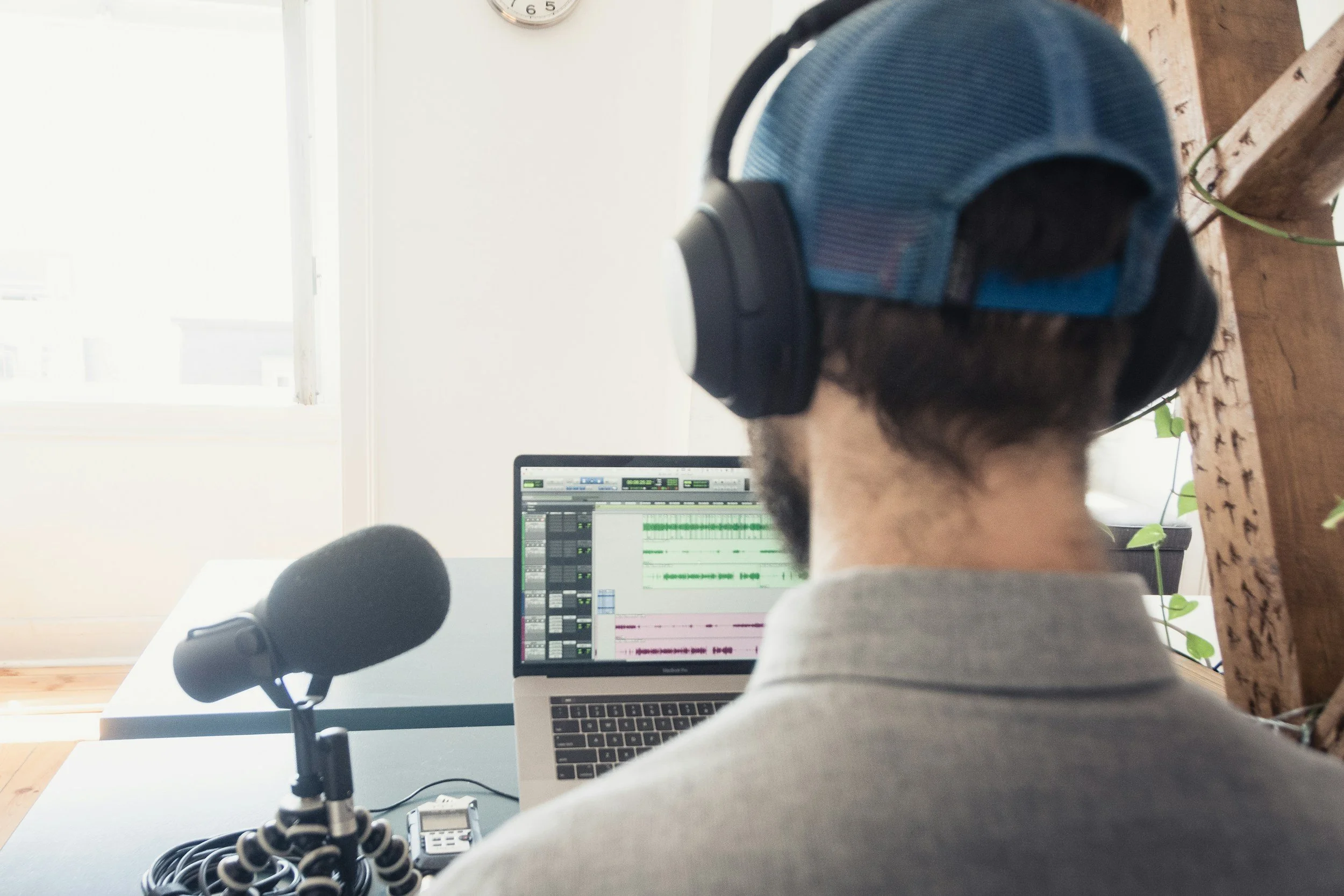
Table of Contents
Deciding What Tools Most Podcasters Actually Need
The best podcast recording software for your show will depend on the type of workflow and setup that you have. If you’re a solo podcaster, you’ll want to keep things simple with basic podcast editing software, while those who conduct remote interviews will want to prioritize their recording tools. Your audio quality matters more than most podcasters realize.
If you’re developing a podcast for a brand or client, you’ll need a more professional editing workflow with separate recording and editing tools. However, if speed is your priority, an AI all-in-one podcasting software may be your best option.
Why Podcast Recording Tools Matter
Recording tools are used to capture audio and video either locally or remotely. The best podcast recording tools capture clean audio with minimal background noise, can handle remote guests, and sync multi-track audio. Using a reliable recording tool can also reduce your risk of connection loss, making it easier to get all the content you need in one take.
There are 3 main types of podcast recording tools:
Browser-based remote recording: Best for interviews, as it offers separate audio tracks for each participant. Some programs also provide local recording options where audio is recorded locally on each person’s device and uploaded afterward, so a poor internet connection on your guest’s side will not disrupt the recording quality. Riverside is a popular option that offers this type of local recording for more reliable results.
Local recording software: Options like Audacity are ideal for solo shows as they offer high-quality capture but without any remote features.
All-in-one recording and editing: Tools like Adobe Podcast are suitable for beginner podcasters who want to simplify their workflow and don’t mind being limited to basic editing options.
What Do Podcast Editing Tools Do?
Podcast editing tools are used after you record your podcast to refine, enhance, and publish your episode. Most successful content creators will outsource their editing process, but if you’re tackling this yourself, the tools you’ll want to use will depend on your workflow and skills.
You can expect these tools to include features that help to remove filler words, adjust audio levels, insert paid ads, or add an intro and outro. While most solo content creators will stick to beginner-friendly editing tools, there are other types of tools to consider if you have more experience.
AI-assisted editing tools: Best suited for podcast editors working with a faster turnaround time as they automate the clean-up process for creating professional, high-quality audio content, but they offer less manual precision.
Professional digital audio workstations (DAWs): Ideal for advanced podcast editors who want full control of the editing process and feel confident navigating a steeper learning curve.
Do You Actually Need Separate Recording and Editing Tools in 2026?
We’ve found that most podcasts fail because they have an inconsistent posting schedule. Choosing the right podcast tools will streamline your workflow and make it easier to consistently post high-quality content. We’re sharing 4 scenarios below to show how your tech stack will vary depending on your workflow and set-up.
Solo Podcast Host (No Guests)
If you’re a solo podcaster who isn’t interviewing guests, then you’ll want to use a simple recording tool and lightweight editors. Most all-in-one tools will be sufficient, but we typically recommend separate tools for more advanced podcasters.
Remote Interviews
Your recording tool is more important than your editing software when hosting remote interviews. It’s best to choose a podcast recording tool with multi-track recording, and you can keep your editing simple.
Video Podcasting
One of the best ways to grow your podcast is by using video to repurpose your content on other social media platforms. Recording audio and video can make your workflow more complicated, and some all-in-one tools won’t be able to fully support video and audio, so you may want to use separate podcast tools. However, Descript can work well as an all-in-one option. It allows you to record your video podcast remotely and edit the entire episode without leaving the platform. Whatever tool you choose, make sure it can handle multi-track audio and video so you have full control during the editing process.
Agency or Branded Podcast
You’ll have similar things to consider when producing and editing an agency or branded podcast. We recommend using separate tools with a dedicated workflow for your editing process. If you’re managing a larger podcast, you’ll want to consider your file storage and version control when collaborating with in-house editors or freelancers to produce your content.
The Rise of AI Podcast Tools in 2026
AI-powered podcast tools, like Riverside and Descript, are becoming more accessible in 2026. These tools can support your podcast production workflow if you have a tight deadline or work in a small production team. AI podcast tools can help with transcript editing and support auto-leveling, noise reduction, and silence trimming to create higher-quality audio content.
Although AI will accelerate your workflow, it isn’t a replacement for production decision-making as it falls short when judging tone, determining story pace, and producing brand-worthy quality.
5 Questions to Consider When Choosing Your Podcast Tools
If you’re debating which podcast software to invest in, there are 5 questions to answer first. These questions will help determine your workflow and whether it’s best to prioritize your audio recording or editing.
Are you interviewing guests remotely? If not, then an all-in-one software may work for you.
Do you require video footage? If so, you’ll want separate multi-track recording and editing tools.
Do you need to publish multiple episodes a week? In this case, an AI-powered editing tool may help to streamline your workflow.
Are you outsourcing your editing? If not, you’ll need to find podcast tools that align with your skill set or with a comfortable learning curve.
Is your podcast a hobby or a revenue stream? If you’re hoping to attract brand patterns, you’ll want to use separate editing and recording tools to create high-quality podcast content that you can easily insert ads into.
What Matters Most When Choosing Podcast Tools in 2026
The best podcast tools are those that align with your workflow and long-term goals. Reliability is crucial, whether you’re a solo podcaster or scaling a branded podcast. Most podcasters don’t need advanced tools; they need ones that support high-quality audio capture and basic editing.
You won’t always need to use separate tools, and AI-powered software could help you stick to your posting schedule. Visit our blog for more expert-curated content to grow your online presence and help you create content smarter.
-
In 2026, the main types of podcast recording tools include browser-based remote recording, local recording software, and all-in-one recording and editing tools.
-
It depends on your setup; solo podcasters may benefit from all-in-one tools, while those with remote interviews or branded podcasts should consider using separate recording and editing software.
-
AI-powered podcast editing tools automate the clean-up process, making it easier to produce high-quality audio content quickly, though they may offer less manual precision.
-
For remote interviews, prioritize a podcast recording tool that offers multi-track recording to ensure clean audio from all participants.
-
When choosing video podcast software, look for tools that support both audio and video recording, as well as multi-track capabilities for effective editing.

Red 11 Media is an educational platform and creative studio focused on driving growth online through strategic content creation. We help creators, brands, and businesses understand how to build sustainable audiences across YouTube, podcasting, and long-form digital content.