
BEST GEAR FOR NEW YOUTUBERS 2026: A Complete Guide
Finding the best gear to start a YouTube channel can be hard when you don't know what you're looking for. We put together this beginner YouTube equipment guide to help you save time and start creating better content today.
Whether you're just starting out or leveling up an existing channel, this guide breaks down gear by category and budget, so you can spend money on what actually matters for your style of content.
*** Denotes gear we use.
Table of Contents
The best gear for new YouTubers covers six essential categories: video cameras (Sony bodies like the A7 IV or ZV-1 lead the field), audio equipment (Rode and Shure microphones), podcasting setups (Shure SM7B or RodeCaster Pro), lighting (Aputure across all budgets), tripods (Magnus VT-4000), editing computers (MacBook Pro), and software (like Descript, Riverside and Davinci Resolve). Match gear choices to your budget, content style, and growth stage.
Video
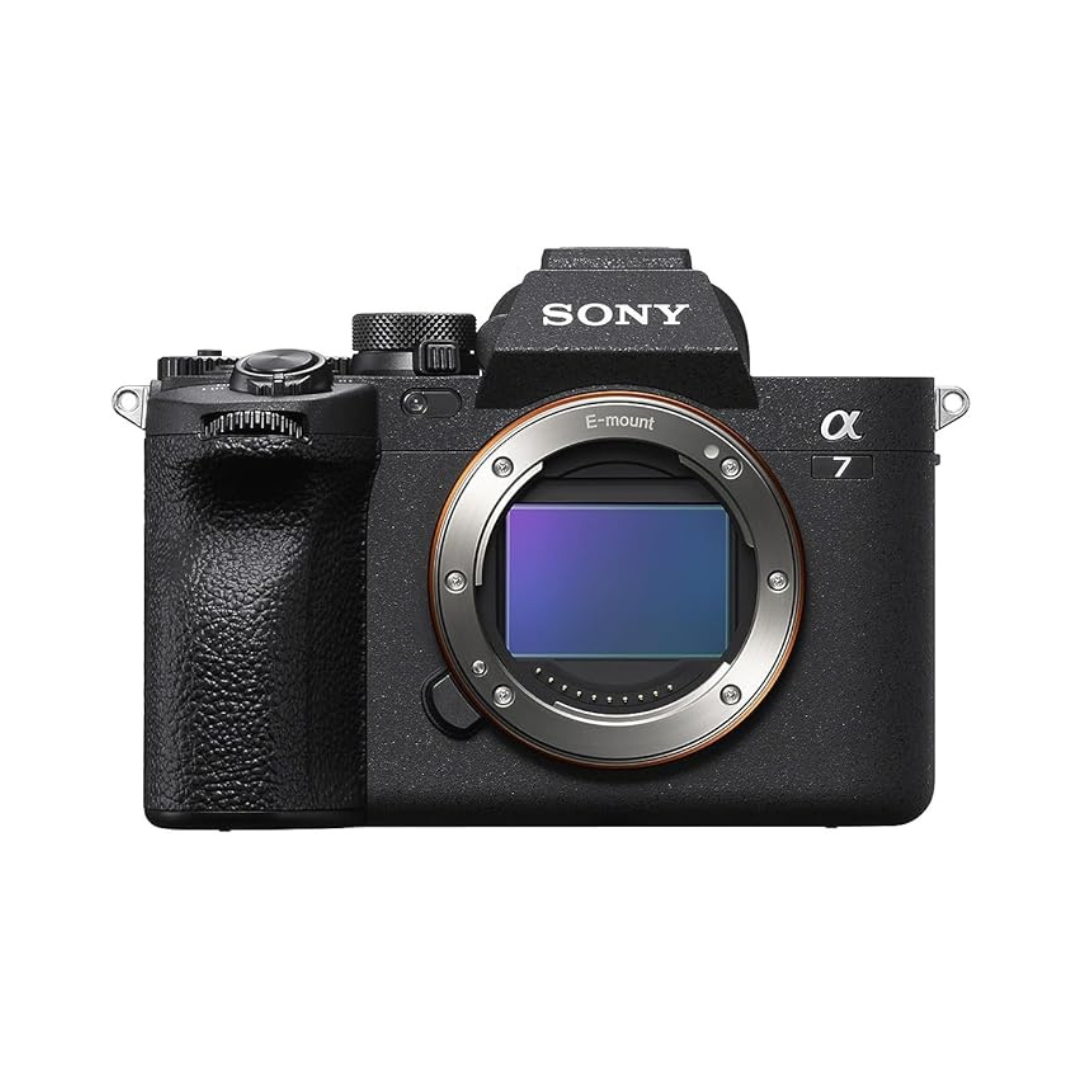
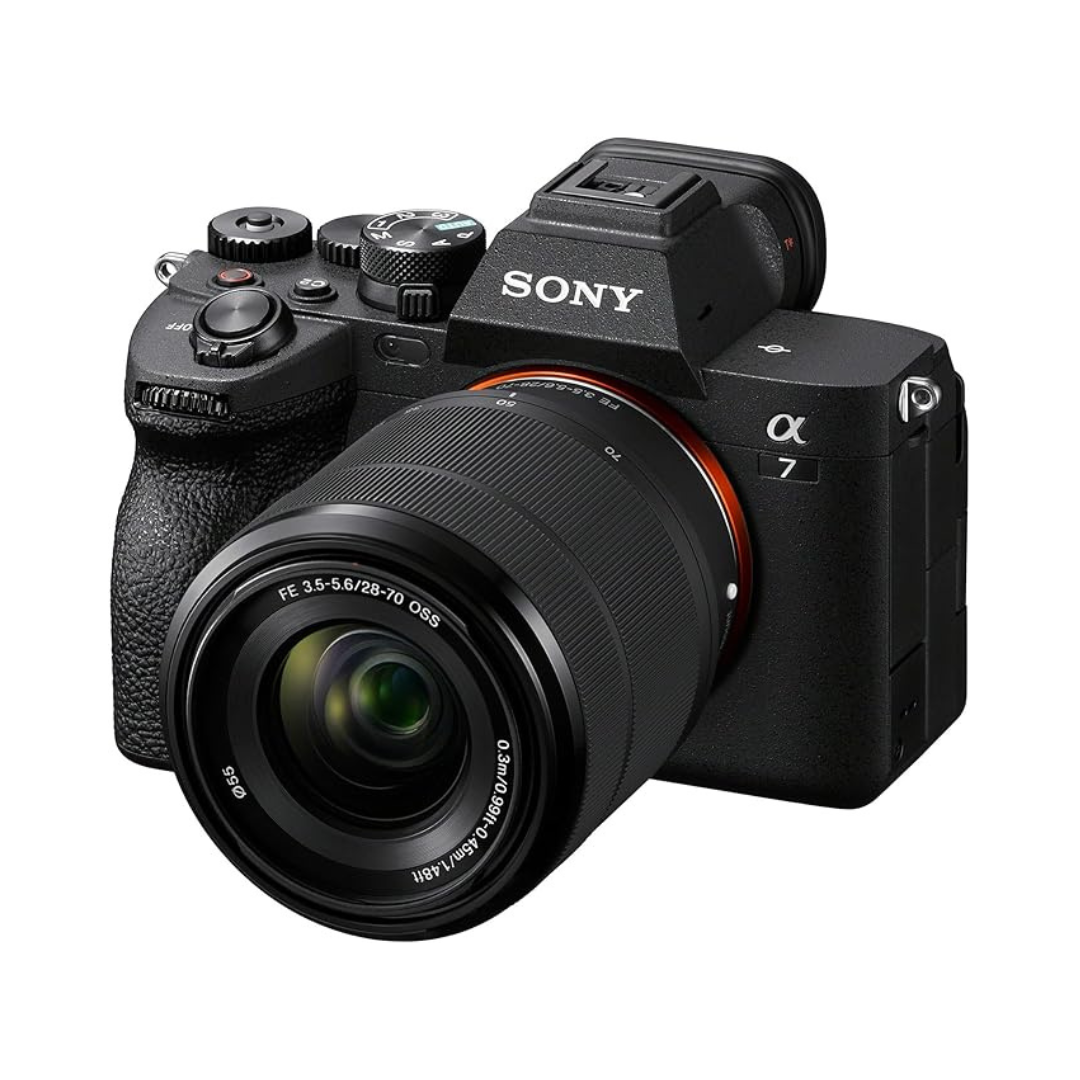
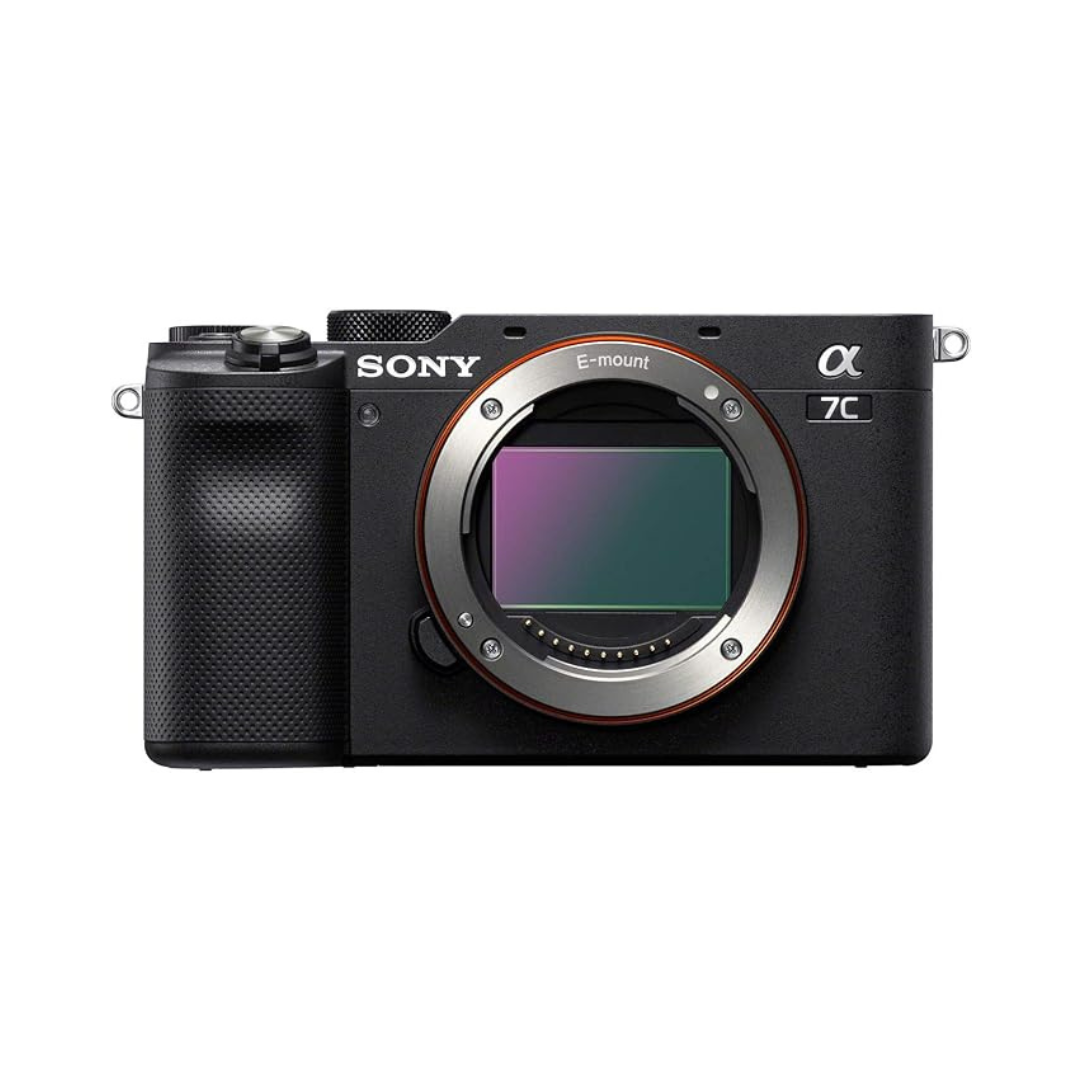
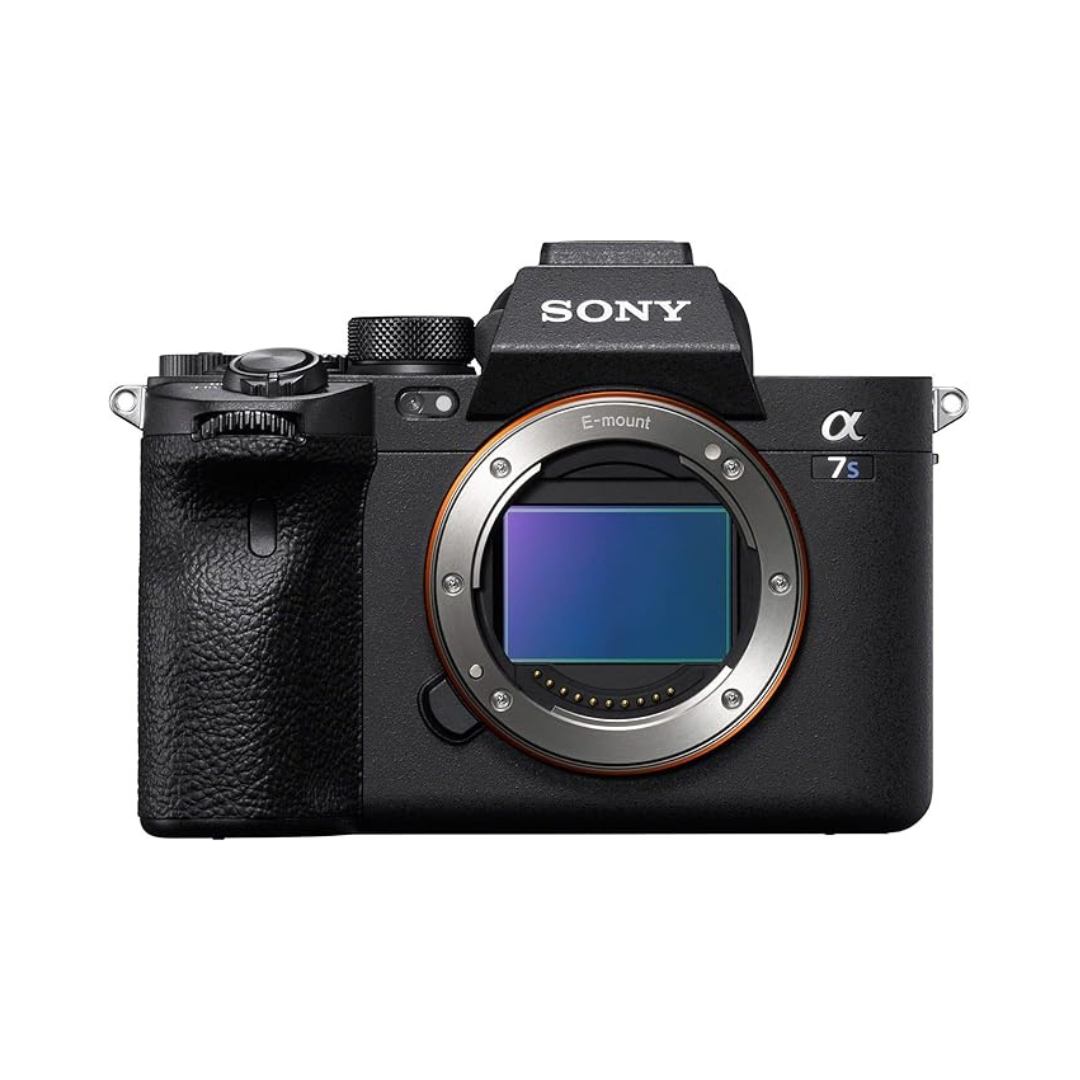
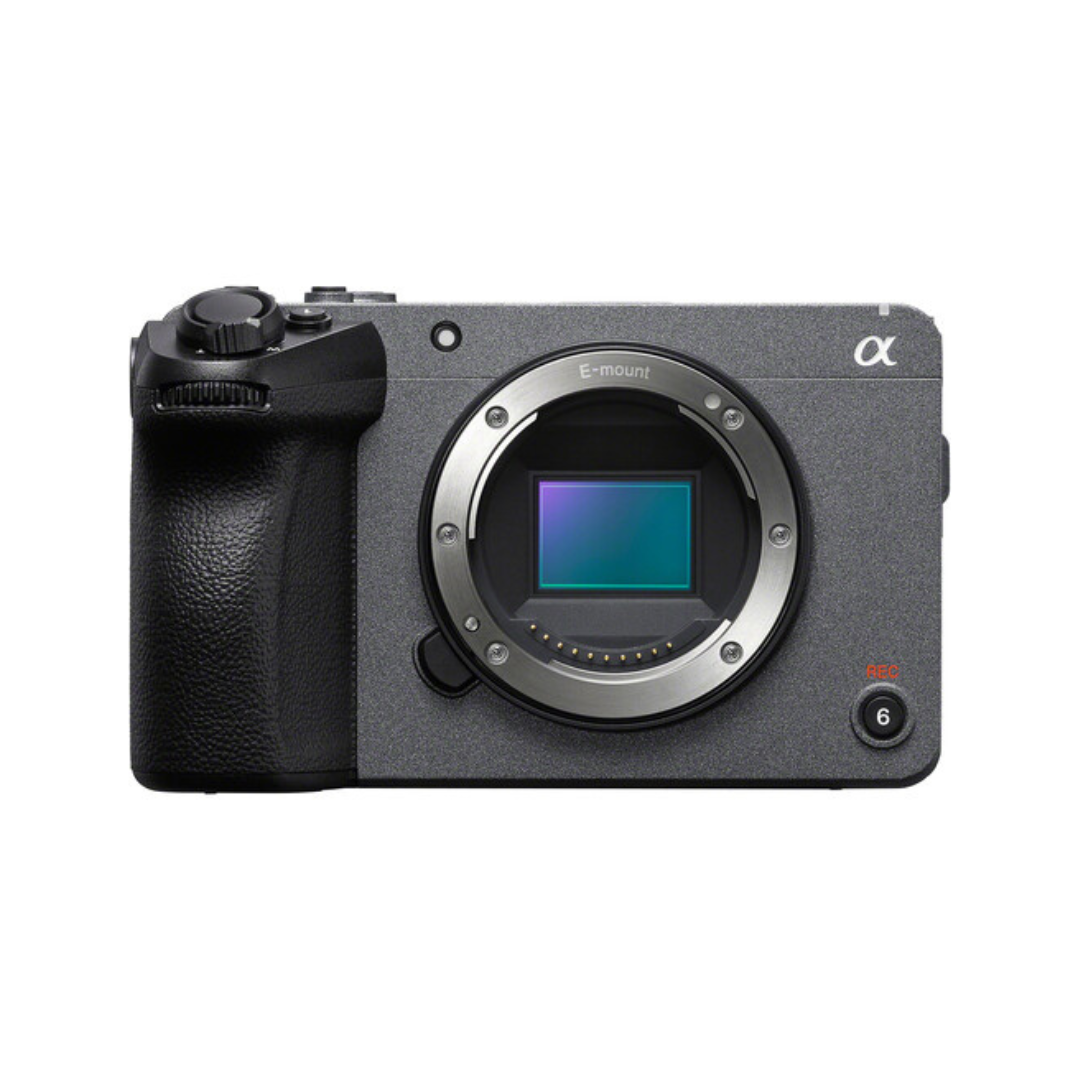
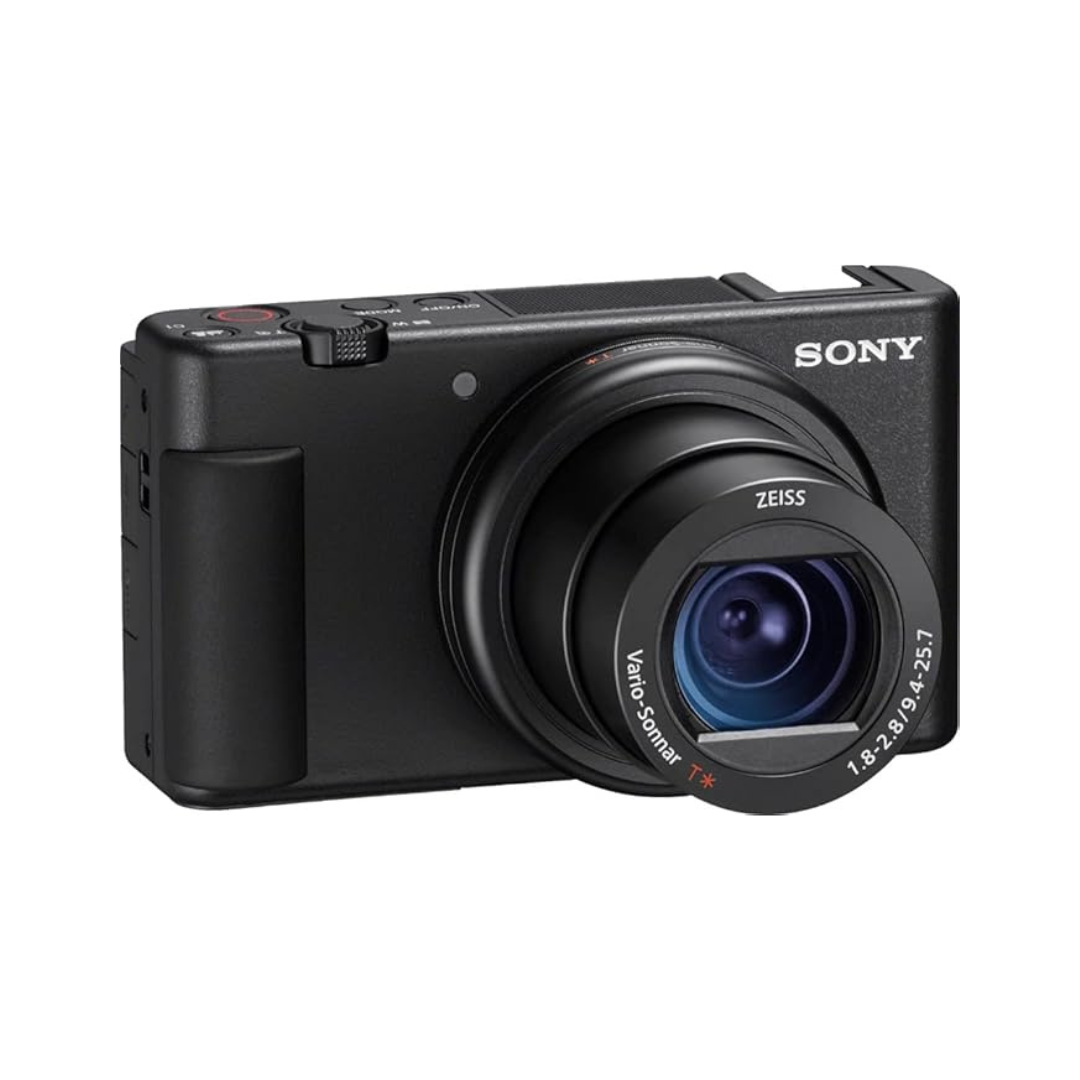
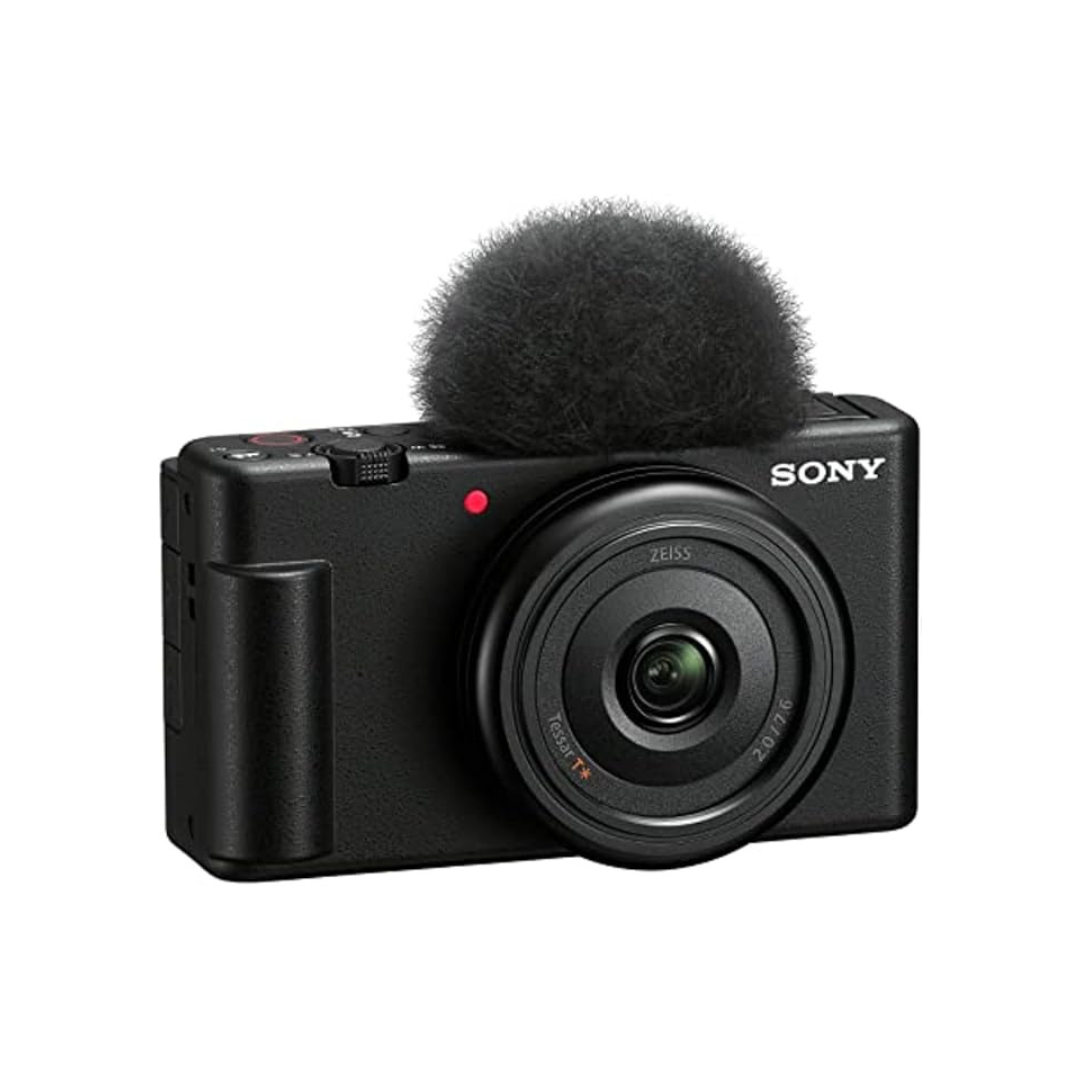
Your camera is the foundation of your channel. That said, you don't need to spend thousands to get great footage; you need the right features for how you create.
Here's what we always look for when recommending a camera:
4K video: future-proofs your content and gives you room to crop in editing
60 FPS or higher: allows smooth slow-motion without a dedicated slow-mo camera
High-resolution stills: useful for thumbnails and promotional photos
Flip-out screen: essential if you're filming yourself solo
Headphone jack: so you can monitor audio while you record
What to Look For in a Camera
Sensor size is one of the biggest factors in image quality. Larger sensors handle low light better and create that shallow "cinematic" depth-of-field look. Full-frame sensors (like the Sony A7 series) are the gold standard. APS-C sensors (like the Sony ZV-E10 or FX30) are a more affordable middle ground that still produce excellent results.
Autofocus matters more than most beginners expect. Sony's Real-Time Eye AF is genuinely best-in-class. It locks onto a subject's eye and holds it even as they move. This is a game-changer for solo creators who can't have someone else pulling focus.
Also, pay attention to recording limits and heat. Some cameras will shut off after 30 minutes of continuous recording, a real problem for long-form content. And if you plan to vlog handheld, in-body image stabilization (IBIS) can replace the need for a gimbal.
When looking at basic video equipment for new YouTubers, all roads lead back to Sony.
Why We Recommend Sony
Sony cameras hit the sweet spot between video quality, autofocus reliability, and lens ecosystem. Their mirrorless lineup scales from beginner to professional without requiring you to switch systems as you grow, so the lenses you buy today will still work on a higher-end body down the road.
Under $5,000
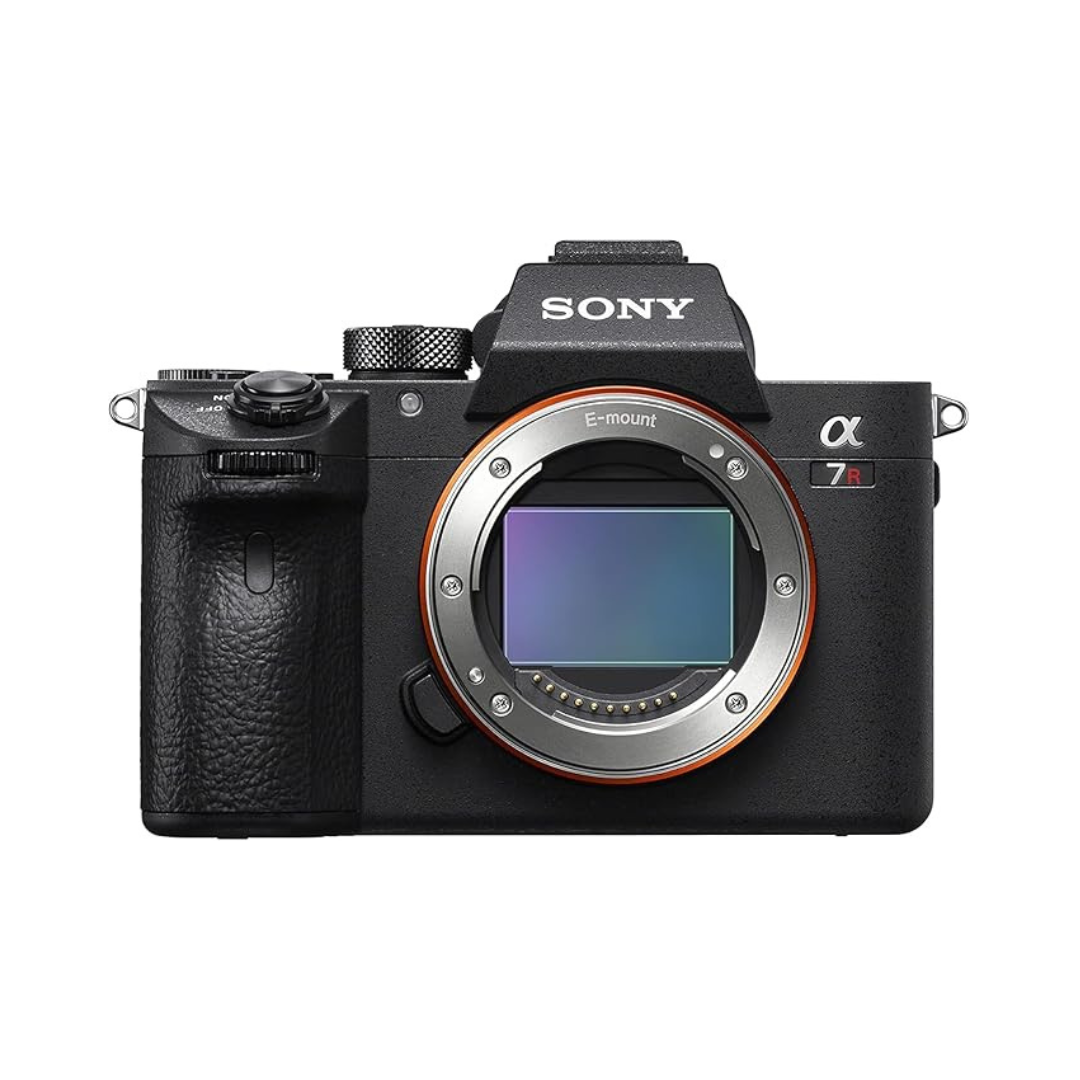
61MP stills paired with excellent video: the choice if high-resolution photography matters as much as video.
Sony A7S III***
4K at 120 FPS means true slow motion without sacrificing quality. The go-to for cinematic content and low-light shooting.
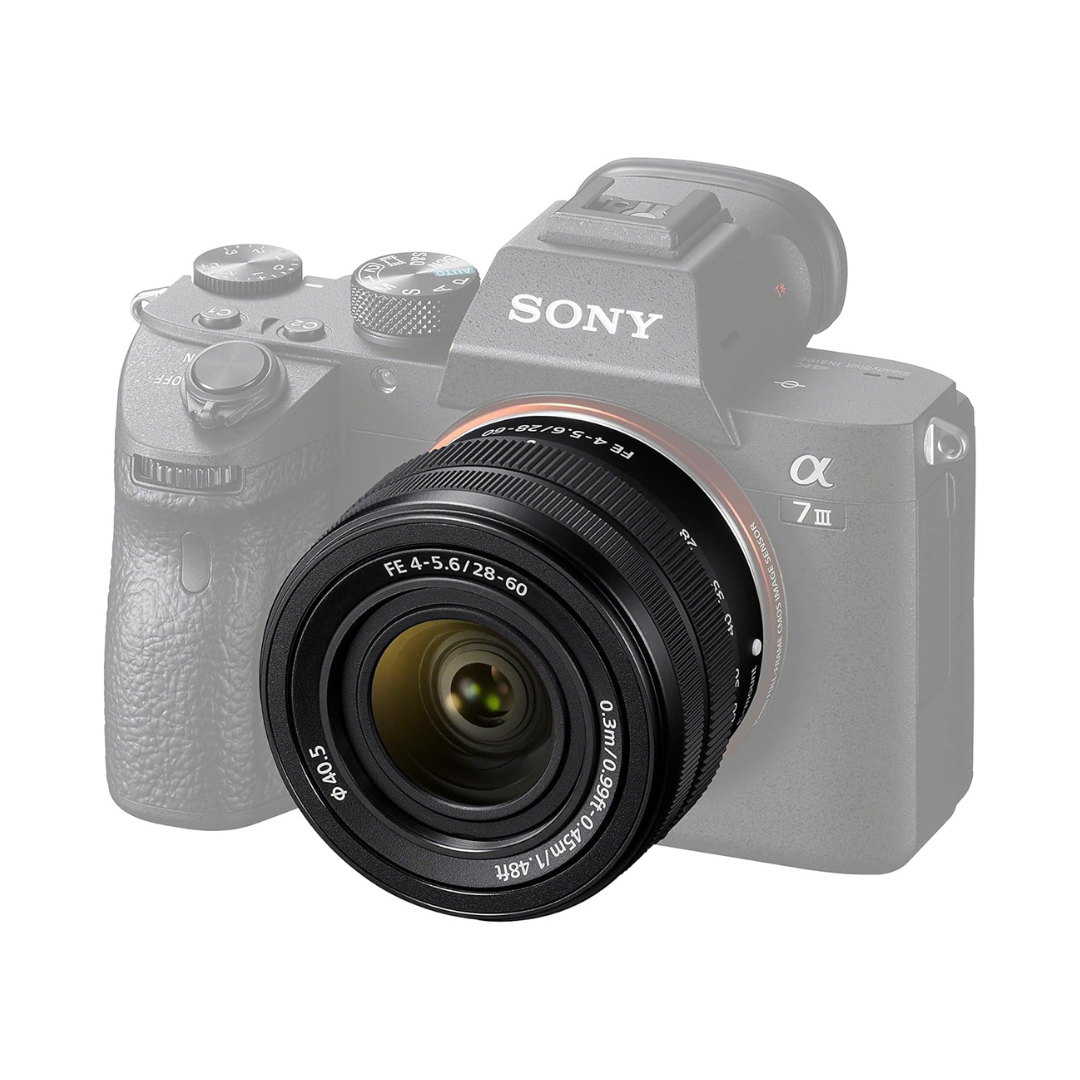
The A7 IV is our benchmark for a versatile all-rounder. The kit lens is a budget-friendly way to get started; upgrade the glass later as you grow.
Under $2,500
Our top pick for the most versatile camera at this price. Full-frame sensor, excellent video, and one of the best autofocus systems you can buy.
This camera packs a surprising number of professional cinema features into an affordable body. Great if video is your primary focus. We wrote a full breakdown on this one. Check out our blog post on why the FX30 might be the best vlogging camera.
Compact full-frame. If you want that full-frame look in a body small enough to fit in a jacket pocket, this is it.
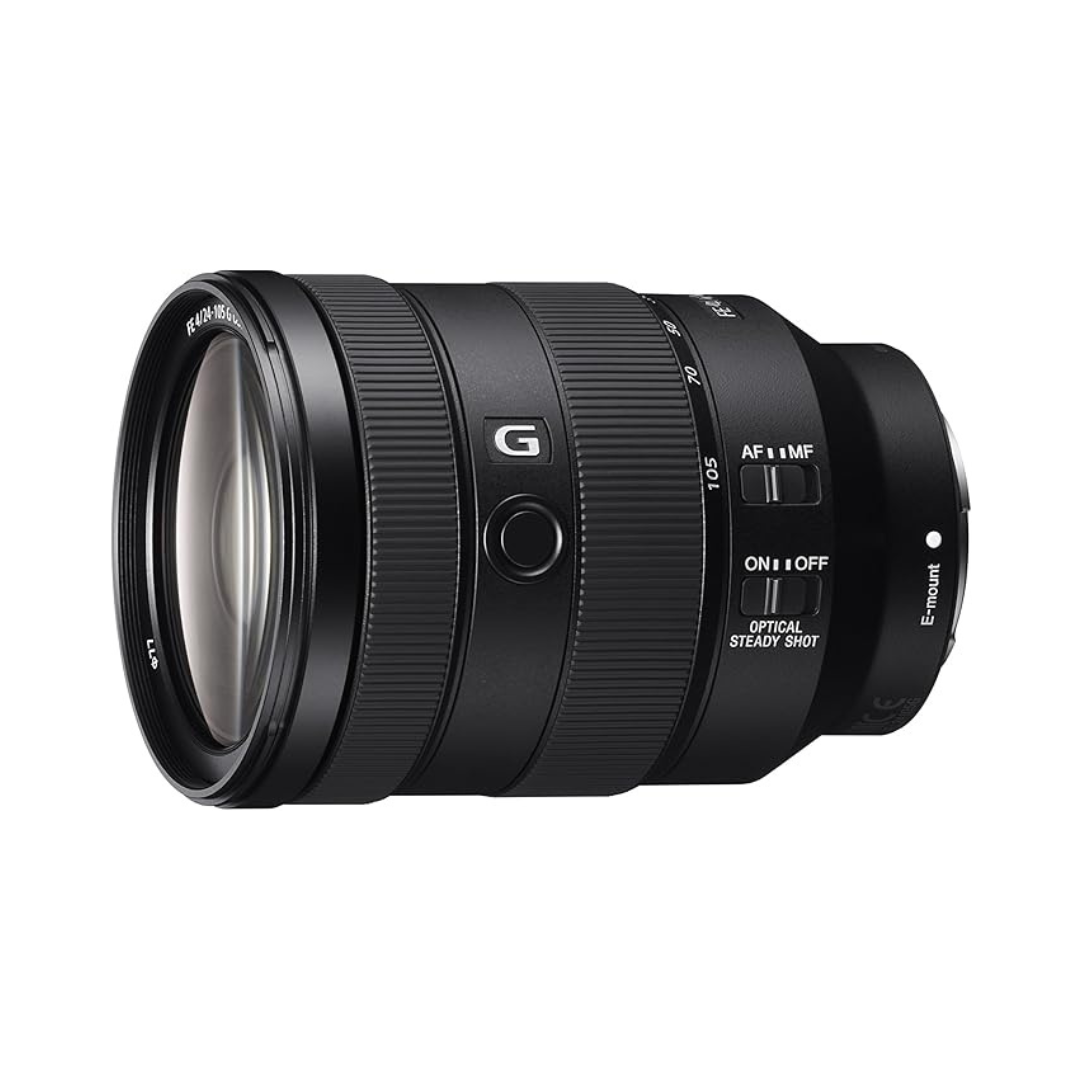
Our lens pick for this tier. It's the one lens we'd put on a Sony body and never take off. It covers wide shots to medium telephoto with solid image quality throughout.
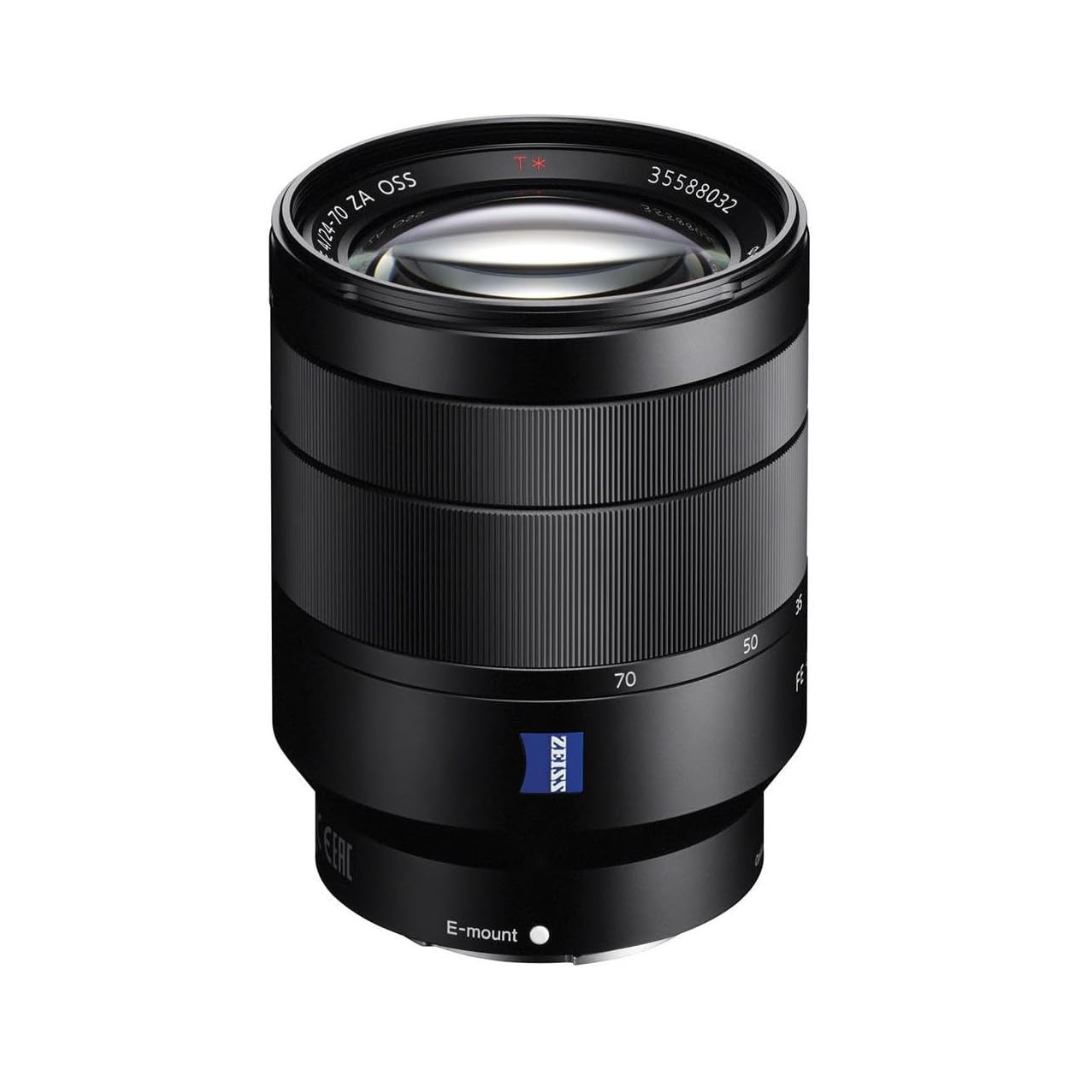
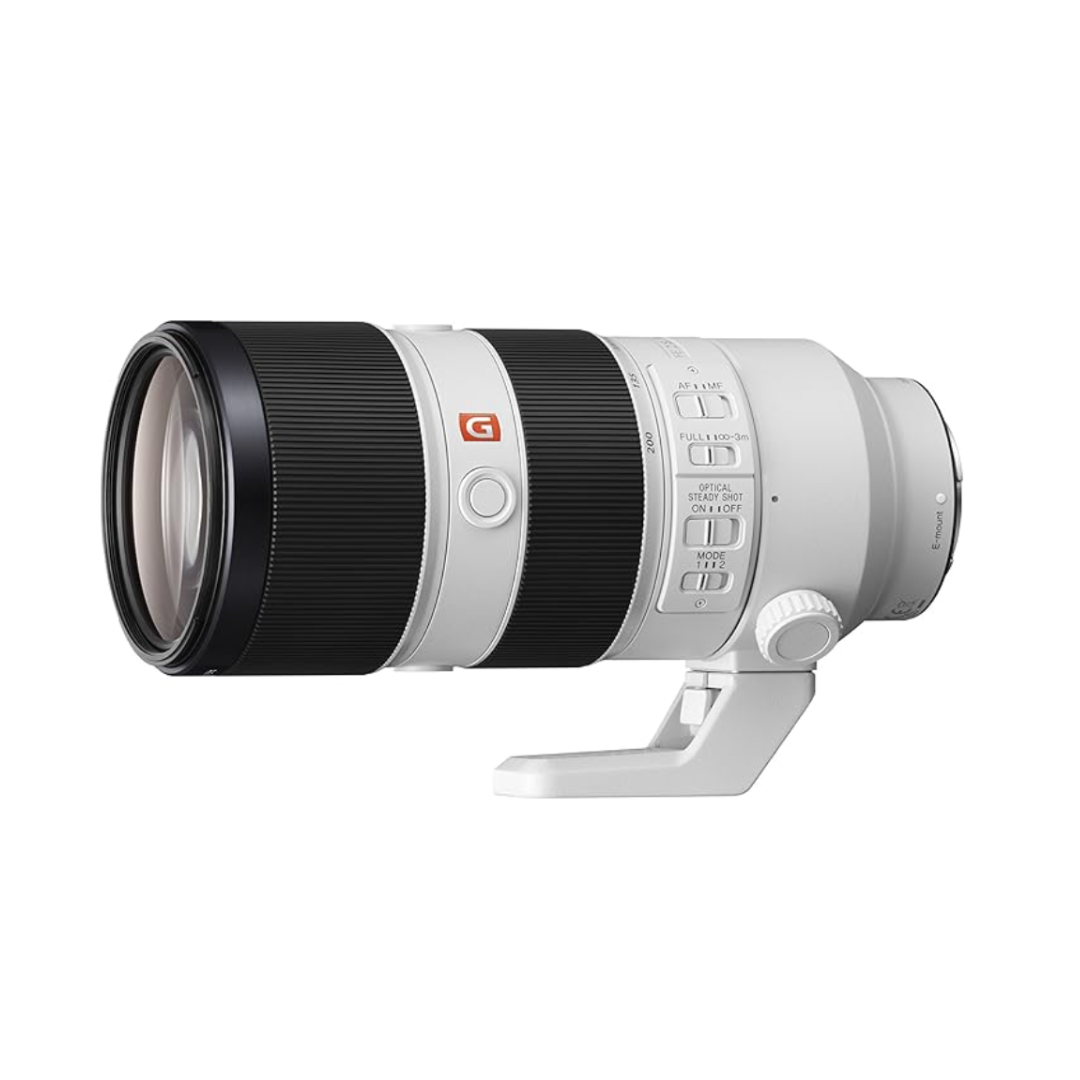
A great second lens for when you want that compressed background look or need to film from further away.
Under $1,000
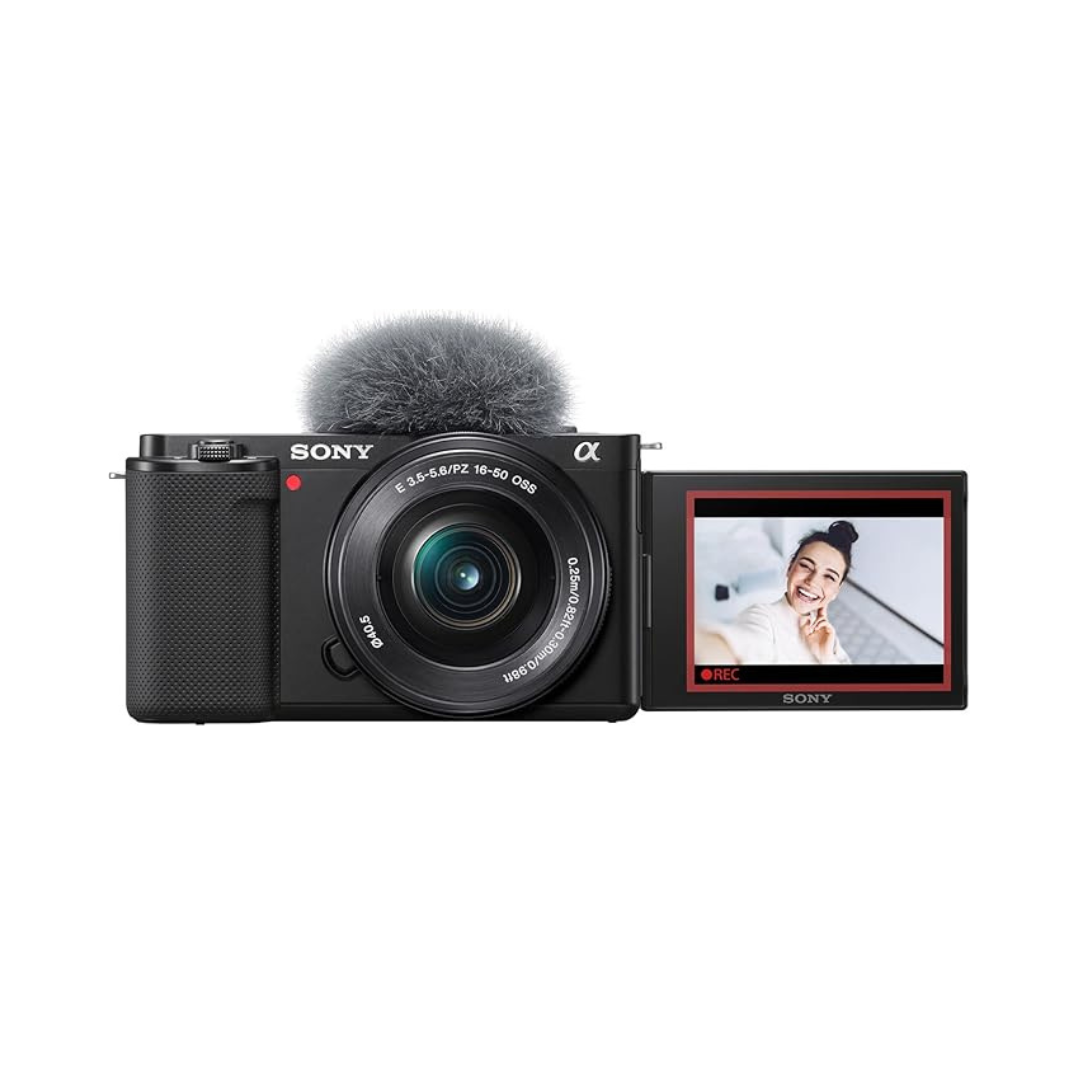
An APS-C mirrorless body purpose-built for content creators. Vari-angle screen, solid autofocus, and you can swap lenses as your needs evolve.
Fixed lens, which keeps it compact and simple. Great if you want a pocketable dedicated camera without the complexity of interchangeable lenses.
A solid starter lens if you're pairing it with a Sony body. Good sharpness, reasonable size, and covers the most useful focal lengths.
iPhone 17 Pro***
Starting at $1,099. This is the most capable smartphone camera ever made for content creators, and we'd honestly recommend it over most cameras at this price tier. All three rear cameras are now 48MP, including a new telephoto with true 8x optical-quality zoom. It records 4K Dolby Vision up to 120fps, supports ProRes RAW for professional editing workflows, Apple Log 2 for color grading, and Genlock for syncing with other cameras on set. DXOMARK ranked it the #1 video phone in the world. The new Dual Capture mode lets you record front and back cameras at the same time. It’s great for reaction content or vlogging. And because it's also your phone, it's always with you. For solo creators who are just starting, this may be the only "camera" you need.
Under $500
A step down from the ZV-1. It doesn't shoot RAW images, but it's still a capable, affordable option for those on a tight budget.
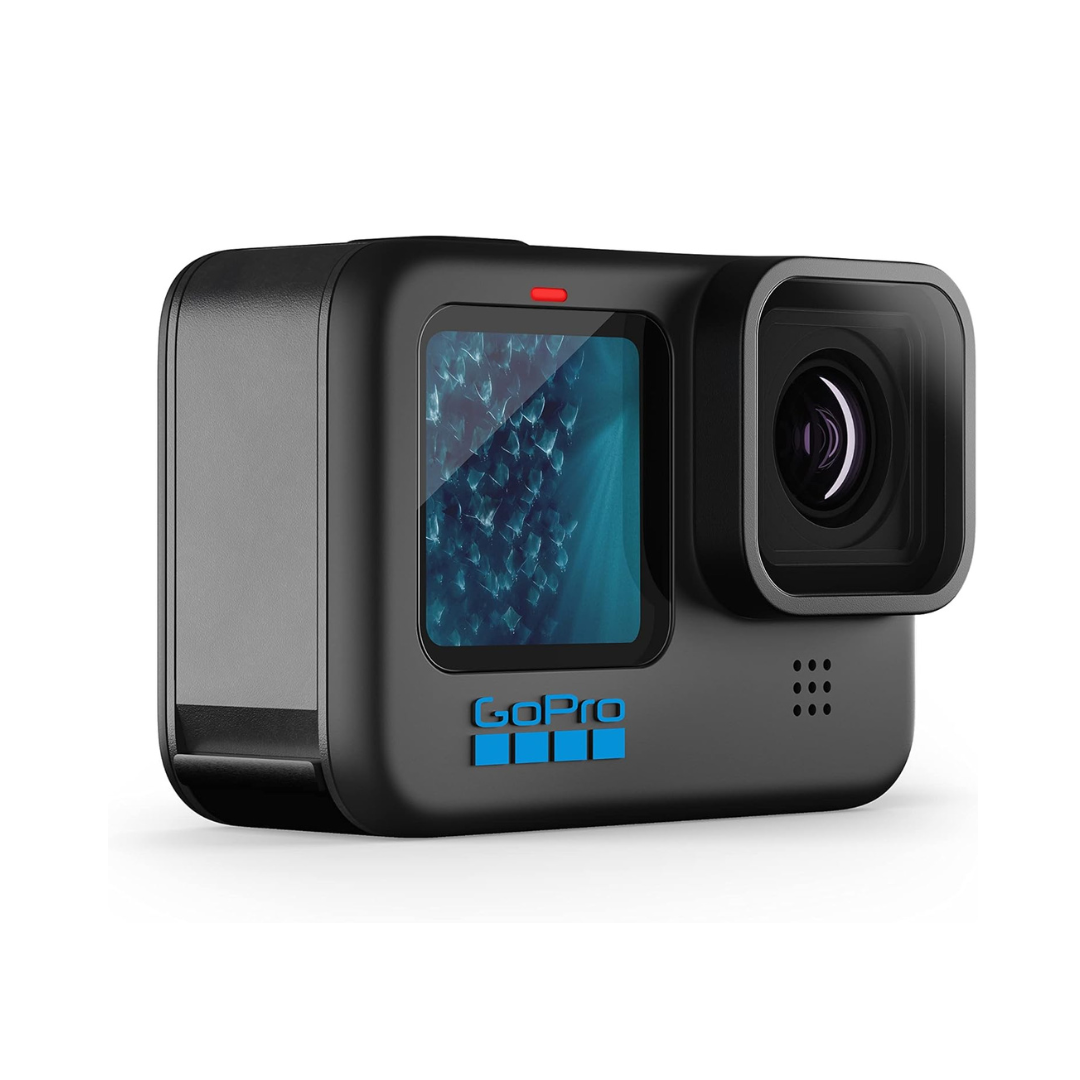
Incredibly durable and compact. Best as a secondary camera for action shots, POV footage, or situations where you don't want to risk your main camera.
A compact, affordable lens that pairs well with Sony full-frame bodies. Great for travel or minimal kit builds.
Audio
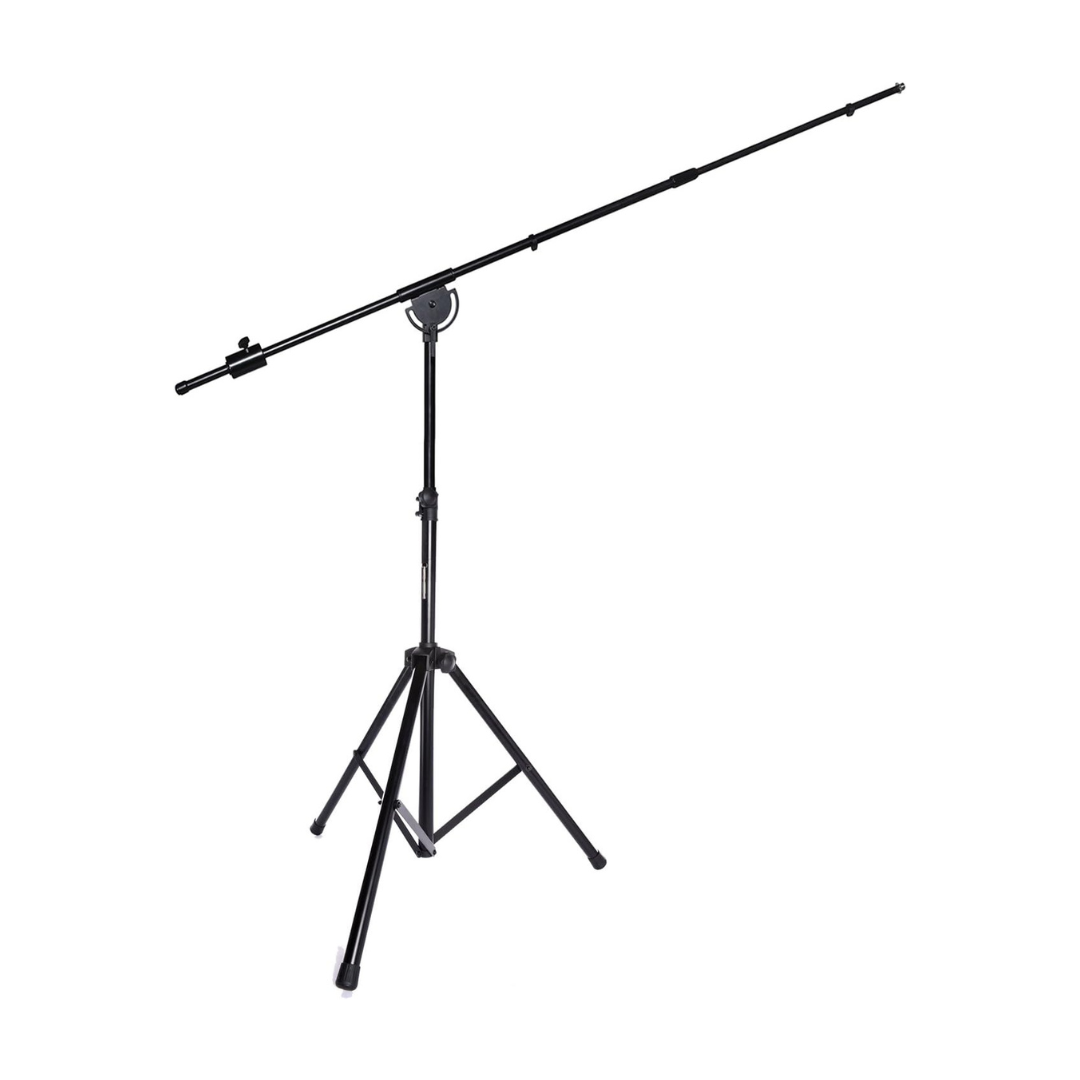
Here's the truth about audio: viewers will tolerate a slightly soft image, but they'll click away in seconds if your audio is bad. It doesn't matter how good your camera is; poor sound kills watch time.
Microphones are specialized tools. The right mic depends entirely on how you film: are you sitting still, moving around, filming outdoors, or recording a podcast? We've broken this down by use case next to each recommendation.
What to Look For in a Microphone
Microphone type determines everything. Shotgun mics are directional and great for hiding off-camera or mounting on a boom. Lavalier (lapel) mics clip to your shirt and are ideal when you're moving around. USB or XLR desk mics are best for stationary talking-head or podcast-style videos.
Look at the polar pattern. A cardioid picks up sound from the front and rejects what's behind it, which is what most YouTubers want. Hypercardioid is even tighter and better in noisy environments.
Self-noise rating (measured in dB-A) tells you how much noise the mic itself adds to the recording. Anything under 15dB is solid. The lower, the cleaner your audio will be, especially in quiet rooms where that hiss becomes noticeable.
Under $1,000
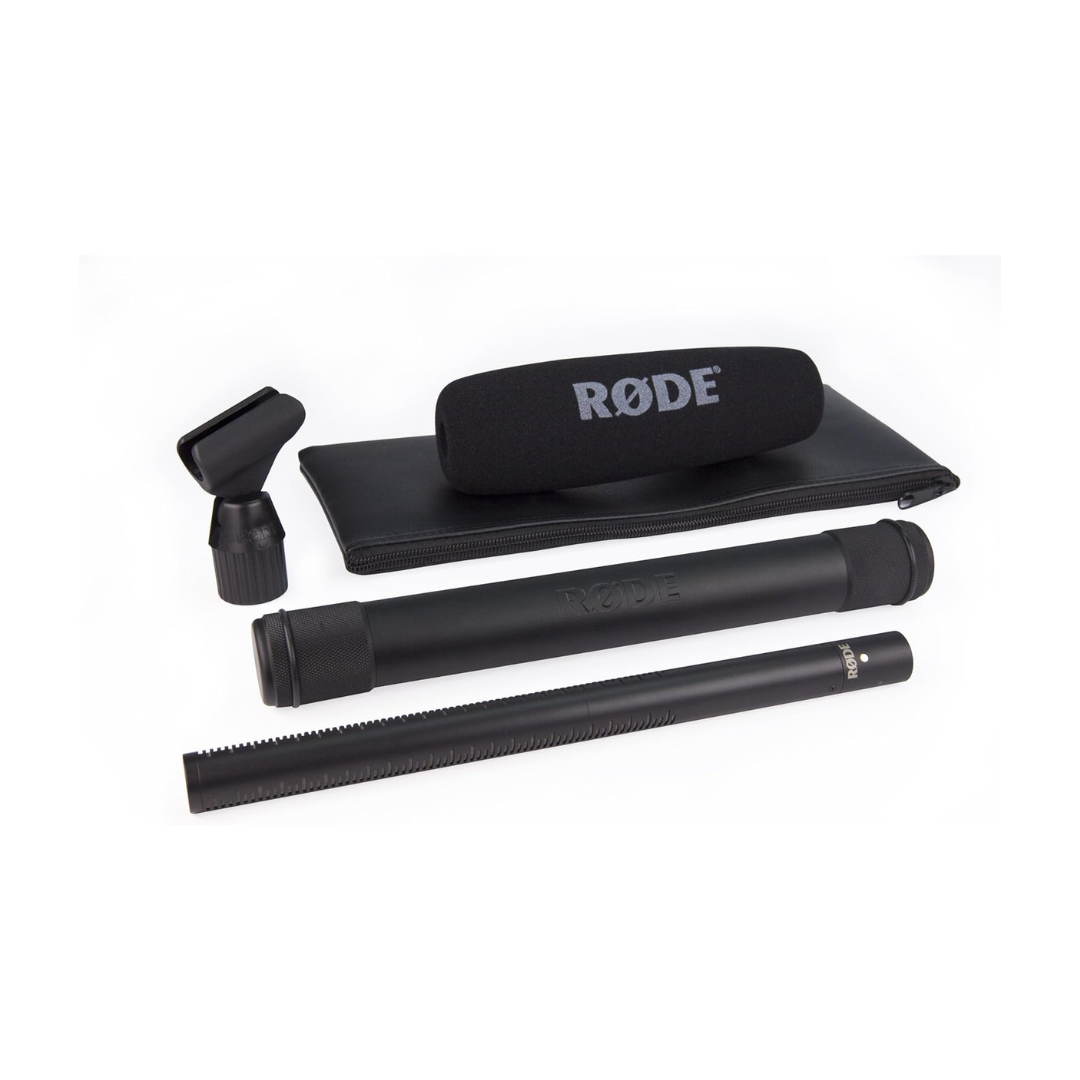
Rode NTG-3B Shotgun Microphone***
This is our go-to when we need the mic completely hidden from frame. Mount it on a boom arm above or below the subject; it captures clean, professional audio without appearing in the shot. Best for narrative or cinematic content where mic placement can be deliberate.
Under $500
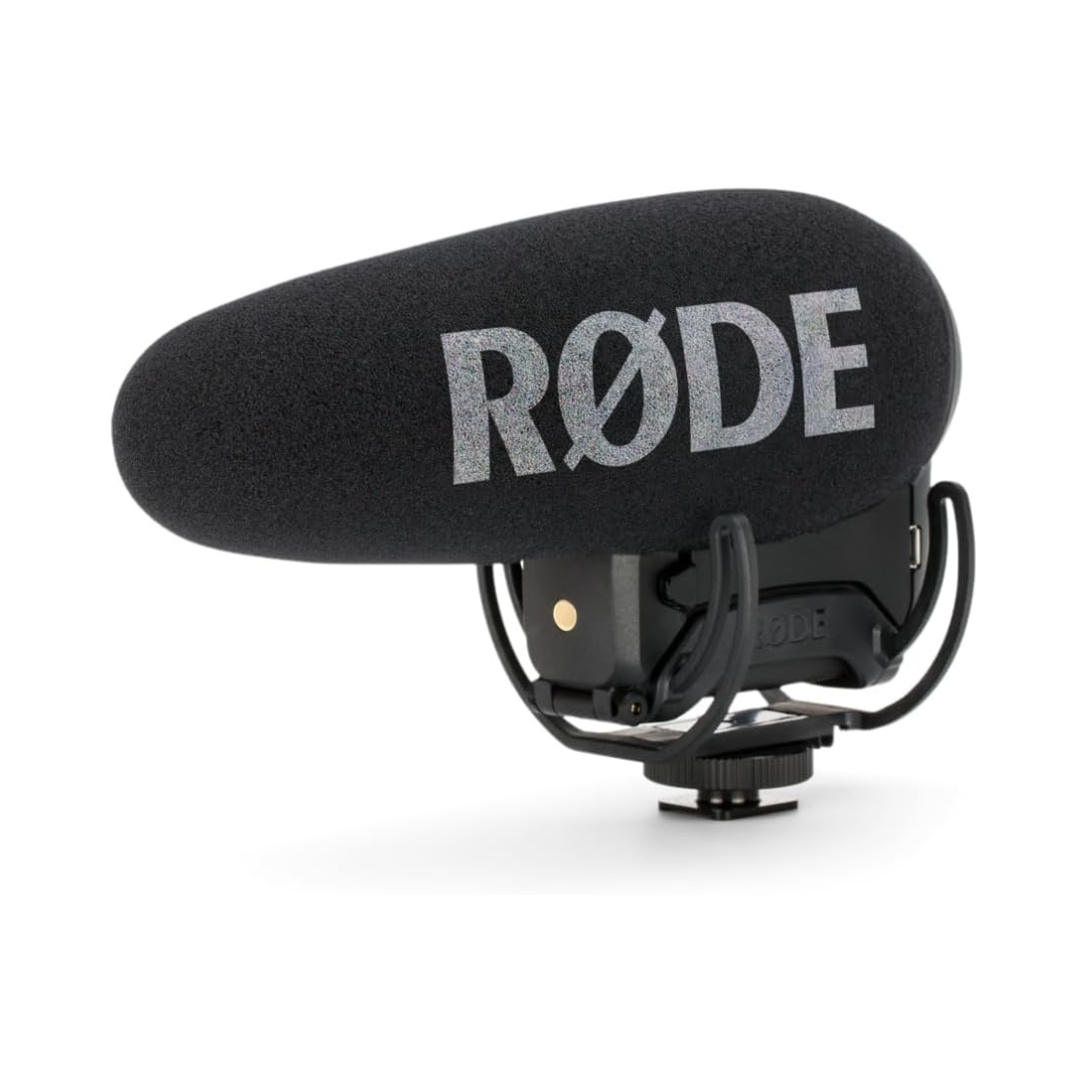
Our preferred on-camera shotgun mic. Mounts directly to your camera's hot shoe and picks up clean directional audio. The "+" version adds a rechargeable battery, auto-power, and a high-pass filter. It’s worth the step up from the standard version.
Zoom F3***
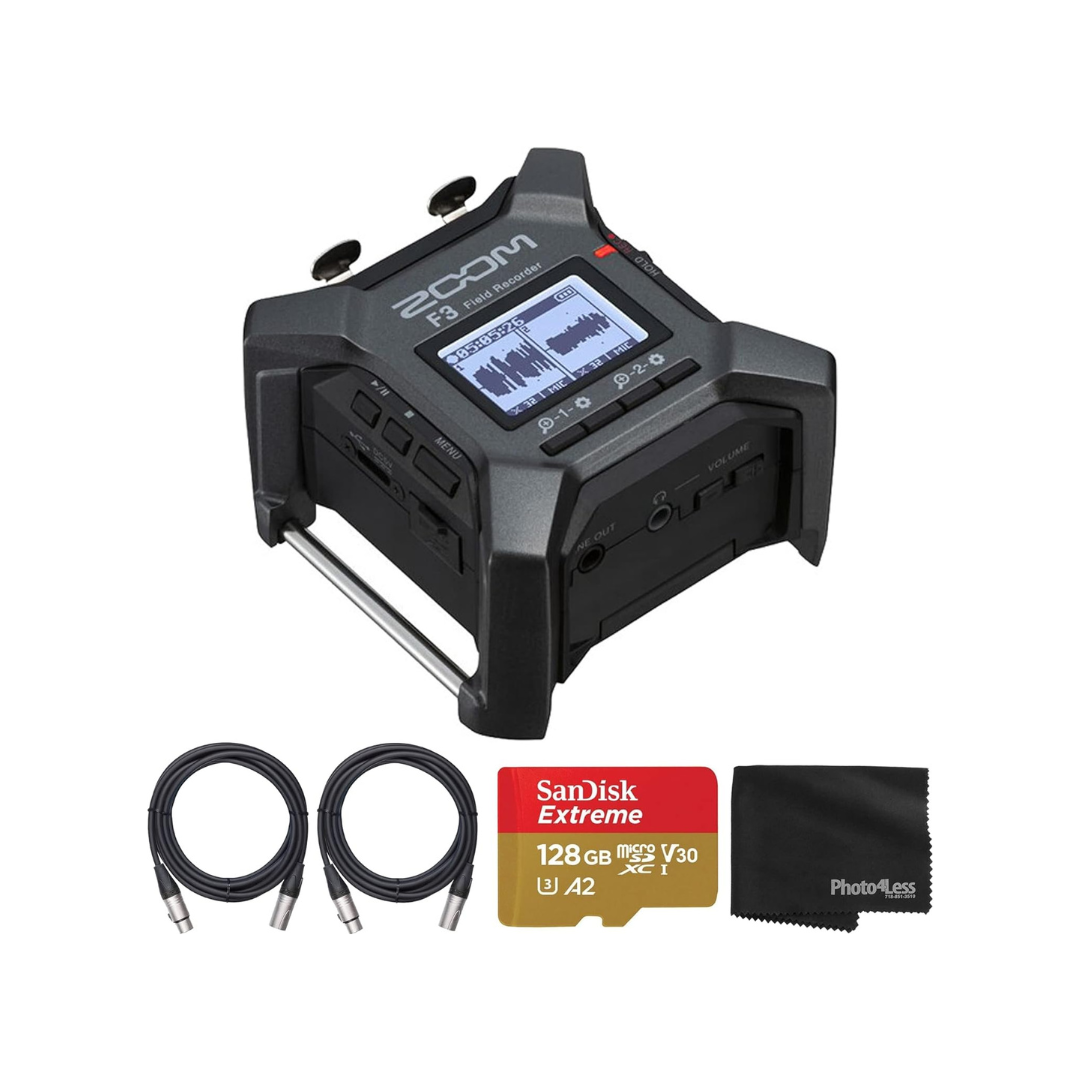
A compact dual-channel audio recorder that can run two mics simultaneously. If you're recording interviews or want a dedicated recorder separate from your camera, this is the one. Link includes the cables you need.
Sure MV7***
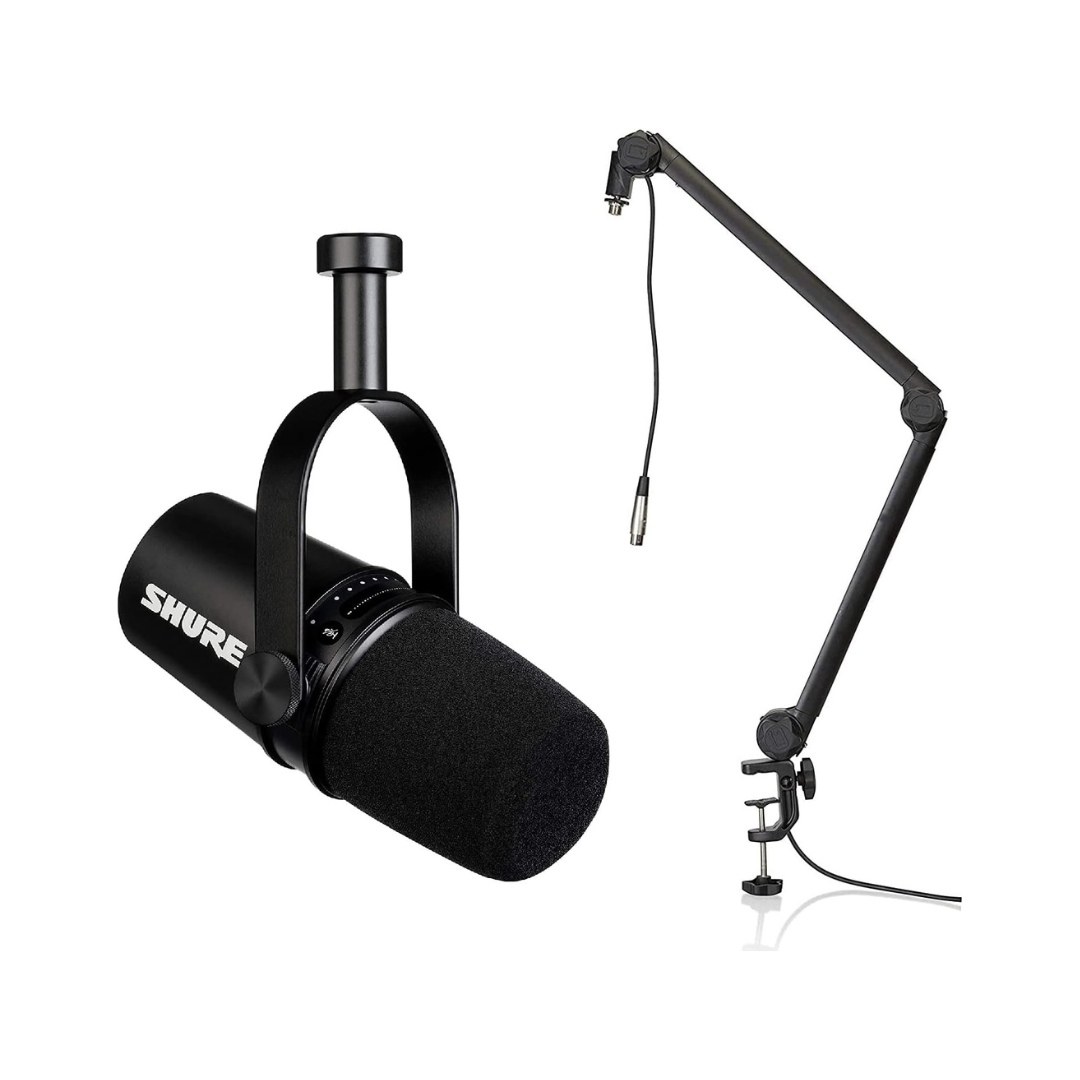
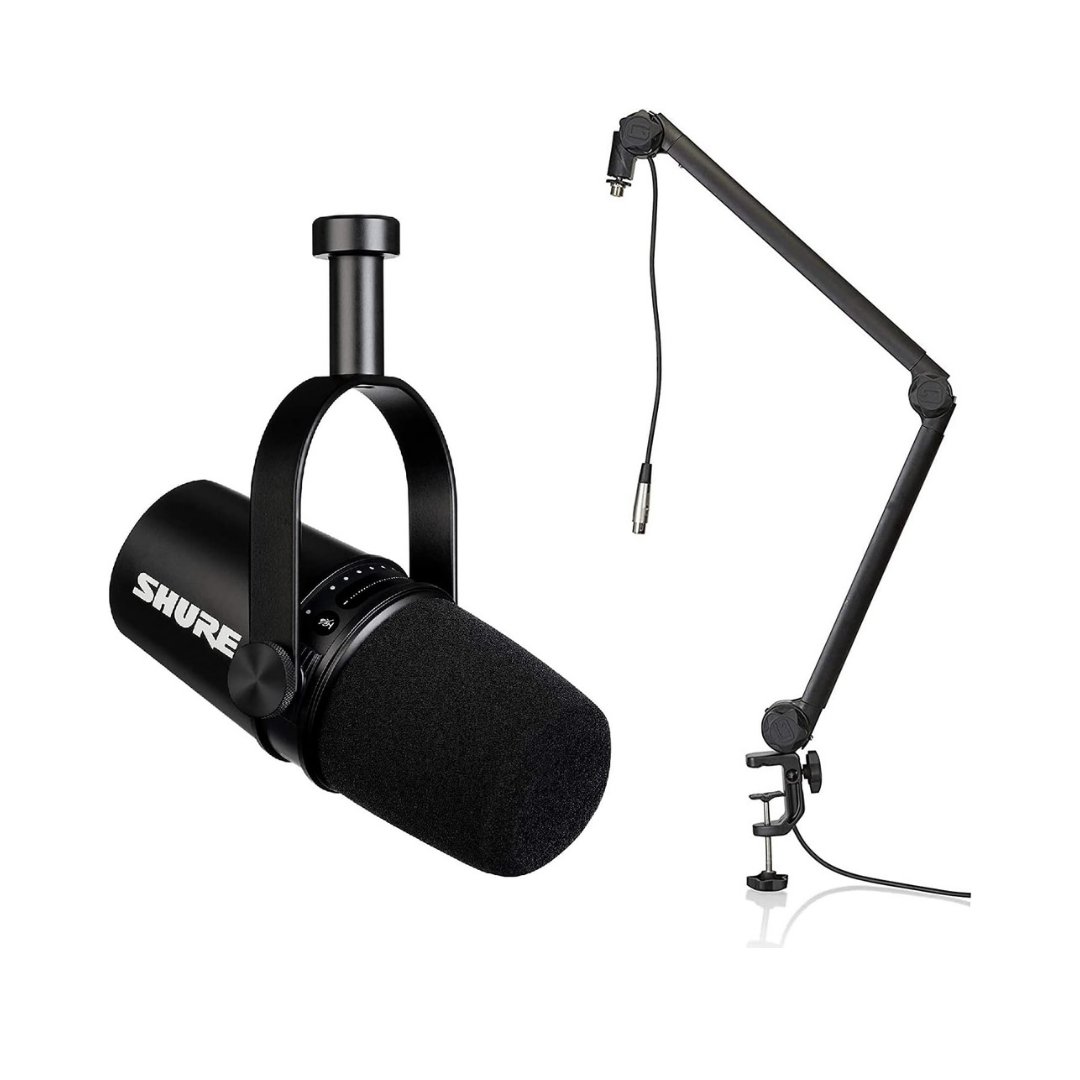
Our pick for podcast-style or desk-based content. Plug it directly into your computer via USB, position it 6–8 inches from your mouth, and you'll get broadcast-quality audio. Includes a mic stand.
Under $250
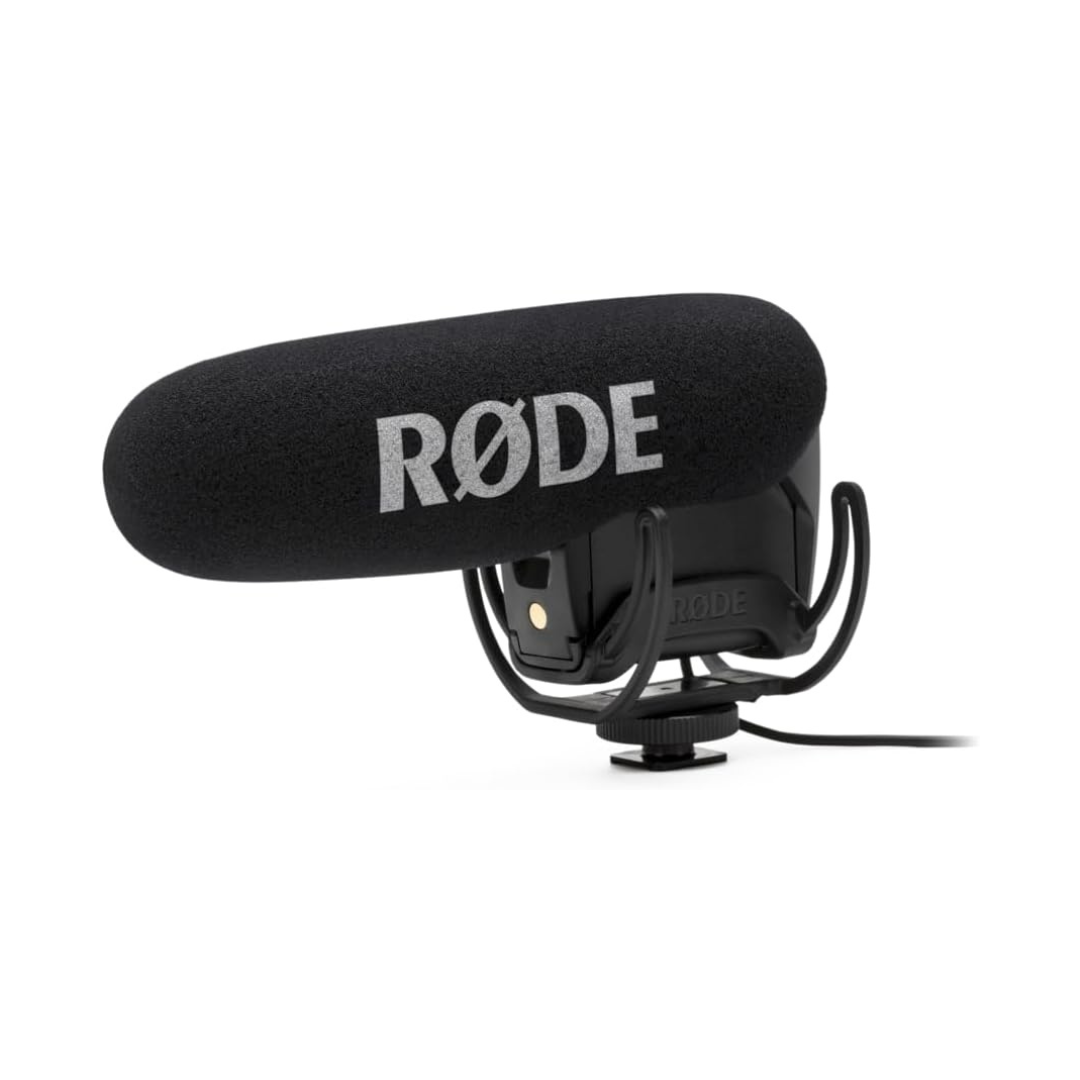
A step down from the Pro+. It’s battery-powered rather than rechargeable, and fewer features, but still a solid on-camera option at a friendlier price.
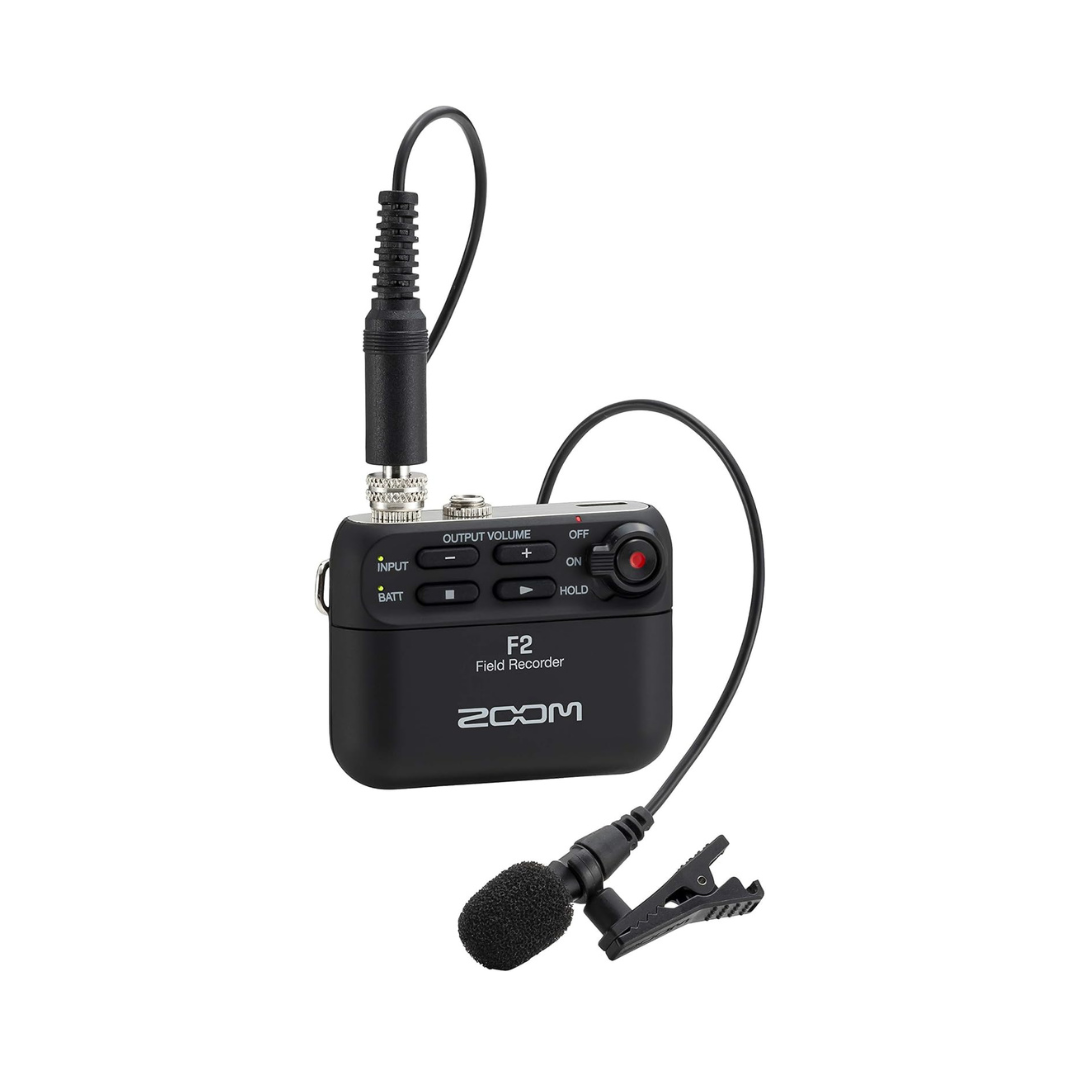
Our top pick for creators who move around a lot. The tiny recorder clips to your belt or waistband and pairs with a lavalier mic. No cables running to your camera, no worrying about being in frame.
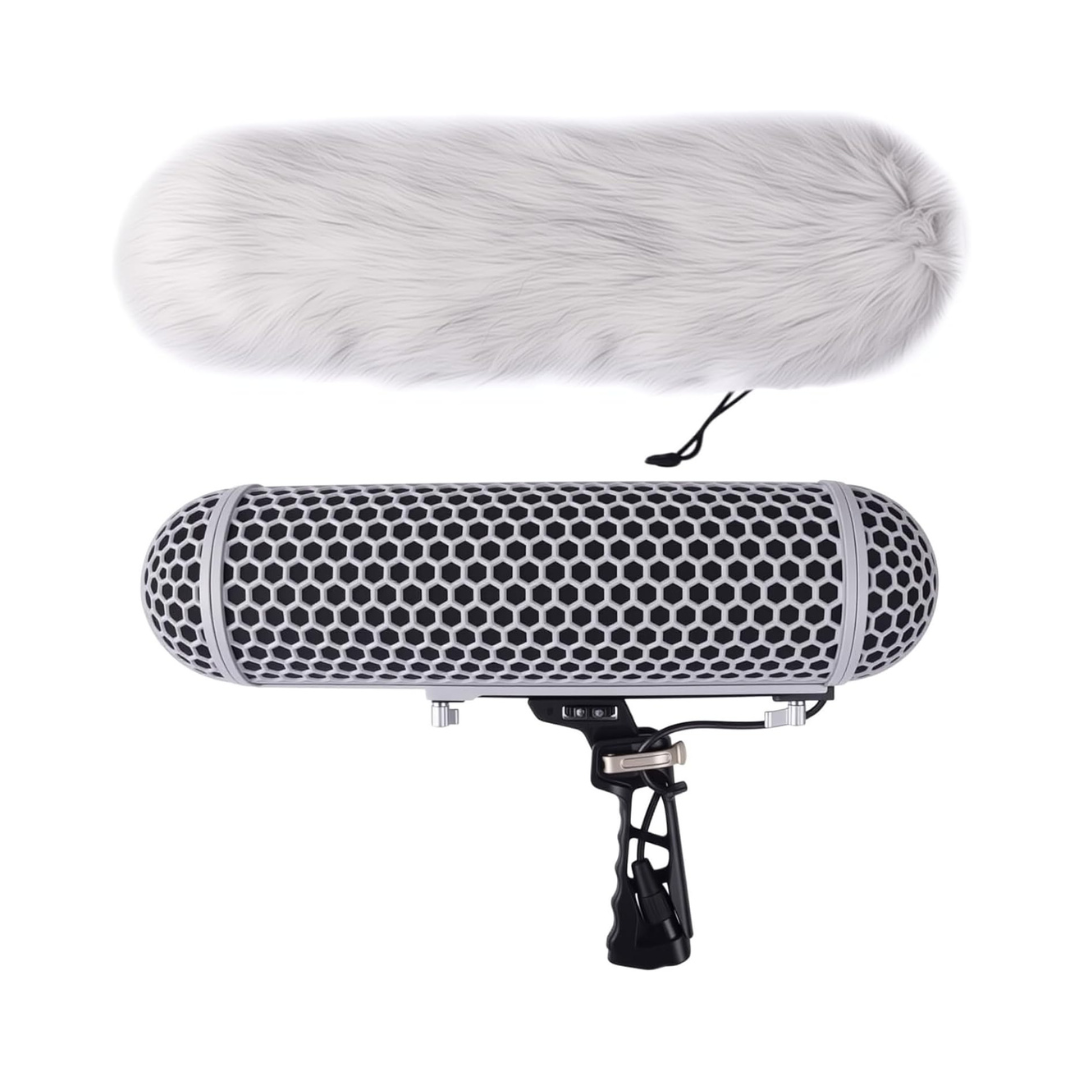
If you're shooting outdoors with a shotgun mic, you need this. Wind noise without a blimp will ruin your audio. Non-negotiable for outdoor creators.
For mounting a shotgun mic overhead on a boom arm indoors. Makes it easy to position the mic out of frame while keeping it close to the subject.
Podcasting

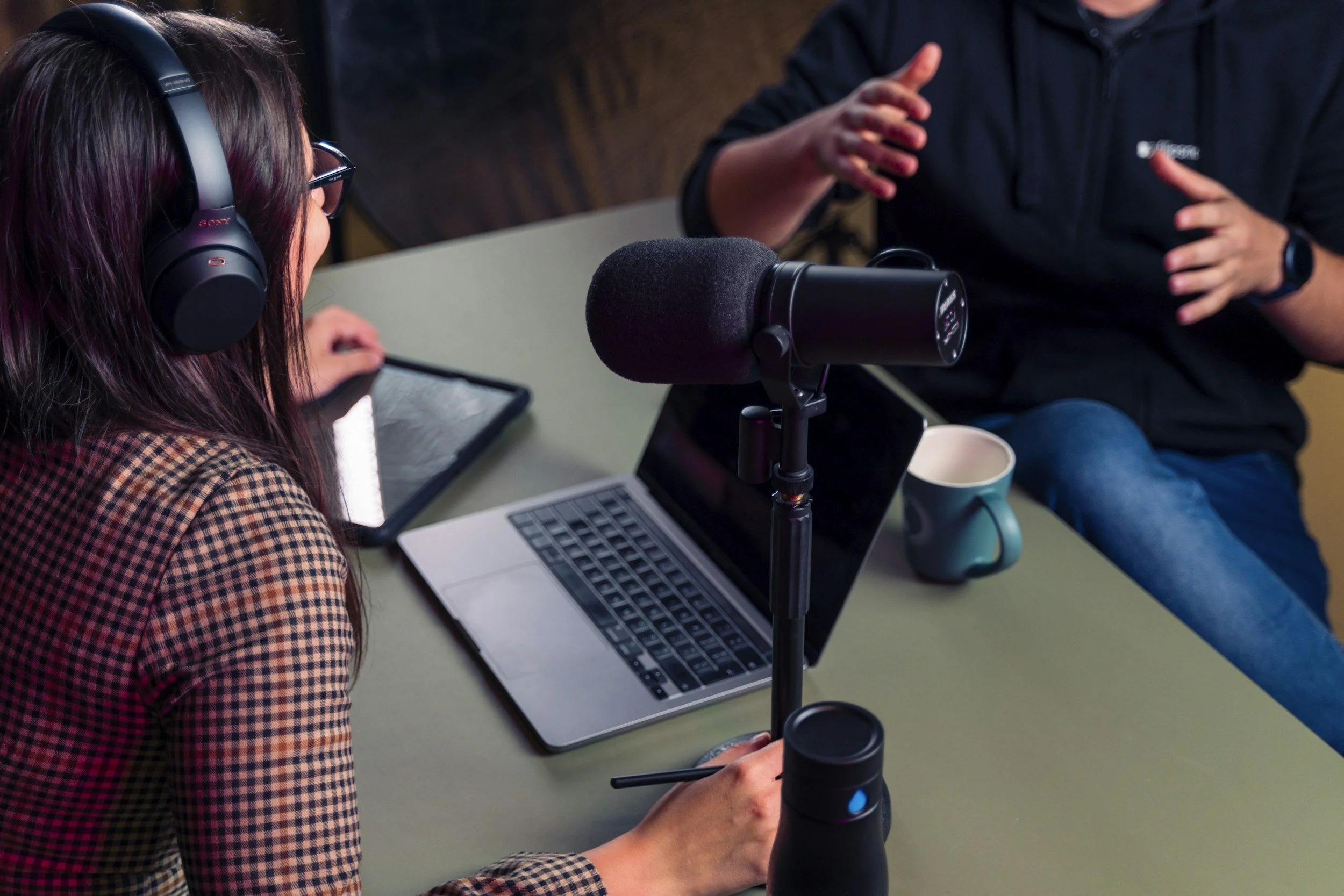
Podcasting has exploded on YouTube, and YouTube now has a dedicated podcast section in YouTube Studio. Audio-first content requires a different approach than standard video, so the gear you choose matters even more.
The good news: you don't need a professional recording studio. The right mic and a few acoustic improvements to your space (even just recording in a closet) can get you 90% of the way there.
WHAT TO LOOK FOR IN PODCAST GEAR
For podcasting, you want a microphone with a rich low-end frequency response that makes voices sound full and warm, not thin or tinny. Dynamic microphones (like the Shure SM7B) are more forgiving of room noise than condenser mics, which makes them the right choice for untreated rooms.
XLR mics require an audio interface or recorder to connect to your computer. That adds a step, but it also means better audio quality and more control. USB mics skip that step entirely. They're simpler and still sound great for most creators.
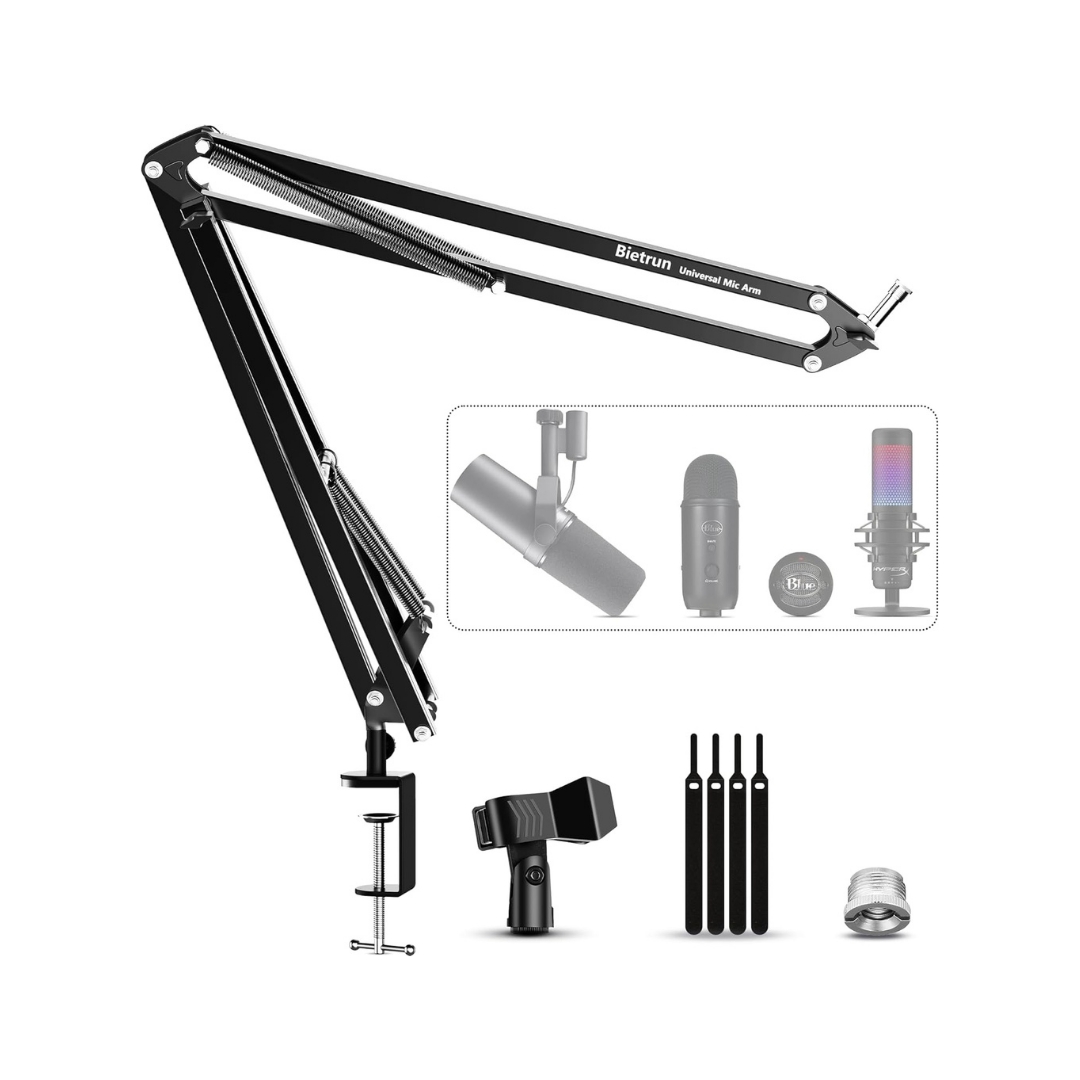
A good boom arm is worth every penny. It keeps your mic stable, prevents desk vibrations from transferring into your recording, and lets you position the mic consistently right in front of your mouth every time.
UNDER $700
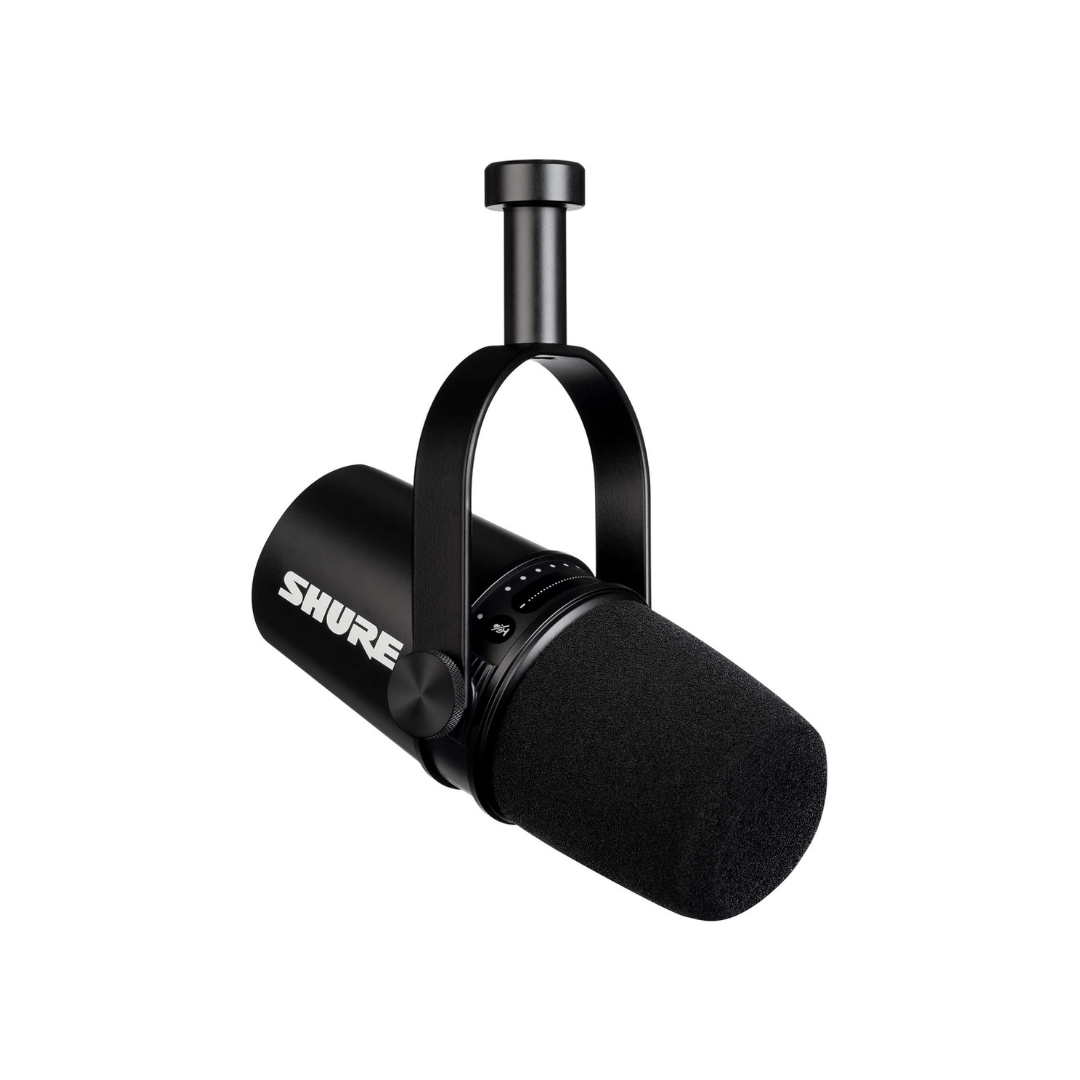
The industry standard for podcast audio. Broadcasters, radio hosts, and top-tier podcasters have relied on this mic for decades. It has a tight cardioid pattern that rejects room noise exceptionally well, produces a rich, warm vocal tone, and is built to last a lifetime. Pair it with a good preamp. It needs clean gain to shine.
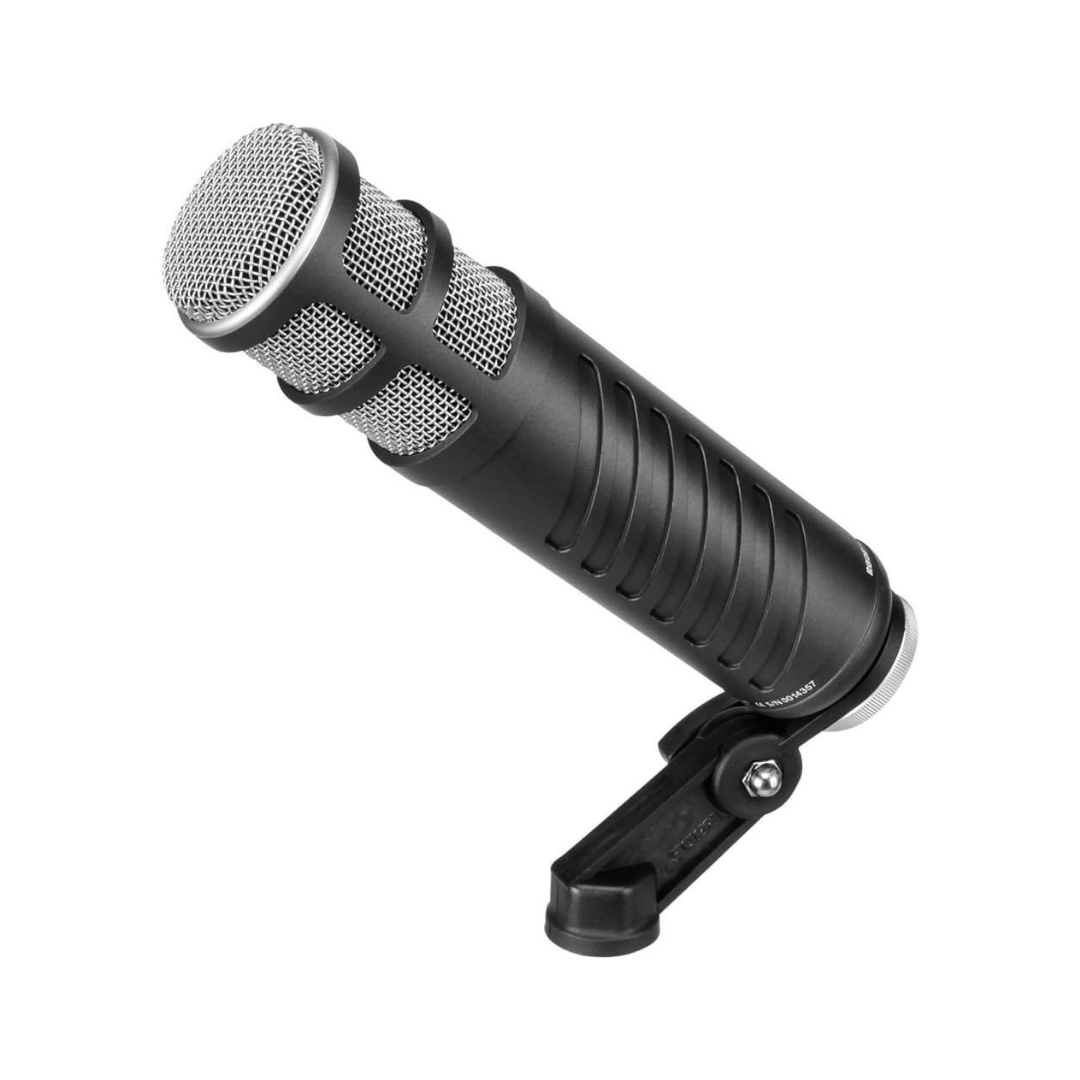
OR — RodeCaster Pro Microphone***
Very similar audio quality to the SM7B at nearly half the cost. If you're on a budget but want broadcast-quality sound, this is where to start. We use it ourselves.
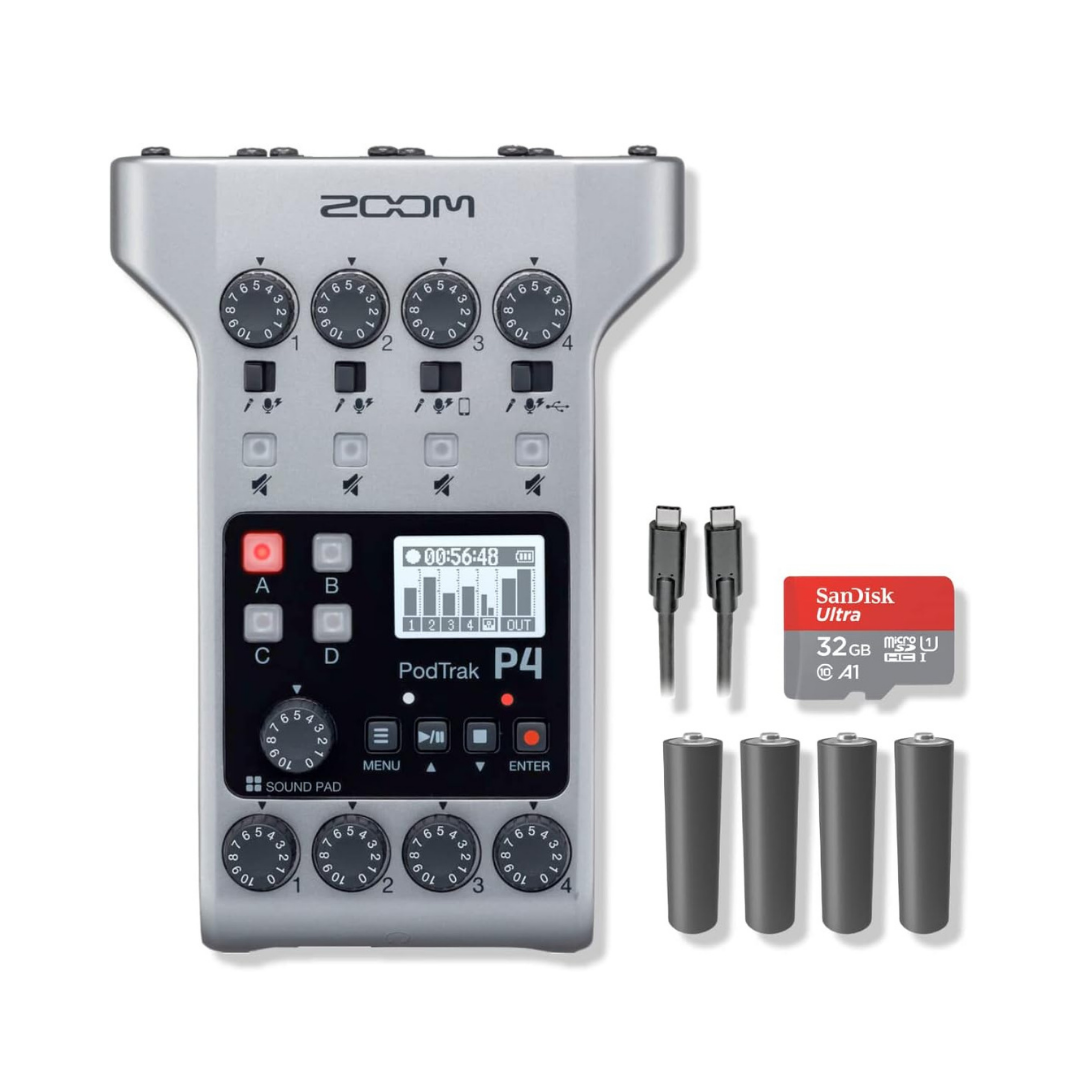
Pairs perfectly with the SM7B. It has strong enough preamps to keep the SM7B happy, handles up to four mics at once, can record phone calls for remote guests, and functions as a full audio interface. A seriously capable unit for the price.
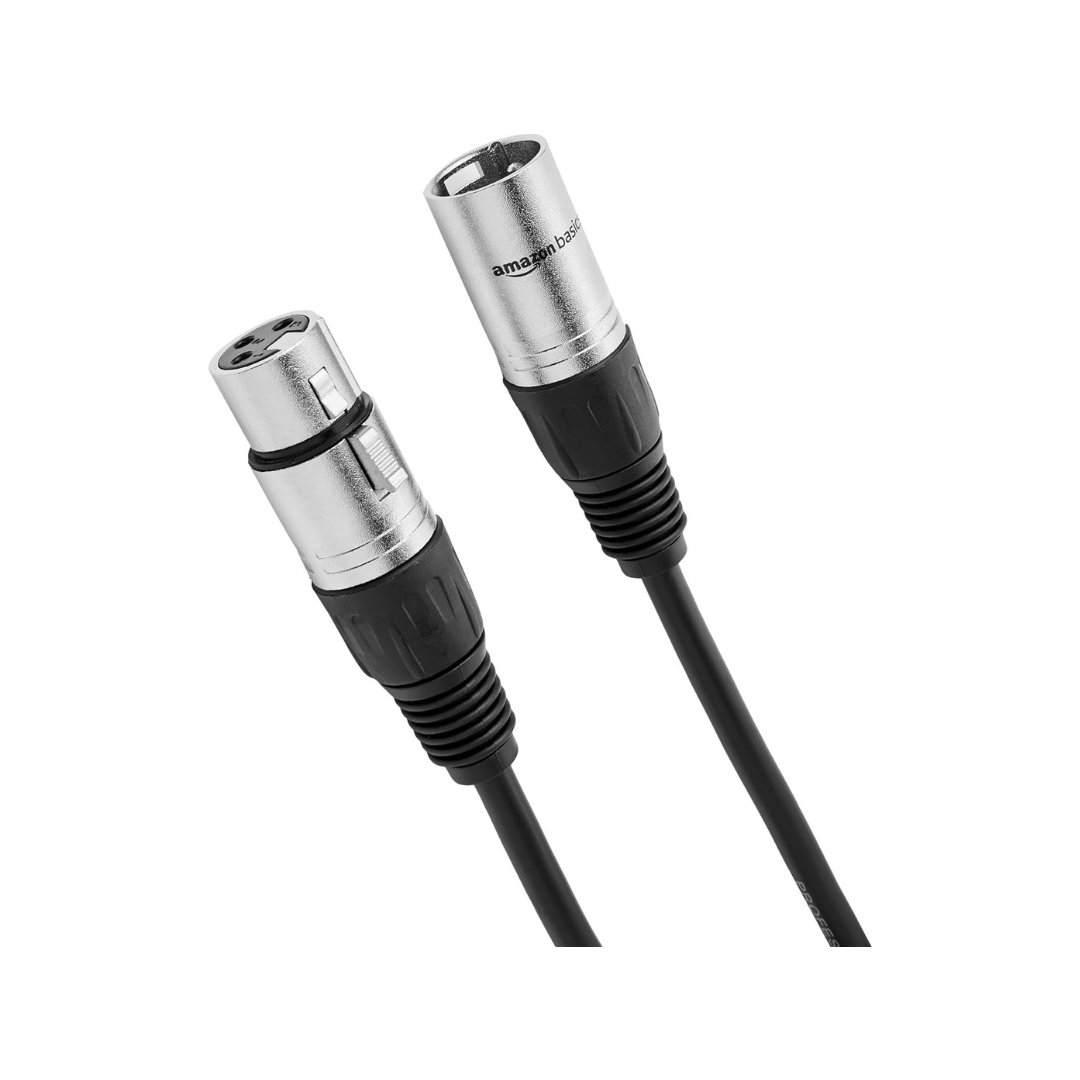
Mic Cable (XLR)
A straight XLR cable to connect your mic to the recorder. Don't overthink this; a clean cable is a clean cable.
Keeps the SM7B positioned correctly, absorbs desk vibrations, and gives you hands-free placement. The SM7B is heavy; make sure whatever arm you buy can support it.
UNDER $350
If you're comfortable recording directly into your computer and want to skip the interface, the MV7 is the move. It's the MV7's little brother; still excellent audio quality, much simpler setup, and it even has a headphone jack for zero-latency monitoring.
Same recommendation as above. Get the boom arm. Consistent placement makes a bigger difference than most people expect.
LIGHTING
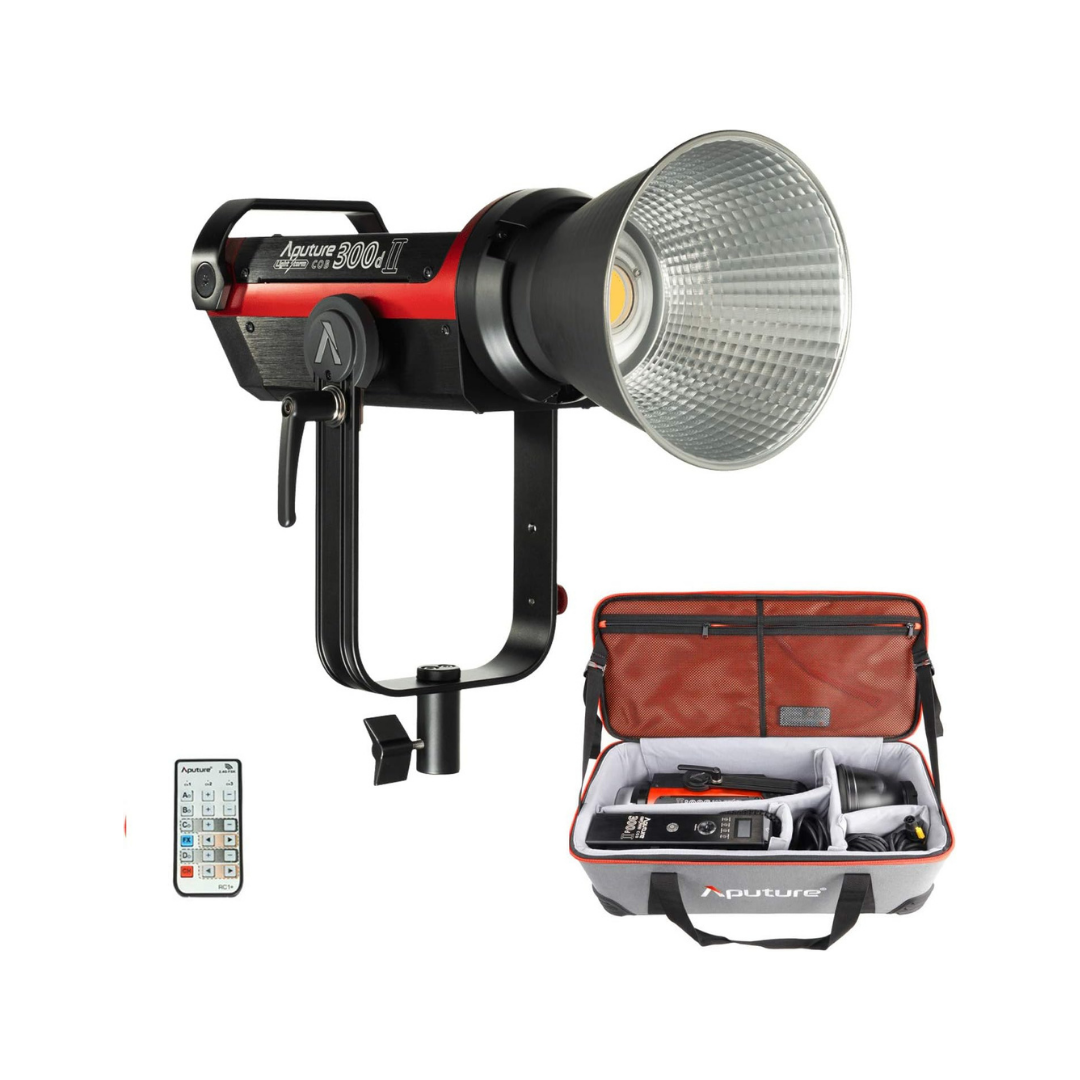
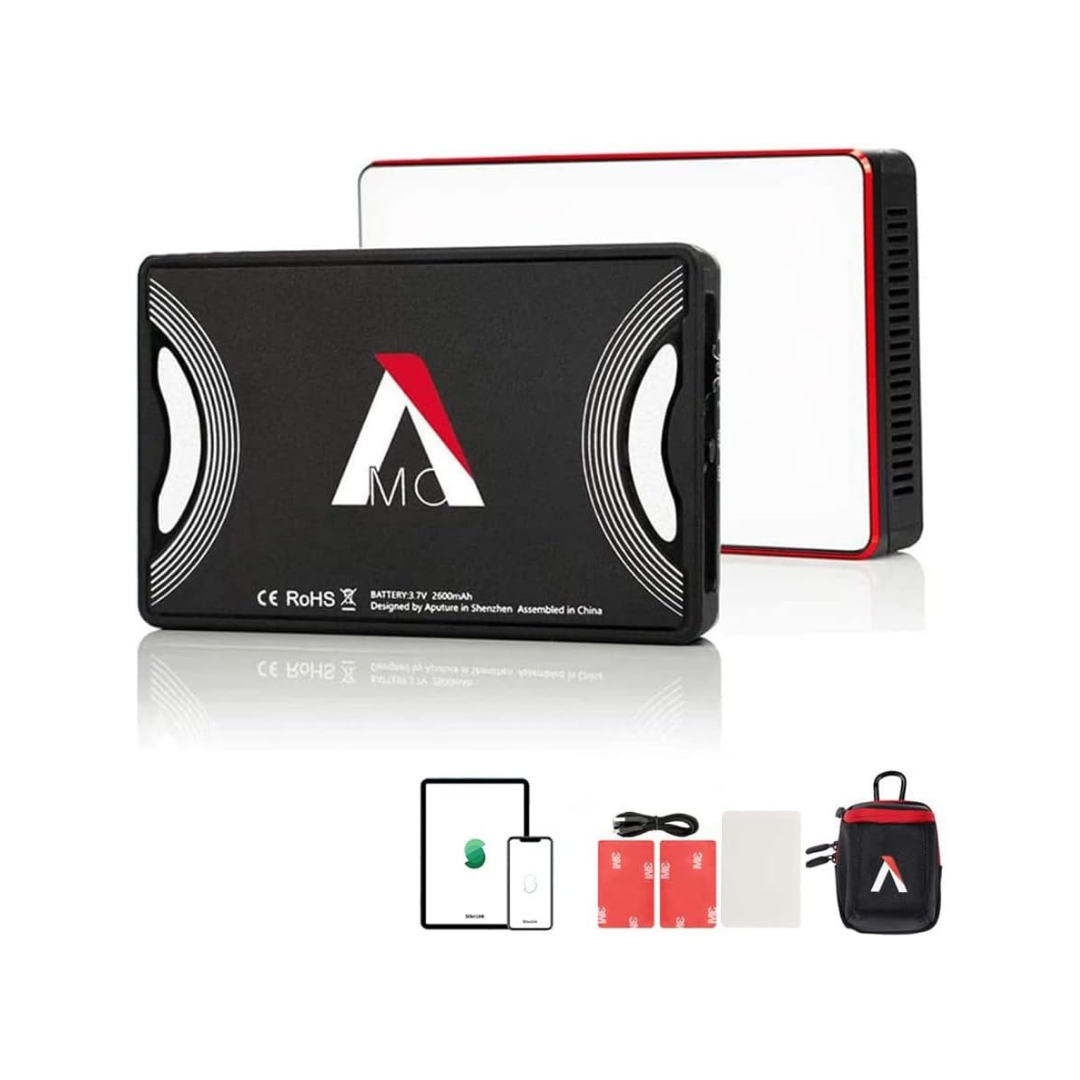
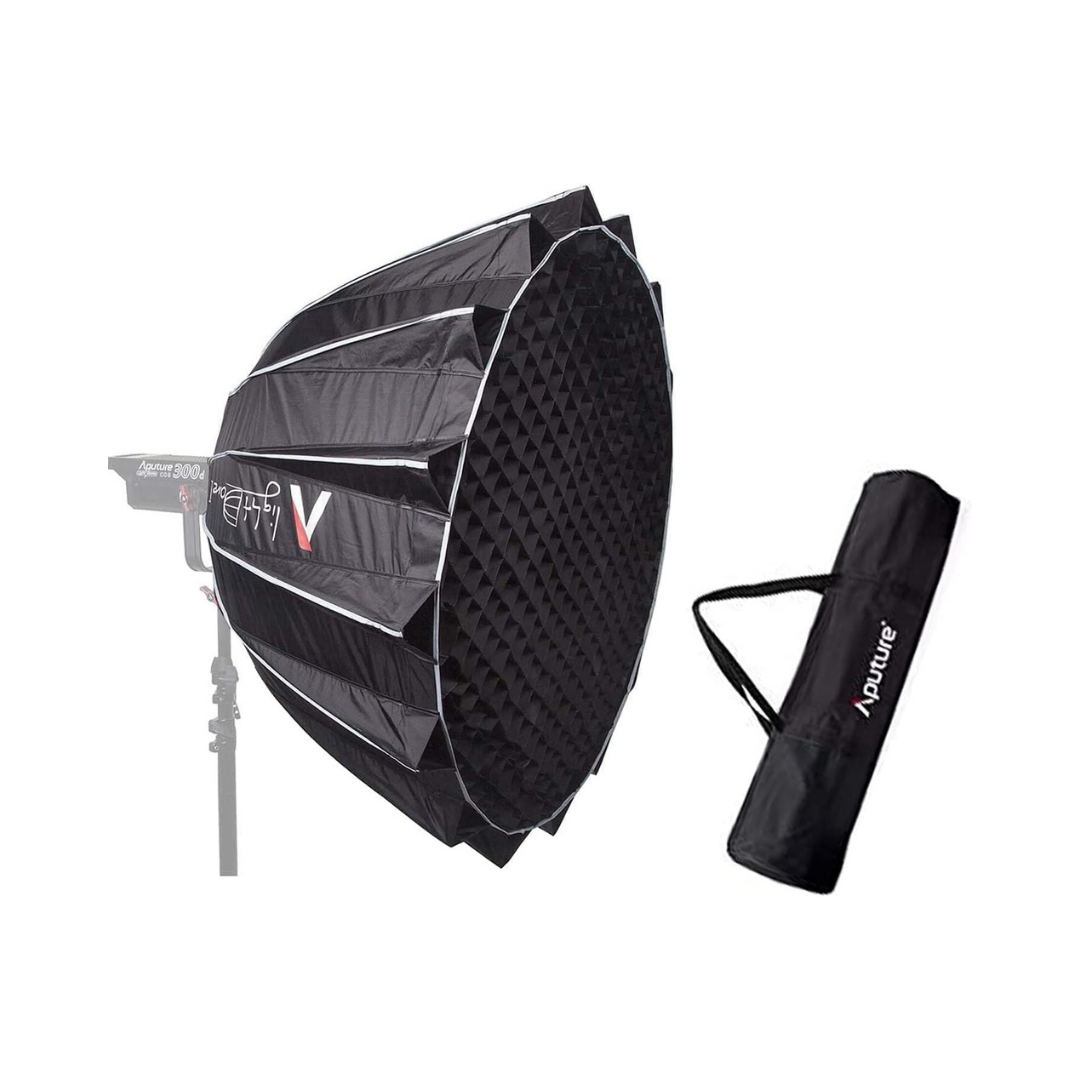
Lighting is the fastest way to make your video look more professional. Often more impactful than a camera upgrade. Even one good light can transform the look of your footage.
If you film near a window with natural light, you're already ahead of most beginners. But for consistent results regardless of time of day, or for adding creative looks, you'll want at least one controllable light source.
WHAT TO LOOK FOR IN LIGHTS
Color temperature is measured in Kelvin. Daylight is around 5600K; warm tungsten light is around 3200K. The goal is to match your light source to your ambient environment so the mix looks natural on camera. Bi-color lights let you dial this in without using gels.
CRI (Color Rendering Index) measures how accurately a light reproduces color. A CRI of 95+ is what you want for skin tones. Anything lower and you'll notice a greenish or magenta cast that's hard to fix in post. The same goes for TLCI, which is specifically calibrated for camera sensors.
For home studios, 60W is usually plenty. More wattage gives you more creative flexibility; you can move the light further back, use larger modifiers, or overpower ambient light on bright days. Softboxes and octadomes attach to lights to diffuse them, creating a softer, more flattering quality of light.
UNDER $1,000
A powerhouse light that can hold its own outdoors or fill a large studio space. If you're doing outdoor shoots, event coverage, or need to overpower the sun, this is where you start. Incredibly well-reviewed by working professionals.
UNDER $500
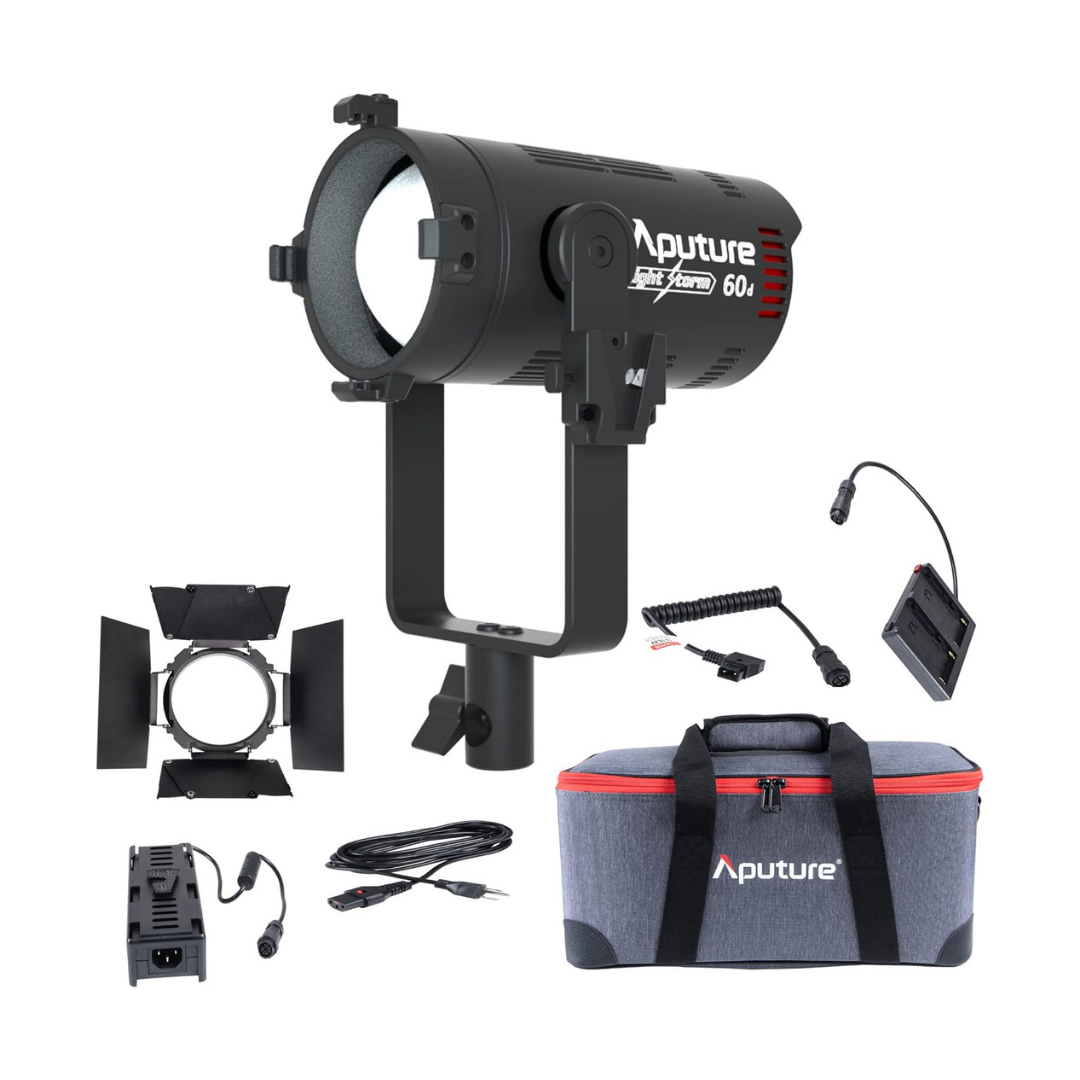
Our indoor workhorse recommendation. Small enough to fit in a gear bag, powerful enough to be your main key light in a home studio. Works with Bowens-mount modifiers so you can shape the light however you need.
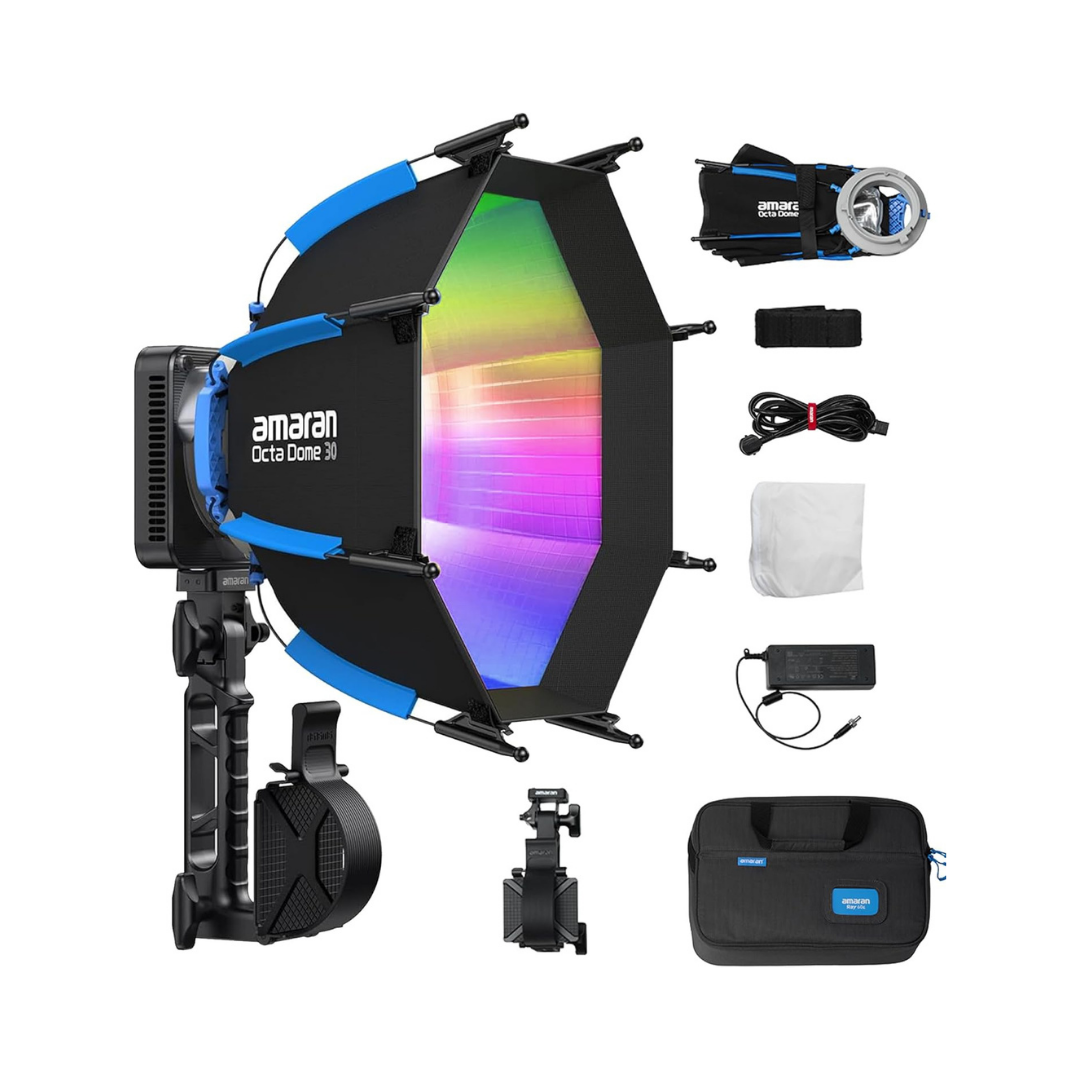
This is the light we'd recommend for most creators looking to step up their setup. It's 60W, weighs just over 1 lb, and the whole thing folds into a carrying case smaller than a laptop bag. What sets it apart is the OmniColor engine. It achieves a CRI and TLCI above 95, which means skin tones look natural and accurate on camera without tweaking in post. It covers a wide color temperature range (1,800–20,000K) and includes full RGB color control for creative looks. The bare output is 3,910 lux at one meter, over 50% brighter than the previous generation in a body that's half the size. It comes with a Bowens mount (compatible with most modifiers), an Octa Dome 30 softbox included in the box, USB-C battery support for cordless use, and NFC one-tap pairing to the Amaran app for Bluetooth control. IP54 rated for outdoor use.Bottom line: it's compact, flexible, and genuinely professional. Available at B&H Photo.
UNDER $250
A softbox modifier that attaches to the Aputure 300D II. This is what shapes the raw light into something flattering. The difference between a harsh spotlight and a soft, even key light. If you own a 300D II and don't have this, get it.
UNDER $100
Small, surprisingly bright LED panels that are perfect for adding a practical fill light or background accent. Great for indoor setups where you just need to lift the shadows a little without committing to a full lighting rig.
TRIPODS
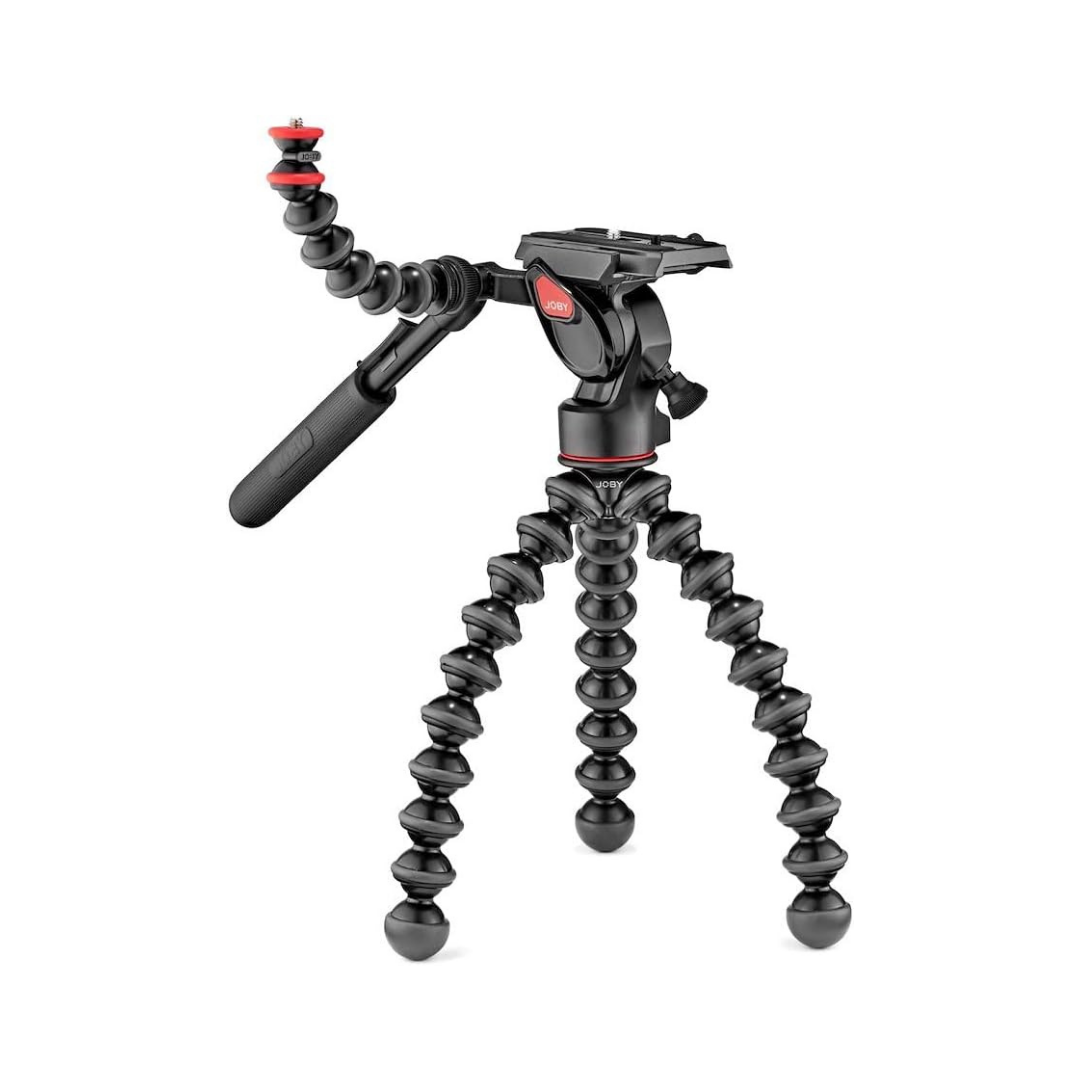
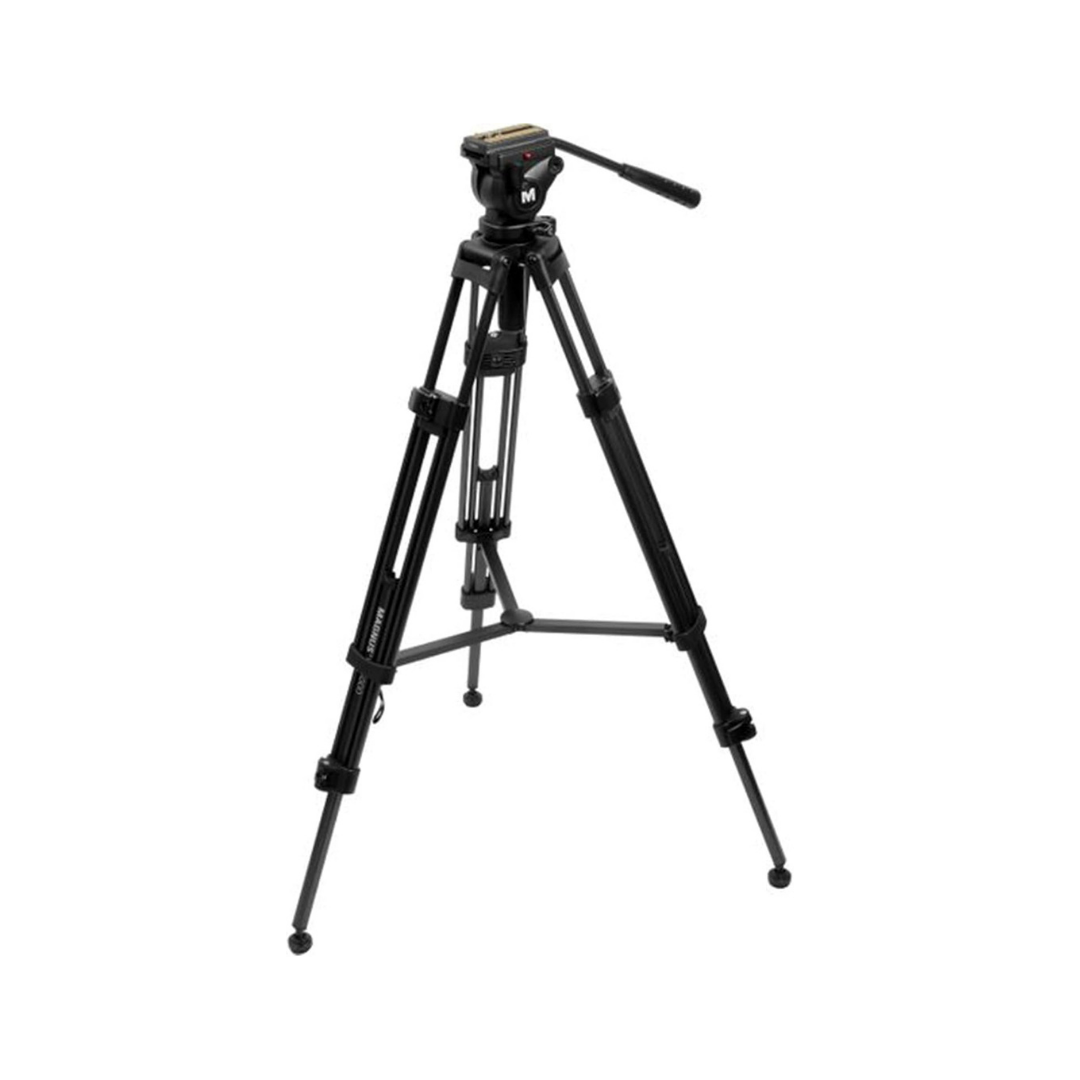
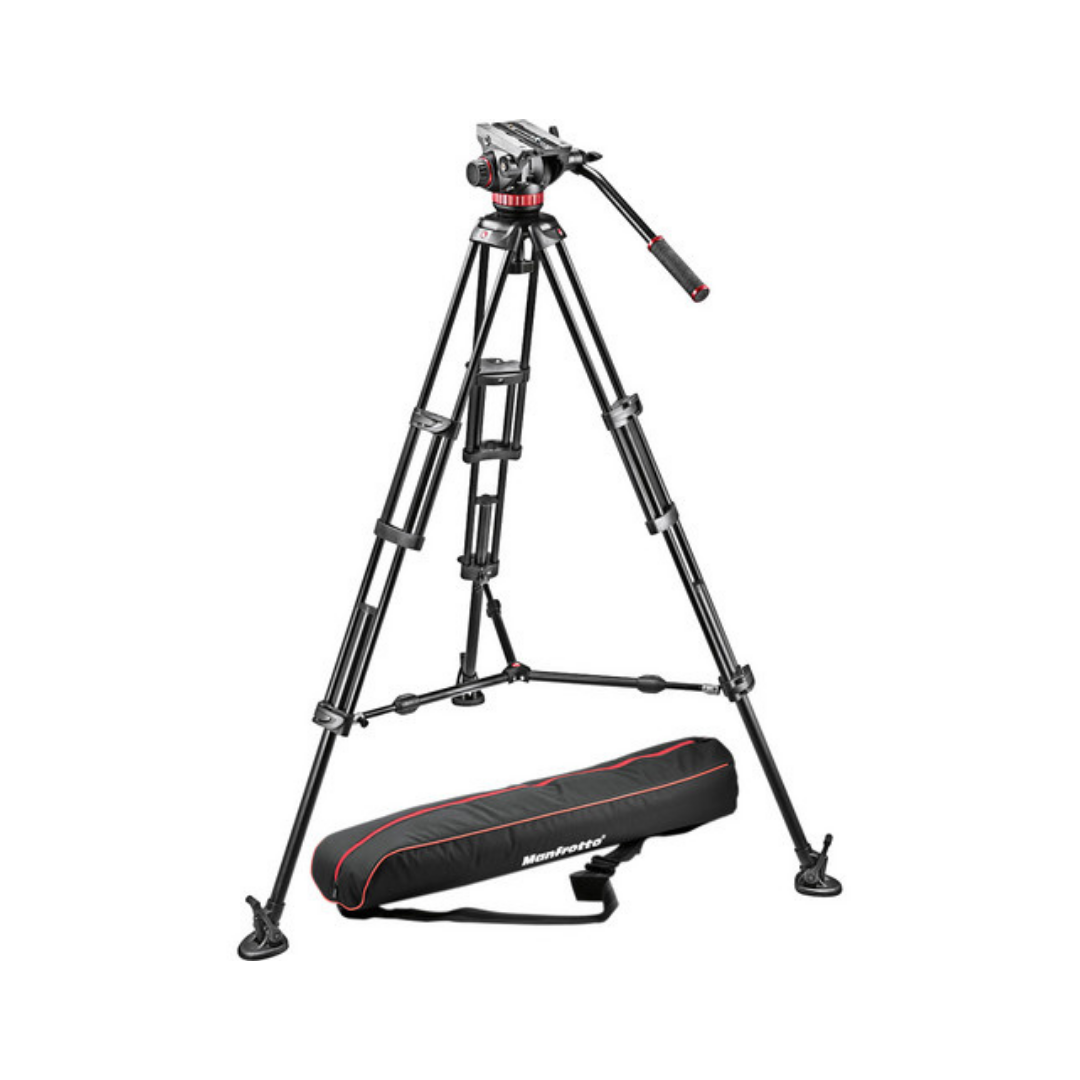
A tripod is one of those purchases that seems boring until you try to film without a good one. Shaky, drifting, or poorly framed footage immediately signals "amateur" to viewers, even if everything else about your video is great.
The good news: you don't need to spend a lot. Below are three options across different budgets and use cases.
WHAT TO LOOK FOR IN A TRIPOD
The most important feature for video is a fluid head. A fluid head uses drag to create smooth, controlled panning and tilting; the kind of movement that looks intentional rather than shaky. Ball heads are fine for photos, but feel jerky in video.
Load capacity should comfortably exceed your heaviest camera+lens+accessories combo. If your rig weighs 4 lbs, don't buy a tripod rated for 5; get one rated for 8–10 and have confidence it won't tip over mid-shoot.
Think about height. Most YouTubers want a tripod that reaches eye level while standing. That's roughly 60–65 inches at full extension. Check that number before you buy.
Quick-release plates save time between setups. Being able to pop your camera on and off the head in one click matters more than you'd think once you're doing it dozens of times a day.
Under $500
Manfrotto MVH502AH Video Head + 546B Legs
Best for: serious creators with heavier camera rigs, multi-accessory setups, or anyone who wants a tripod they'll never need to replace.
Manfrotto is one of the most trusted names in professional tripod manufacturing; their gear shows up on film sets, broadcast studios, and documentary productions worldwide. The MVH502AH head includes a counterbalance system that offsets the weight of your camera so it floats at any angle without drooping. That's critical once you add a monitor, microphone, or larger lens to your rig.
The 546B legs are rigid, height-stable, and built for cameras up to 15 lbs. If you're running a Sony A7 IV with a 24-105mm lens plus accessories, this is the tripod that handles it without complaint. Consistently top-rated by professional videographers on B&H and Adorama.
Fluid head with adjustable counterbalance, holds any angle without drifting
Supports up to 15.4 lbs, handles heavier lens and accessory setups
Extends to 65", perfect for standing shots at full height
Built for long-term professional use, not just beginner setups
Under $200
Magnus VT-4000 Tripod with Fluid Head***
This tripod is sturdy and reliable and works great with any of the cameras we recommend. Best for: beginners, travel vloggers, iPhone creators, and anyone filming in small spaces or unconventional angles.
Best for: studio setups, mid-tier mirrorless cameras, and creators who film from a fixed position.
This is the tripod we use, and it's what we recommend for creators who've outgrown a mini tripod and need something reliable for a home studio or consistent location setup. The fluid head is the key feature; it lets you do smooth, professional camera moves without fighting the head. Aluminum legs are solid and extend to a full standing height.
If you're building a permanent desk or studio setup and want a tripod you can trust, this is the one.
Fluid video head for smooth, drag-controlled panning and tilting
Supports up to 8.8 lbs
Extends to 62" standing height; eye-level for most creators
Center column hook for adding ballast weight in windy outdoor conditions
Under $100
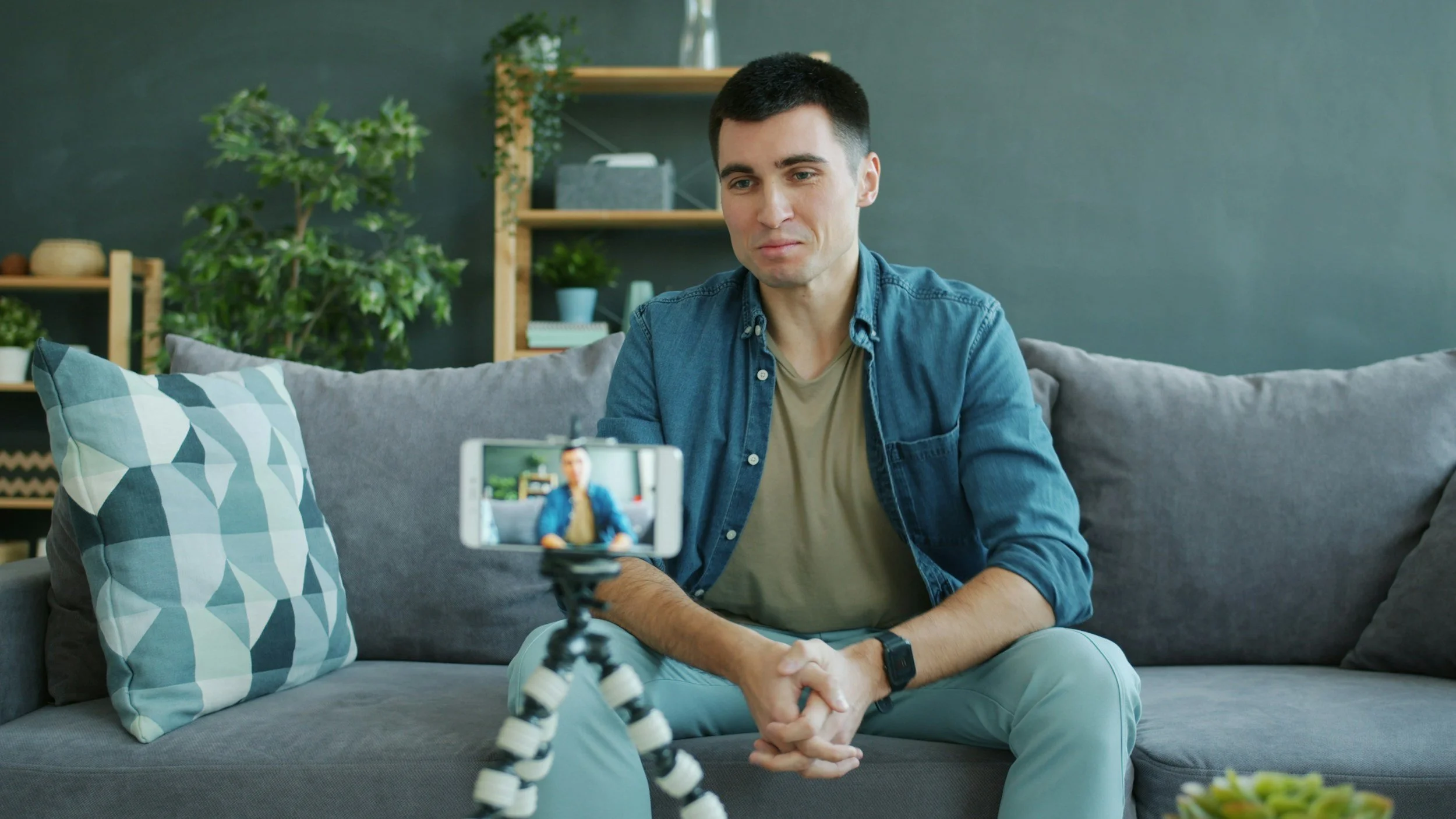
Best for: beginners, travel vloggers, iPhone creators, and anyone filming in small spaces or unconventional angles.
The GorillaPod is the most versatile small tripod on the market. Its interlocking flexible legs wrap around poles, grip uneven surfaces, and angle in ways a rigid tripod simply can't. The 3K version supports up to 6.6 lbs, making it compatible with most APS-C and lighter mirrorless cameras.
What makes it especially useful for YouTubers is that it doubles as a handheld grip for vlogging, so it's two tools in one. Creators like Casey Neistat and Peter McKinnon have used GorillaPods for years, and it's consistently one of the top-rated tripods on Amazon with thousands of reviews.
If you're just starting out, or you want something compact enough to always have with you, start here.
Holds up to 6.6 lbs (3kg), fits most beginner camera rigs
Flexible legs wrap around rails, tree branches, and uneven surfaces
Arca-Swiss compatible ball head included
Folds to under 12", fits in any camera bag
Doubles as a handheld vlogging grip
Editing
Fast, reliable hardware makes editing less painful, especially once your footage is 4K and your project files get large. We trust MacBook Pros for all of our editing work.
10-Core CPU, 32-Core GPU, 32GB RAM, 1TB SSD. Handles 4K and even 8K footage without breaking a sweat. The M-series chips were a genuine leap for video editing; export times dropped dramatically compared to Intel-era machines.
Software
Good gear gets your footage in the camera. Good software gets it in front of an audience. The right editing tools can save you hours every week, and for creators who also podcast or repurpose content, they can do even more. Here’s a breakdown of the four platforms we recommend most.
DaVinci Resolve
DaVinci Resolve is a professional-grade post-production suite that combines video editing, color correction, visual effects, motion graphics, and audio post-production in a single application. It’s the industry standard for color grading, used on feature films, television, and commercial productions worldwide. What makes it remarkable for YouTubers is that the free version is genuinely powerful: no watermark, no subscription, and no meaningful cap on features for most creators. If you want deep technical control over your footage without a recurring software bill, DaVinci is the answer. It runs on both Mac and PC and handles 4K and 8K footage without issue on modern hardware. The learning curve is steeper than consumer-focused tools, but the ceiling is essentially unlimited.
Descript
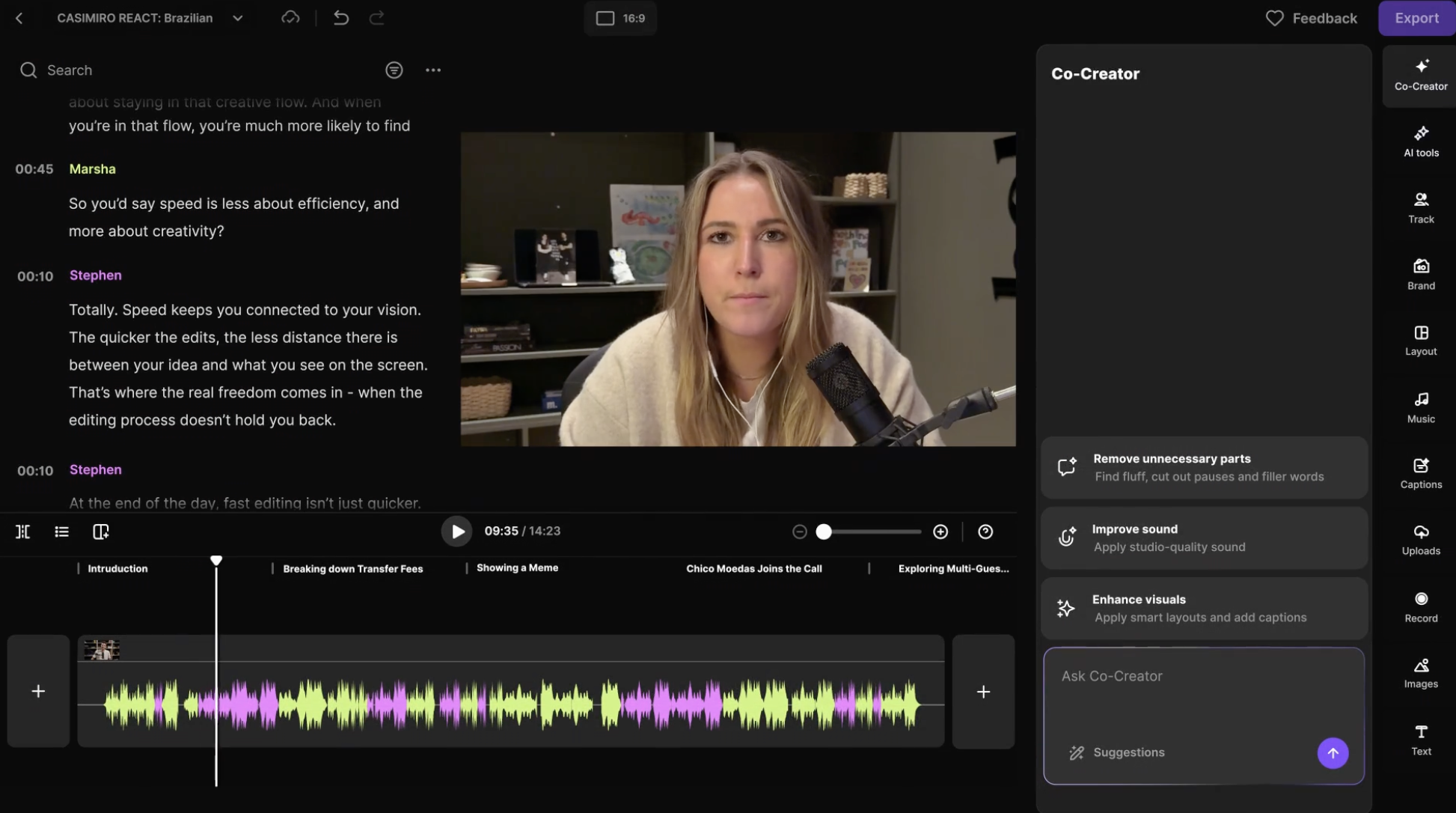
Descript approaches editing from a completely different angle: instead of a traditional timeline, it transcribes your footage and lets you edit audio and video by editing the text. Delete a sentence in the transcript, and the corresponding clip disappears. It also includes Studio Sound (one-click AI audio cleanup), automatic removal of filler words, captions, and a voice-cloning feature called Overdub. For creators who produce dialogue-heavy content (YouTube vlogs, talking-head videos, interviews, or podcasts), Descript cuts editing time dramatically.
Plans start at $16/month (Hobbyist) and go up to $24/month for the Creator tier, which supports teams of up to three and unlocks 4K exports and the full AI toolset. An annual Creator subscription runs $288/year. If you find traditional video timelines intimidating or want to ship episodes faster, Descript is worth a serious look. Read our full Descript review.
Adobe Creative Cloud (Adobe CC)
Adobe Creative Cloud is the industry standard suite for professional creatives, bundling Premiere Pro (video editing), After Effects (motion graphics and VFX), Audition (audio editing and podcast production), Photoshop (thumbnail design), and more under a single subscription. For YouTubers who want to work the way broadcast and film professionals do, Adobe CC is the ecosystem. Premiere Pro integrates directly with After Effects and Audition through Dynamic Link, so you can move between tools without importing and exporting files.
Adobe Podcast, their browser-based AI audio enhancement tool, is available separately starting at $9.99/month and is worth considering for creators who record in untreated rooms. The full Adobe CC suite runs around $59.99/month. If you’re already invested in the Adobe ecosystem or plan to do serious motion graphics work, it’s the most comprehensive option available. Read our comparison of Descript vs. Adobe Podcast for a complete breakdown.
Riverside
Riverside is a browser-based virtual studio designed for remote recording; think of it as the professional alternative to recording a podcast or interview over Zoom. The key difference is that Riverside records locally on each participant’s device, so every guest’s audio and video is captured at full quality regardless of internet connection. You get separate tracks for every speaker, 4K video recording, and AI-powered tools like Magic Clips, which automatically identify highlight moments and export them as short-form vertical videos for social media. It also includes a text-based editor similar to Descript’s.
For creators who conduct remote interviews, co-host podcasts, or create collaborative video content, Riverside solves the single biggest quality problem in that workflow. Free plan available; the Pro plan runs $24/month. Read more about Riverside features and how they can upgrade your workflow.
Starter Budget Bundle: Everything You Need Under $1,500
So what equipment does a beginner YouTuber need? Starting a YouTube channel doesn't have to cost thousands of dollars. This is the complete YouTube starter kit we'd recommend if someone asked us where to spend their first $1,500: camera, audio, light, and tripod, all in one place.
These picks are intentionally chosen to work well together and grow with you. You won't need to replace all of them when you level up; just add to the setup over time.
YouTube Creator Guide
Starter Budget Bundle
Everything you need to start creating — under $1,500
| Item | Est. Price | Best For | Why We Picked It |
|---|---|---|---|
| iPhone 17 Proor current iPhone | ~$1,099 | All Creators | Camera + phone in one. If you already have an iPhone 15+, your camera is covered. |
| Sony ZV-E10if no iPhone | ~$550 | Dedicated Camera Fans | Best dedicated beginner camera at this price — swap lenses as you grow. |
| Rode VideoMic Pro R | ~$149 | On-Camera Audio | Directional mic that mounts to your camera hot shoe — clean audio, simple setup. |
| Aputure Amaran LED | ~$70 | Indoor Lighting | One light at 45° to your face transforms how your video looks instantly. |
| Joby GorillaPod 3K Kit | ~$70 | Flexible Positioning | Stable tripod + handheld grip in one. Works on desks, poles, uneven terrain. |
| DaVinci Resolve | Free | Editing | Full professional editing software. No subscription. Works on Mac and PC. |
| TOTAL (iPhone path) | ~$1,500 | Mic + light + tripod if you already own an iPhone 15+ | |
| Optional Add-OnDescript Creatorannual plan | $288/yr | Podcasters & Vloggers | AI-powered text-based editing, Studio Sound, and filler word removal. Adds ~$1,676 with the iPhone path — slightly over target, but worth it for dialogue-heavy content. |
*This post contains affiliate links, so we may earn a small commission when you make a purchase through links on our site at no additional cost to you.
Frequently Asked Questions
-
Six things: a camera (or a capable smartphone), an external microphone, basic lighting, a stable tripod, editing software, and a computer to edit on. You don't need all of them to be expensive. A current iPhone, a $149 Rode VideoMic, a $70 Amaran panel, and a GorillaPod gets you further than most people expect.
-
It depends on your goals, but here are honest benchmarks. A smartphone-based starter setup runs $300–500 in accessories. A dedicated beginner camera setup (Sony ZV-E10 + mic + light + tripod) lands around $1,000–1,500. A mid-tier setup with a Sony A7 IV and solid audio runs $3,000–4,000. Professional cinema-grade setups start at $7,000 and go up from there.
Our recommendation: start with the least you need to publish consistently, then reinvest revenue into gear upgrades.
-
Viewers will tolerate grainy or slightly soft footage; they've been trained to by handheld phone video for a decade. But bad audio is immediately uncomfortable. Echo, wind, muffled voices, and background hum cause people to reach for the pause button. Poor audio also signals low production quality even when everything else looks good. A $149 mic upgrade will do more for your channel than a $1,500 camera upgrade in most cases.
-
There's no single right answer. It depends on how you film. If you sit at a desk: Shure MV7. If you film on-camera from a fixed position: Rode VideoMic Pro+. If you move around: Zoom F2 Lavalier. If you need the mic hidden entirely: Rode NTG-3B on a boom. Match the mic to your style, not to what the most popular YouTubers use.
-
No, and natural light is genuinely great if you use it correctly. Filming near a large window with diffused light (not direct sunlight) is free and flattering. When you do buy lights, one good light is better than three cheap ones. Start with the Aputure Amaran ($70) and add from there.
-
Yes, and we'd actively recommend it for most beginners. The iPhone 17 Pro records 4K at up to 120fps in Dolby Vision, has a 48MP triple-camera system with 8x optical zoom, supports ProRes RAW, and was ranked the #1 video phone by DXOMARK. For context: the video quality rivals cameras that cost three to four times as much.
The main trade-offs are low-light performance compared to full-frame cameras, no interchangeable lenses, and a look that's harder to differentiate from other creators. But for someone starting out? The iPhone is more than capable of building an audience, and it removes one barrier to publishing consistently.
