
Descript vs Adobe Podcast: Editing Tools Compared
Descript and Adobe Podcast solve different problems for podcasters. Descript is a full audio and video editing ecosystem with text-based editing, AI workflow automation, and content repurposing tools, with plans from $16 to $24 monthly. Adobe Podcast focuses on browser-based audio enhancement with cleaner studio-quality sound through Enhance Speech, starting at $9.99 monthly. Choose Descript for full production workflows with multiple episodes weekly, or Adobe Podcast for simpler audio cleanup, beginner workflows, and tighter budgets.
Podcasting has evolved. It used to take hours of editing and carefully timed, focused changes to get a recording out. You’d switch between multiple software programs and had to import/export files that often conflicted with certain operating systems.
AI has changed all of that. Complex audio workstations are now run by AI-powered tools, including on the two leading platforms: Adobe Podcast and Descript. Each helps simplify editing, improve sound quality, and accelerate publishing so your audience remains engaged as long as possible.
The battle now is between Descript vs Adobe Podcast, and which one you’ll choose for your station. To ensure you have all the information you need to make a well-informed choice about these editing platforms, here’s a quick rundown and comparison.

Table of Contents
Pricing Breakdown: Descript vs Adobe Podcast
While most tool guides stick to long explanations of each platform first, we want to get the pricing out of the way. A good podcast editing comparison should consider budget, since no two hosts have the same access to financial resources.
Descript Pricing
You can start with a free account for limited text-based editing and AI-enhanced tools. The limit is on the number of hours you can work and access to certain features. The best plan is the “Creator” plan. That will run $24/month for up to 35 media hours and 800 AI credits. It allows scaling up to a team of 3. Other options run anywhere from $16 to custom pricing for the enterprise level.
Adobe Podcast Pricing
The free plan for Adobe Podcast will only give you up to 30 minutes (500mb max) of support. It enhances audio, and there is no bulk processing. If you want full access to all the tools, features, and benefits of Adobe Podcast, you’ll need a “Premium” plan that runs $9.99/month. There is a 30-day free trial, so you can try before you buy.
The choice between Descript vs Adobe Podcast, cost-wise, comes down to how much audio you produce each month. A smaller crew with focused audio needs that only puts out an episode a week can get by with Adobe Podcast free. Otherwise, you’ll need to upgrade to a premium plan on either platform.
What Value Do They Claim to Offer?
The podcast editing comparison we pay close attention to is market position. How a platform targets a certain market tells you a lot about what you can expect. Descript offers a value proposition more focused on improving the client’s workflows, combining automatic transcription with editing and publishing, and supporting both audio and video content.
Adobe Podcast is more about turning low-quality recordings into cleaner, studio-ready audio with less noise and a stronger vocal presence. It uses an easy-to-understand, browser-based workflow that is perfect for beginners.
Put simply, Descript improves efficiency across all your podcasting workflows, while Adobe Podcast focuses on better sound quality and ease of use. That comparison alone tells you a lot about what capabilities you can expect.
Feature Comparison: Where Each Tool Wins
Let’s break down the different features most podcasting crews are looking for in a decent platform. That should give you a clearer path to choosing the one that best meets your needs.
Text-Based Editing
Text-based editing is all the rage in podcasting right now because it drastically reduces editing time. Descript is built around this feature. You can quickly modify text aligned with video content instead of messing with timelines or multiple programs. That helps you cut filler words, re-arrange sections, and more. Adobe Podcast offers this as well, but not at the same level.
Audio Enhancement
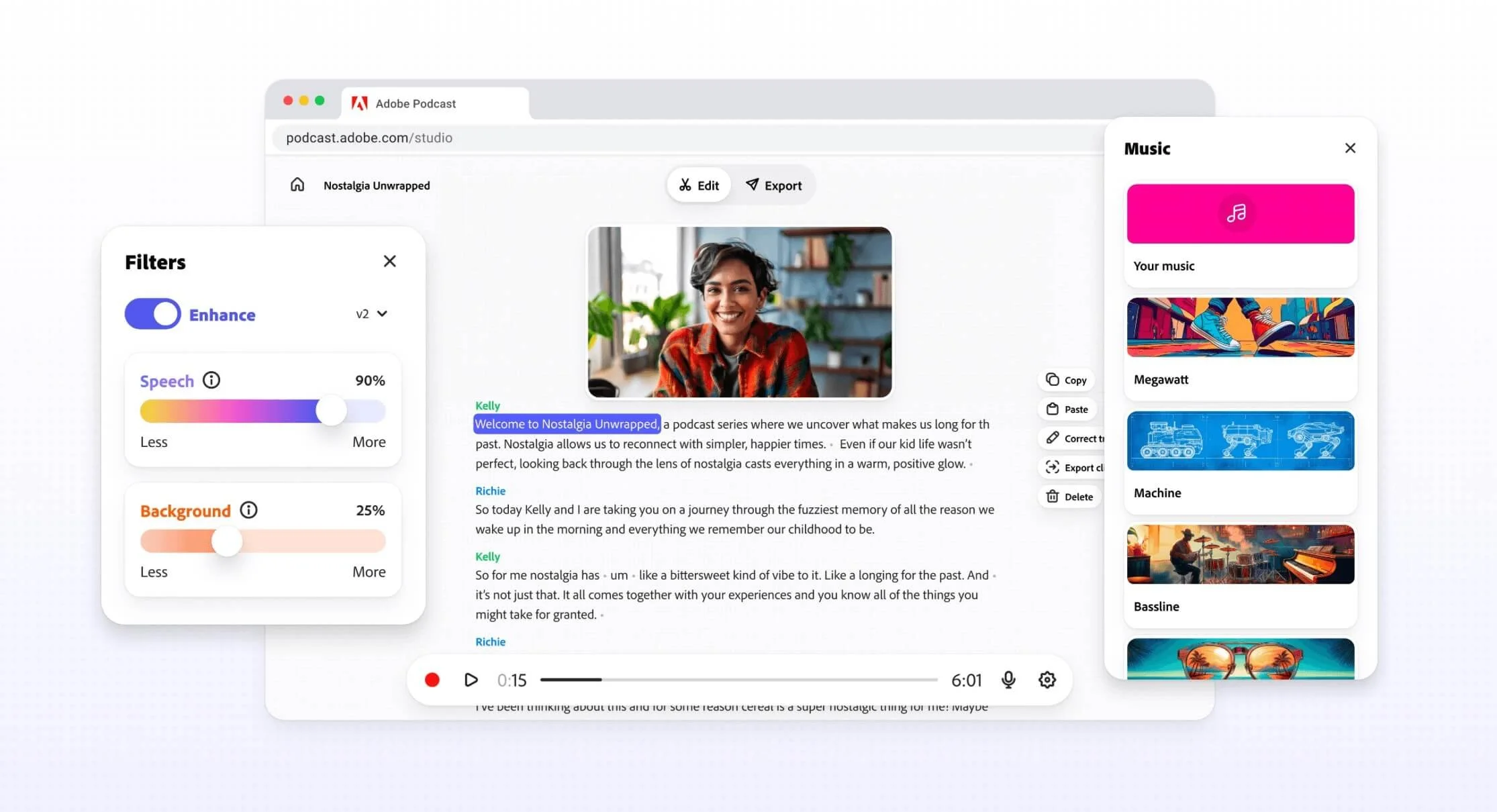
Adobe Podcast is the winner when it comes to cleaner, better-quality sound. What Descript does is maintain a more natural voice quality. That might be better if you have voice-overs or interview-based formatting. If you want clarity and simulated studio audio, go with Adobe Podcast.
Video Editing Capabilities
Descript is the “go-to” champion in podcast editing comparisons when you’re thinking about video editing. You can work with clip generation, timeline adjustments, and captions, all under the umbrella of text-based editing. Adobe Podcast lacks many of the video editing tools you might want.
Recording & Collaboration
Both platforms have multi-user options. Adobe Podcast is slightly better because of the browser-based interface. That makes it much easier for team members with little to no experience in complex editing suites. However, Descript offers multitrack recording and has specific collaboration tools. If you have a podcast situation with more than two mics, go with Descript.
AI Features
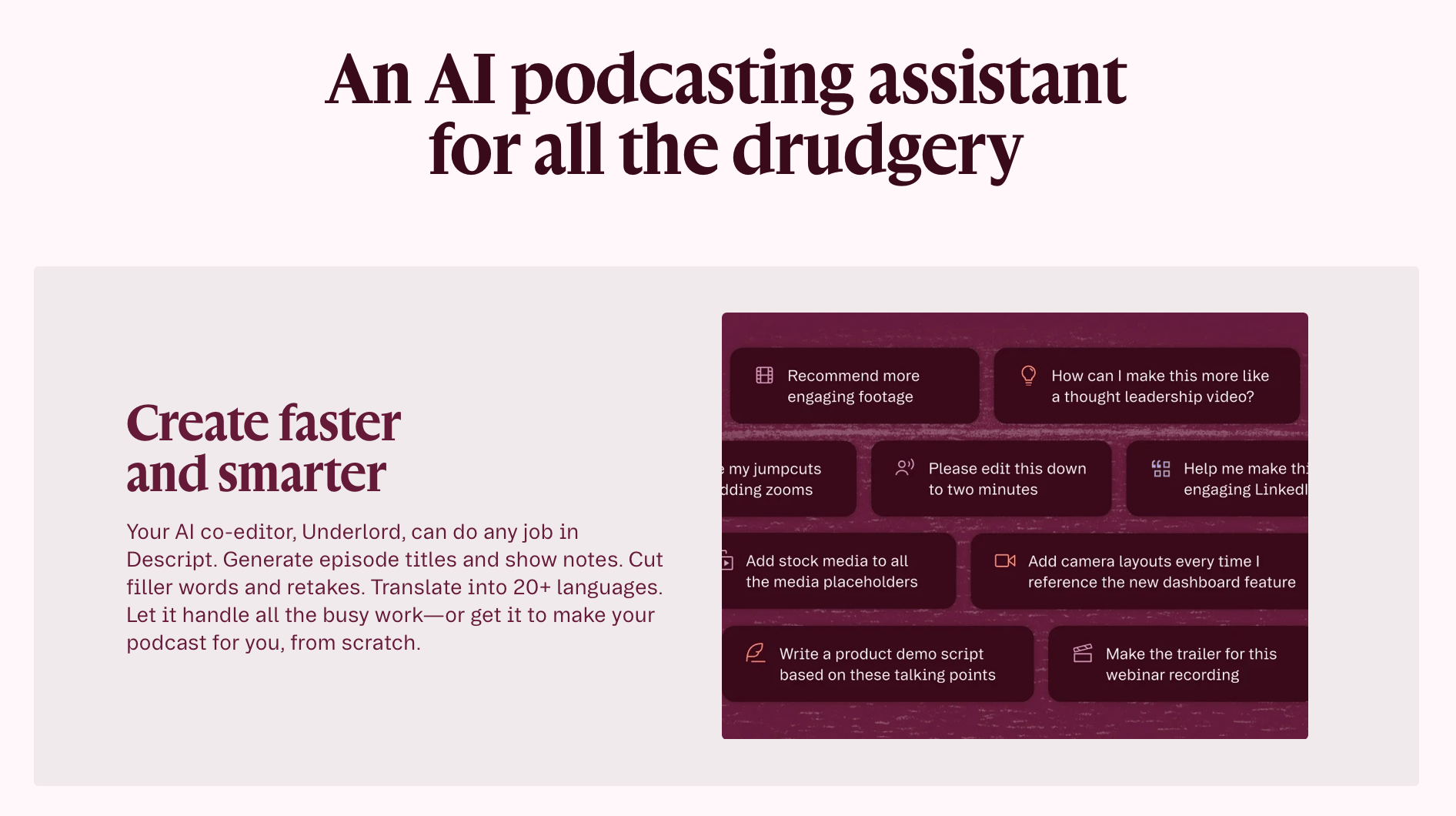
The final point to consider is AI. Descript gives you access to filler-word removal, automatic clip creation, and AI-generated overdub voice. Adobe Podcast leverages technology for mic checking, audio diagnostics, Adobe speech enhancement, and other features that improve sound clarity.
Who Is Each Tool Best For?
In the Descript vs Adobe Podcast race, the winner is all of us. Both have affordable pricing plans. Both give you access to a strong array of tools. The difference really comes down to how your particular show records, edits, and publishes content.
If you’re on a larger team with complex platform needs or multiple projects per month, stick to Descript. The editing, repurposing, and publishing workflows make things so much easier to manage. If you’re a beginner or solo creator, Adobe Podcast will give you more than enough to work with, especially if you’re in a non-ideal recording environment.
Both tools function in their own spaces. Descript for production and Adobe Podcast for enhancement.
Podcasting Tool Pros & Cons
Descript
Full editing ecosystem for audio and video
Advanced AI tools for workflow automation
Strong support for content repurposing
Higher monthly cost
Might be too complex for some users
Adobe Podcast
Simple user interface
Strong audio enhancement
Lower cost
Limited text-based or video editing functionality
Less control over the final output
Final Verdict: Descript vs Adobe Podcast
For our money, go with Descript if you have more than one episode per week and more than two podcasters at the helm. The tools and workflows make editing much easier and cut down on the time you’re spending on activities other than content production.
If you want an easy way to get started with podcasting, go with Adobe Podcast. Everything is browser-based, so you can always graduate to Descript later on as you get more comfortable with production workflows.
As always, be sure to check back often at Red 11 Media. We’re always on the lookout for the latest tools and enhancements that help you create fantastic content for YouTube, podcasts, and other creative efforts. Follow along and explore our resources to learn more about improving your rig and production setup.
-
Adobe Podcast delivers a much clearer sound with the Enhance Speech feature. Descript maintains your natural sound quality while using less aggressive processing. Adobe Podcast is the CD to Descript’s vinyl.
-
Theoretically, yes, but you’re adding a lot of extra work for little reward. A better strategy would be to start with Adobe Podcast until you feel really comfortable with editing and processing, and then graduate to Descript for an all-in-one studio production workflow.
-
Yes, but you’ll need to put in a lot of learning time. The platform isn’t so complex that it’s unlearnable, but it does have tools and features newbies are unlikely to have seen before.

Red 11 Media is an educational platform and creative studio focused on driving growth online through strategic content creation. We help creators, brands, and businesses understand how to build sustainable audiences across YouTube, podcasting, and long-form digital content.