
Text-based editing is accurate enough for professional use in most dialogue-driven content like podcasts, talking head videos, and interviews, especially under controlled recording conditions. Accuracy depends on audio quality, speaker complexity, vocabulary, and speech patterns. For high-stakes content with brand names, industry terms, or visually heavy material, blending text-based editing with traditional timeline tools delivers the best results. Most professionals use text-based editing for rough cuts and switch to timeline editing for final precision adjustments.
Over 480,000 podcasts were released over the past 3 months. That’s close to 5,000 podcasts a day. Everyone from sports leaders to celebrities is getting in on the action because audio mixed with video provides direct access to a broad audience that loves to share and reshare clips everywhere. More visibility means more notoriety and potential revenue.
The trouble isn't content creation, it's editing. Finding a way to properly edit all of that information without overwhelming your workflows is a real challenge. Professional content that engages audiences needs consistent clarity and precision. That's where text-based editing tools come in, but can they deliver the accuracy the job demands?

Table of Contents
What “Accuracy” Means in Text-Based Editing
Adobe or Descript accuracy is often misunderstood. When you look around at which platform is right for you, the claims often promote accuracy rates that are misleading. You might see 99% accuracy for “corrected” speech or editing accuracy based on transcriptions already provided.
Understanding AI video editing accuracy starts with knowing how these tools are actually measured, and that's where “Word Error Rate” (WER) comes in. This is the tool where the percentage is based on how many words in 20 are correct. So if one is incorrect, you have a 95% WER. That is the best way to rate different text-based editing tools. One wrong word might not seem like much, until it’s a misidentified brand or incorrect punctuation that changes the intent of a piece.
How Accurate IS TEXT-BASED EDITING in Real Workflows
The good news is that most text-based editing accuracy is relatively high. Platforms can back up those claims as long as you’ve got clean audio, clear speakers, and a reduced level of background noise. Under those conditions, something like Descript accuracy is relatively strong and provides an essential workflow tool with minimal friction.
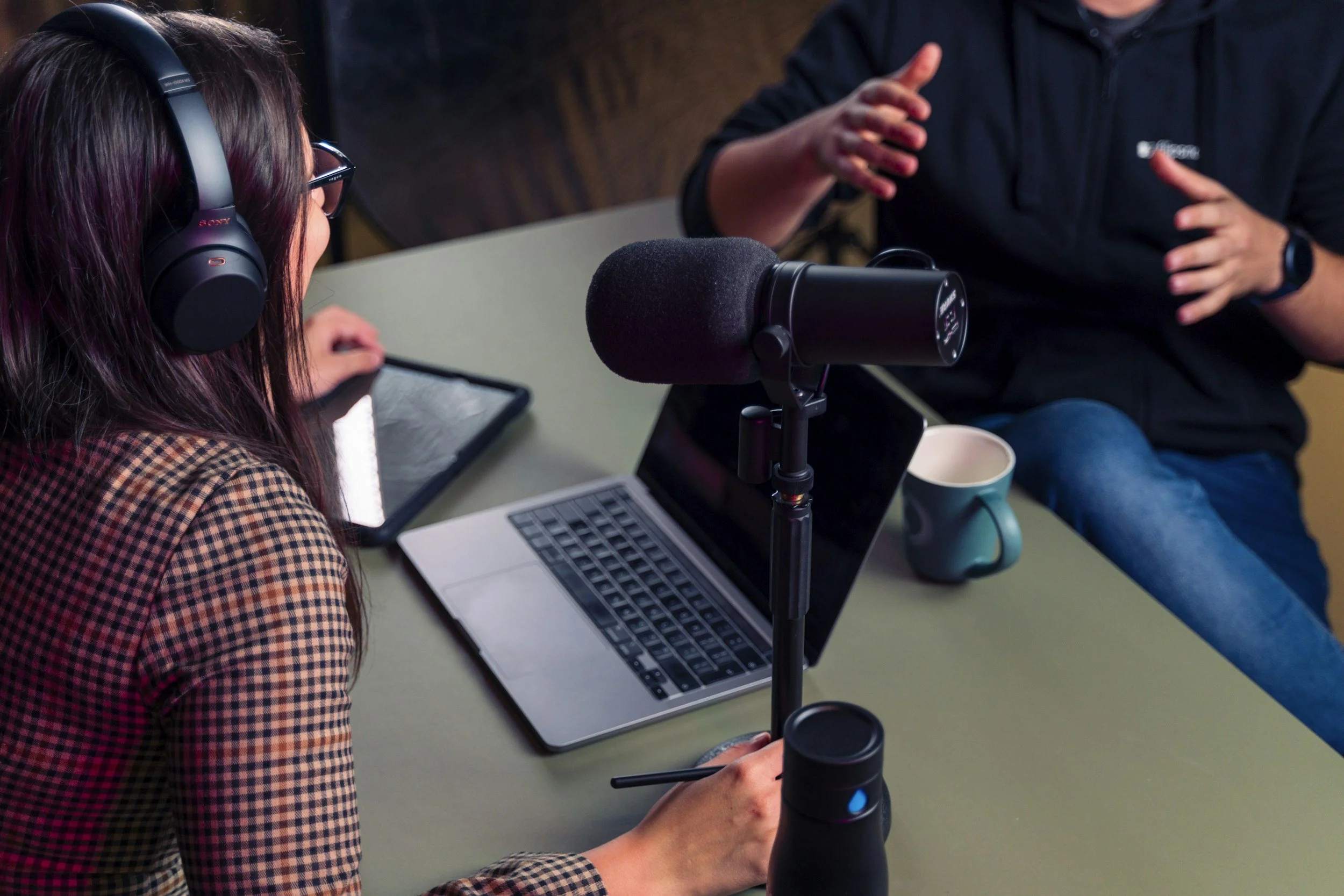
It’s important to note these are “controlled conditions” with professional-grade equipment. A podcasting microphone designed to eliminate background noise will lead to better text-based editing. Using something less reliable might lead to incorrect cuts, missed edits, or misaligned captions.
The most significant factors that will impact the accuracy of a text-based editor include:
Audio Quality: Is the audio clear and free of background noise, echo, reverb, or distorted speech?
Consistent Transcription: Is the AI transcription tool correctly analyzing word usage?
Speaker Complexity: Are you using single-speaker setups that are easier to process multi-speaker conversations, or are you using setups where one device interrupts another or where voices overlap?
Vocabulary & Terminology: Is your content industry-specific with acronyms, language, and terms that make it hard to translate? (brand names, technical items, etc.)
Speech Patterns: Are you using uncommon delivery patterns that are too fast-paced or involve heavy accents and informal phrasing that the text-based editing software is not familiar with?
These variables are crucial to your editing outcomes. A podcast recording workflow for smaller teams with only a few hundred listeners won’t need as much editing as something designed for a massive audience. Either way, you want to cut down on the total time you spend editing so you’re more efficient and can focus on the next creative project, and text-based editing can significantly reduce your workflow time.

When Text-Based Editing Is Accurate Enough for Professional Use
In general, text-based editing accuracy is reliable, but it depends on the content you're targeting. Podcast editing is dialogue-driven, making text-based tools highly efficient for workflows. You can quickly remove filler words, tighten pacing, and cut any unnecessary segments. This is where the 80/20 rule in video editing really applies. Text-based tools handle the bulk of the heavy lifting, letting you spend the remaining effort on fine-tuning rather than rough cuts.
Talking head videos are another solid example. You get plenty of dialogue for something like YouTube or educational content because there has to be direct speech or vocal overlays. As long as the transcription errors are minimal, you’re all set.
Content repurposing or using interview formats are additional scenarios in which you can successfully use text-based editing tools. You can reorder answers easily, highlight crucial insights, remove off-topic segments, build blog posts easily, and create more engaging captions. A text-based editor is fantastic for extracting quotes you can plaster all over social media.
When Text-Based Editing Is Not Enough on Its Own
The question of accuracy often comes down to output. Transcript-driven workflows do not align well with high-stakes content. When you’re working on something that requires deliverables with specific metrics, industry terms, or brand names, you need to take extra caution. You can still get the edits you need, but you’ll have to look closely to match everything to the captions and ensure that the captions themselves are accurate.
The same goes for sponsored, regulated, and subtitled heavy content. Over 80% of viewers are more likely to watch a video to completion when captions are available. What do you think happens if that information is disjointed or inaccurate?
Accuracy also gets tossed out the window when you have visually heavy content. That means there isn’t much dialogue or voiceover material to work with. You won’t be able to get an accurate edit because the text you need to measure time (instead of a timeline) doesn’t exist.
How Professionals Improve Text-Based Editing Accuracy
Professionals do not solely rely on AI automation for editing. They use repeatable, consistent editing strategies that generate quality content for their target audience. How do they match text-based editing accuracy with that consistent outcome?
Start with better inputs. Use external microphones to minimize background noise and try to record in a controlled space. Something as simple as not having an extended echo can go a long way toward boosting accuracy.
Be sure to review your transcripts before editing. You’re looking for spelling mistakes or word usage that confuses the editor. A quick review keeps the text aligned with your content so you can better manage cuts.
You should also consider a “blended” approach to editing. Use text-based tools for rough cuts and structure, then switch to timeline tools for final adjustments. That will boost your editing and production speed without sacrificing the precision your audience expects.
You can also standardize terminology. Try to maintain consistent language or use a transcription tool that allows for dictionary additions. That will help with both editing and captioning.
Final Verdict: Is Text-Based Editing Accurate Enough for Professional Use?
The accuracy of any text-based editing tool you use isn’t a straightforward answer. In most cases, you’ll be all set. As long as you have clear content with heavy “spoken word” audio, you should be good to go.
If you’re working with a lot of visuals and only the occasional voiceover, text-based editing accuracy doesn’t really matter. Either way, blending something like Descript accuracy with timeline editing to refine content is a good strategy until these tools become even more accurate over time. That balance is what you want to scale content production and ensure quality outcomes for audiences.
For more information on how the content creation landscape is evolving, check out our latest articles on Red 11 Media. We do our best to provide real insights into the latest tools and production tricks for YouTube growth, podcasting, and content creation. Follow us online and explore our resources to learn more.
-
Text-based editing is highly accurate under controlled conditions: clear audio, minimal background noise, and single speakers. Most platforms perform well in these settings, but accuracy drops with heavy accents, overlapping voices, or industry-specific terminology.
-
Word Error Rate (WER) measures how many words in a transcription are incorrect. For example, one wrong word in 20 gives you a 95% WER. It matters because even a single misidentified brand name or punctuation error can change the meaning and professionalism of your content.
-
A blended approach works best for professional content. Use text-based tools for rough cuts, removing filler words, and restructuring dialogue, then switch to timeline editing for final precision adjustments. This is where the 80/20 rule in video editing pays off ; letting AI handle the bulk of the work while you focus on the finishing touches.

Red 11 Media is an educational platform and creative studio focused on driving growth online through strategic content creation. We help creators, brands, and businesses understand how to build sustainable audiences across YouTube, podcasting, and long-form digital content.