
Riverside vs Zoom vs Squadcast for Podcast Recording
Riverside, Squadcast, and Zoom serve very different purposes for podcast recording. Riverside excels at remote video podcasting with 4K capture, local recording, separate tracks, and reliable progressive uploads starting at $24 monthly. Squadcast offers excellent audio quality with direct Descript integration at around $20 monthly, suiting audio-first podcasters. Zoom is free and familiar but compresses audio significantly, making it unsuitable for serious podcast production. For professional shows, Riverside or Squadcast deliver dramatically better quality than Zoom.
Riverside vs Zoom is one of the most common questions new podcasters ask when they are setting up for the first time. Zoom is already on most people's computers, it is free, and it works.
So why would you switch to something else?
Squadcast sits somewhere in the middle of that conversation, known among audio-focused podcasters but less familiar to those just starting out.
This comparison breaks down all three platforms across the criteria that matter most for podcast recording: audio quality, video quality, reliability, ease of use, editing workflow, and cost.
By the end you will have a clear picture of what each platform was built for, where each one falls short, and which is the right choice for your show.
Table of Contents
The Core Difference Between All Three
Before comparing features, it helps to understand what each platform was actually built to do, because these three tools were not built for the same purpose, and comparing them purely on feature lists misses the point.
Zoom was built for business meetings and video calls. It became one of the most widely used communication tools in the world, and it does that job well. Podcast recording is a use case it supports, but it was not designed with podcasters in mind, and the audio quality reflects that.
Riverside was built specifically for remote podcast and video recording. Every feature it has, from local recording to progressive uploads to separate tracks and producer mode, exists to solve the specific problems that come up when you are recording a professional podcast with remote guests.
Squadcast was also built specifically for podcast recording, with an audio-first focus and a strong emphasis on reliability and clean, separate track capture. It is less well known than Riverside but has a loyal following among podcasters who prioritize audio above everything else.
That context matters because it frames everything else in this comparison. Riverside and Squadcast are purpose-built podcast tools. Zoom is a general communication tool that podcasters can use. That distinction shapes the audio quality, the reliability, the guest experience, and the files you end up with at the end of a session.
Audio Quality Comparison
Audio quality is where the gap between these three platforms is most significant and most immediately noticeable to listeners.
Zoom
Zoom records audio by streaming it to a cloud server in real time. The audio is compressed during transmission, which reduces fidelity and introduces the characteristic flatness that most listeners recognize as a Zoom recording.
Even with a high-quality microphone and a strong internet connection, the compression applied during streaming puts a ceiling on what is possible. Zoom does offer a local recording option in its settings, which improves quality somewhat, but it does not capture separate tracks per participant by default, and the audio still passes through Zoom's processing before it is saved.
For podcast recording, Zoom's audio quality is acceptable at best. It is more than sufficient for a quick interview where production quality is not a priority. For a show where listeners expect a consistent, professional audio standard, it falls short.
Riverside
Riverside records audio locally on each participant's own device. Nothing is compressed during the session. The audio is captured at full quality by the microphone, saved directly to the participant's computer, and uploaded to the cloud automatically once the session ends. What you download is the original, uncompressed recording, not a streamed and processed version of it.
Each participant is recorded on a separate audio track, which gives you complete control over individual voices in editing. The difference in audio quality between a Riverside recording and a Zoom recording of the same conversation is immediately audible. Riverside consistently produces studio-quality audio from remote sessions that requires minimal cleanup in post-production.
Squadcast
Squadcast also records locally on each participant's device and captures separate audio tracks per speaker. Its audio quality is excellent and consistently matches Riverside for clean, uncompressed capture. Squadcast has a strong reputation specifically for audio fidelity and is the preferred choice of many audio engineers and professional podcasters who prioritize sound quality above video features.
In terms of raw audio quality, Riverside and Squadcast are very close. Both significantly outperform Zoom. The differences between them show up in video capability and the broader feature set rather than in how the audio sounds.
Video Quality and Remote Recording
Zoom
Zoom records video at up to 1080p, though in practice the quality is limited by bandwidth and compression during the call. The video files produced by Zoom are adequate for basic use but are not suitable for video podcast production where quality matters. Zoom does not capture separate video tracks per participant, which means editing individual speakers in post-production is not possible without third-party screen recording tools.
Riverside
Riverside records video locally at up to 4K, with separate video tracks for every participant. The quality is dramatically better than Zoom and is genuinely suitable for professional video podcast production. Having separate video files per participant means you can cut between speakers freely in editing, correct framing, and repurpose content in multiple aspect ratios for different platforms. For video podcasts, Riverside is in a different category from Zoom entirely.
Squadcast
Squadcast supports video recording up to 1080p with separate video tracks per participant, which is a meaningful step up from Zoom. It does not match Riverside's 4K capability, but for podcasters whose primary output is audio with video as a secondary consideration, 1080p separate tracks are more than adequate. If 4K video is a firm requirement for your video podcast workflow, Riverside is the stronger choice.
Reliability and Connection Handling
Reliability is one of the most important practical considerations for podcast recording, particularly when you are recording with guests on different devices and internet connections.
Zoom's reliability is tied entirely to the internet connection of every participant. If someone's connection drops, the audio and video quality degrade in real time, and there is no way to recover what was lost. The cloud recording that Zoom produces is a direct reflection of what the internet allowed through at any given moment during the session.
Riverside and Squadcast both solve this problem through local recording. Because audio and video are saved to each participant's device throughout the session, a dropped connection does not affect what is being captured. Riverside adds an additional layer of protection through progressive uploads, which back up recordings to the cloud continuously as the session runs. If a participant's device fails mid-recording, everything captured up to that point is already safely stored.
For podcast recording with remote guests who may be on variable connections, the reliability difference between Zoom and the two dedicated podcast platforms is significant. Losing a guest recording to a dropped connection is one of the most frustrating things that can happen in podcast production, and it is entirely preventable with the right recording software.
Ease of Use for Hosts and Guests
The guest experience matters as much as the host experience for remote podcast recording. A platform that requires guests to create accounts, download software, or navigate a complicated setup process creates friction before the recording even starts.
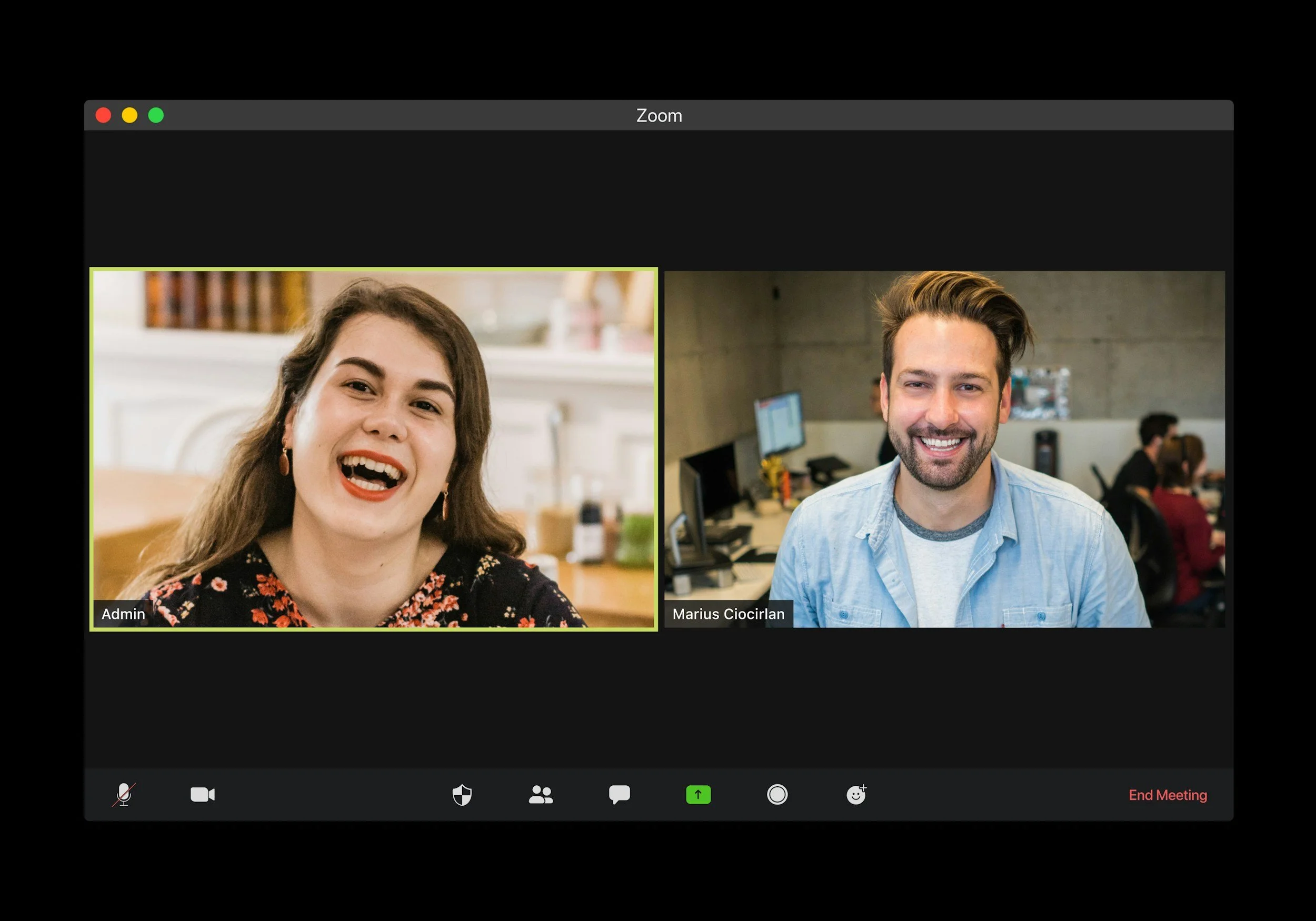
Zoom has the advantage of familiarity. Most guests have used Zoom before and know how to join a call, which reduces the chance of technical issues at the start of a session. However, Zoom does require the desktop app for the best experience, which means guests who have not used it recently may face a download or update step before joining.
Riverside allows guests to join through a browser link with no account creation or software download required. The recording app runs entirely in the browser, and the guest experience is straightforward even for people who are not technically confident. Riverside also includes echo cancellation and smart mute to reduce background noise issues during the session, which makes the conversation feel cleaner even before any post-production processing.
Squadcast similarly allows guests to join through a browser link with no download required. Its interface is clean and minimal, which some guests find less intimidating than Riverside's more feature-rich layout. For podcast interviews where the guest is the priority and the technical setup should be invisible, both Riverside and Squadcast deliver a significantly better guest experience than Zoom for new users.
Editing Workflow After Recording
What happens after recording is as important as the recording itself, and the three platforms set you up for very different editing experiences.
Zoom gives you a single mixed audio file when you download your recording. All voices are combined into one track, which means adjusting individual speakers, removing background noise from one person without affecting others, or applying targeted processing is not possible without advanced audio editing software. The compressed audio quality also limits how much can be recovered in post-production, regardless of which editing tools you use.
Riverside gives you separate audio and video files per participant, downloaded individually after the session. Each track can be imported into any editing software, including Descript for text-based editing or Adobe Audition for professional-grade audio processing. The separate tracks give editors maximum flexibility, and the uncompressed audio means the full quality of each recording is available to work with.
Squadcast gives you separate audio tracks per participant and integrates directly with Descript, which means recordings move from Squadcast into the editing platform automatically without manual file management. For podcasters using Descript as their editing software, this direct integration removes one of the most tedious steps in the post-production workflow.
Pricing Comparison
Zoom
Zoom's free plan allows meetings of up to 40 minutes with up to 100 participants, which covers most podcast interview formats for basic use. Paid plans start at around $15 per month per user and remove the time limit, add cloud recording storage, and unlock additional meeting features. For podcast recording purposes, the free plan is usually sufficient, which makes Zoom the lowest-cost option on this list.
Riverside
Riverside offers a free plan with limited recording hours that is useful for testing the platform before committing. Paid plans start at around $24 per month and unlock unlimited recording, separate tracks, 4K video, and advanced features, including producer mode and live streaming. For the audio and video quality on offer and the reliability it provides for remote podcast recording, the paid plan represents strong value.
SQuadcast
Squadcast offers a free plan with limited recording hours. Paid plans start at around $20 per month and include unlimited recording, separate tracks, and the Descript integration. At a similar price point to Riverside, the choice between the two comes down to whether video quality and live streaming are priorities, in which case Riverside wins, or whether a direct Descript integration and a simpler interface are more important.
Riverside vs Zoom: Head to Head
Riverside wins on every metric that matters for podcast recording. Audio quality, video quality, reliability, separate tracks, and post-production flexibility all favor Riverside.
The only area where Zoom has an advantage is cost and familiarity. If you are recording a podcast and want it to sound professional, Zoom's lower price and guest familiarity are not sufficient reasons to accept the audio-quality trade-off.
Zoom makes sense as a fallback for a guest who cannot access Riverside, for pre-interview prep calls where audio quality is not being recorded, or for casual conversations that are not intended for publication. For any episode you are publishing to listeners, Riverside is the right choice.
Riverside vs Squadcast: Head to Head
Riverside and Squadcast are genuinely close on the things that matter most for podcast recording. Both record locally, both capture separate tracks, and both produce excellent audio quality that significantly outperforms Zoom. The differences are in the details.
Riverside wins on video. Its 4K recording, separate video tracks, multiple aspect ratio support, live streaming capability, and producer mode make it the stronger platform for video podcast production and for shows with a live component. If your podcast involves video and you want the best possible video quality from a remote recording platform, Riverside is the clear choice.
Squadcast wins on Descript integration. If your editing workflow runs through Descript, Squadcast's native integration removes the manual step of downloading and importing files. For audio-only podcasters who use Descript for editing and do not need 4K video, Squadcast is a slightly simpler and equally reliable recording option at a comparable price.
Zoom vs Squadcast: Head to Head
Squadcast wins this comparison for any podcaster who cares about audio quality. The local recording approach, separate tracks, and uncompressed audio capture put Squadcast in a different category than Zoom for podcast production. The only scenario where Zoom makes more sense than Squadcast is when a guest is already set up with Zoom, and the friction of switching platforms outweighs the audio quality improvement.
For a podcast you are serious about growing, that trade-off is almost never worth making. The audio quality difference between a Squadcast recording and a Zoom recording is immediately audible, and listeners notice even when they cannot articulate why one show sounds better than another.
Which Platform Should You Choose?
The right choice depends on what your podcast needs most right now.
Choose Riverside if you produce a video podcast or plan to in the near future, regularly record remote guests and need the most reliable recording platform available, want live streaming capability and producer mode for more produced sessions, or simply want the best all-around remote recording platform with no meaningful trade-offs.
Choose Squadcast if you produce an audio-only podcast and audio quality is the primary concern, use Descript for editing and want the cleanest possible integration between recording and editing, or want a slightly simpler interface for guests who find feature-rich platforms overwhelming.
Use Zoom only if you are testing an interview format before investing in dedicated recording software, need a free tool for a one-off recording where production quality is not critical, or are recording a prep call or background conversation that will not be published.
Grow Faster. Create Smarter.
Red 11 Media is an educational platform and creative studio focused on driving growth online through strategic content creation. We help creators, brands, and businesses understand how to build sustainable audiences across YouTube, podcasting, and long-form digital content.
Final Verdict
Riverside vs Zoom is not a close call for podcast recording. Riverside wins on audio quality, video quality, reliability, separate tracks, and post-production flexibility. The only thing Zoom has going for it in this comparison is that it is free and familiar, neither of which is a good enough reason to accept compressed audio on a show you are trying to grow.
Riverside vs Squadcast is a closer contest. Both are excellent podcast recording platforms, and both are significantly better than Zoom for any serious podcast production workflow. Riverside is the stronger choice if video matters to your show. Squadcast is a compelling alternative if audio is your only priority, and a direct Descript integration is a meaningful workflow advantage for how you edit.
All three platforms have free plans or free tiers. Test Riverside and Squadcast with a real recording session before committing, and compare what you get to your current Zoom recordings. The difference will make the decision obvious.
Frequently Asked Questions
-
Yes, significantly. Riverside records each participant's audio locally on their own device, which produces uncompressed, studio-quality audio regardless of internet connection quality. Zoom streams audio to a cloud server in real time, which compresses the signal and produces the flat, processed sound that most listeners associate with video call recordings. Riverside also captures separate audio and video tracks per participant, supports up to 4K video, and protects recordings through progressive uploads. For any podcast you are serious about growing, Riverside is the better choice in every area that matters.
-
Both Riverside and Squadcast record locally, capture separate audio tracks per participant, and produce significantly better audio quality than Zoom. The main differences are in video capability and integrations. Riverside records video at up to 4K with separate video tracks per participant and supports live streaming and producer mode, making it the stronger choice for video podcasts and more produced shows. Squadcast records video at up to 1080p and integrates directly with Descript, which makes it a more streamlined option for audio-first podcasters who edit in Descript.
-
You can, but it comes with meaningful trade-offs. Zoom compresses audio during recording, which limits the quality of what you end up with regardless of your microphone or setup. It does not capture separate audio tracks per participant by default, which makes editing individual voices more difficult. And its reliability depends entirely on internet connection quality during the session, meaning a dropped connection affects the recording directly. For a podcast where audio quality matters to your listeners, Zoom is not the right tool. It is better suited to prep calls and casual conversations that are not intended for publication.
-
Both are excellent and significantly better than Zoom. In terms of raw audio quality, Riverside and Squadcast are very close. Both record locally on each participant's device, both capture uncompressed audio, and both produce separate tracks per speaker. The audio fidelity from either platform is more than sufficient for professional podcast production. The differences between them sit in video capability, live streaming support, and post production integrations rather than in audio quality itself.
-
Zoom is the cheapest option, with a free plan that covers most basic podcast recording needs and paid plans starting at around $15 per month. Riverside and Squadcast both offer free plans with limited recording hours, with paid plans starting at around $24 and $20 per month respectively. At the paid tier, Riverside and Squadcast cost more than Zoom but deliver significantly better audio quality, separate tracks, local recording protection, and purpose-built podcast recording features that Zoom does not offer. For most podcasters the additional cost of Riverside or Squadcast is justified by the improvement in recording quality alone.
-
No. Both Riverside and Squadcast allow guests to join a recording session through a browser link with no account creation or software download required. This makes the experience straightforward for podcast guests of any technical level and removes one of the most common sources of friction at the start of a remote recording session. Zoom requires the desktop app for the best experience, which means guests who have not used it recently may face a download or update step before they can join.

Red 11 Media is an educational platform and creative studio focused on driving growth online through strategic content creation. We help creators, brands, and businesses understand how to build sustainable audiences across YouTube, podcasting, and long-form digital content.
