
Best Content Repurposing Workflows for Small Teams
The best content repurposing workflows for small teams turn one piece of content into multiple formats across platforms without overwhelming your team. Three proven systems work for most creators: long-form YouTube videos repurposed into blogs, emails, and short clips; podcast episodes repurposed into YouTube videos, social clips, and blog recaps; and high-performing videos turned into evergreen social content rotations. Each workflow takes 30 to 60 minutes once established, with AI tools like OpusClip significantly reducing manual work.
Content creators know that it’s not enough to stick to one channel or medium. To build an engaged following, you need to reach your audience wherever they are.
But you can’t just “copy and paste” your content from one platform to the next. What works on YouTube will feel strange on Reddit or on your blog. The key is to repurpose your content into formats and structures that fit each destination.
Repurposing content isn’t a new concept. 94% of marketers report repurposing their content in some form or another. But nearly half (49%) admit that they don’t do it enough.
And the culprit? They lack a content repurposing strategy that makes the process easy.
If it doesn’t easily fit into your current operations, you’ll likely give up on it. And inconsistency means you’ll struggle to lift your content above the noise, no matter where you post it.
The good news is that you don’t need a massive team to put a strong repurposing plan to work. You just need the right, repeatable workflows and a bit of discipline to make them second nature.

Table of Contents
Repurposing vs Redistributing vs Refreshing
When talking about repurposing content, it’s important to get a few key terms right, as they’ll play a role in how well your repurposing workflows operate:
Repurposing Content: This is where you take a single piece of content and transform it into an entirely new format with unique value. For instance, a 10-minute YouTube video is repurposed into a new blog post or newsletter section.
Redistributing Content: When you redistribute, you aren’t creating something new. You’re taking what’s already existing and sharing it across different channels. Think of posting your YouTube video on Reddit or LinkedIn.
Refreshing Content: Everyone wants to stay relevant! And while updating existing content with new stats and context is helpful, it’s not the same as repurposing content.
Repurposing involves getting into your content, rethinking how you could use the main ideas or arguments, and rebuilding them in a specific way for a specific medium.
Think about your best-performing video right now. There are probably 3-5 good ideas in there that make it compelling to viewers. Now ask: how can you create new content from those ideas and build on the original piece’s success?
If you’re not sure where to start with finding your best-performing videos? Our YouTube analytics guide walks through the data that actually matters. And if you're looking to go deeper, there's plenty more from our team on managing channels and growing your audience over time.

Workflow 1: Repurpose Long-Form YouTube Videos into Blogs, Emails, or Newsletters
YouTube-first teams often struggle to turn their video content into written content. It makes sense; many get into YouTube because they’re comfortable on (or behind) the camera, not at the keyboard.
But there’s an easy content repurposing workflow that lets your video content do the heavy lifting for you. It can start before you’ve published the video, or after, though you may find that thinking about this workflow helps you rethink your video content flow.
Step 1: Plan the video with repurposing in mind.
The best way to use this workflow is to structure your video content outline around 3-5 segments. Make sure each has a clear idea or takeaway (these will become your repurposing anchors later).
Step 2: Record and edit your video as usual.
This is the part that flows as normal. Record and edit the video as you normally would, making sure you are following your planned structure.
Step 3: Pull 3-7 clips for Shorts, Reels, TikTok, etc.
Your video should exist in a few “segments”, which makes it easy to clip into content perfect for short-form platforms. Again, make sure each has a key idea, or they’ll seem out of context to viewers.
Did you know? YouTube Shorts averages over 200 billion daily views, and channels that consistently post Shorts for 6 months see a faster growth rate than single-focus channels.
Step 4: Use your video transcript to draft a unique blog post.
This is a big step that many miss. Your video’s transcript provides ready-made written content you can restructure and optimize for long-form blog posts.
You’ll want to optimize it for SEO and GEO (Generative Engine Optimization), and publish it as a standalone piece. This gives search engines and AI two places to grab great content from you!
Step 5: Turn the one main idea into an email or newsletter section.
If you’re running an email list or newsletter, you can create a summary of the main idea from the video (or blog) and add a call to action to watch the full video.
How Much Time Will This Take?
This workflow is designed to take about 45 minutes to an hour, but you’ll likely get faster as you learn the process. Small teams (creator, editor, assistant) can manage this together as the workflow becomes second nature.
Workflow 2: Podcast Episode → YouTube + Clips + Blog
Are you a podcaster first? Then you don’t have to build a YouTube strategy from scratch. This system helps extract what’s already in your episodes and repurpose the content into unique pieces.
Step 1: Record your podcast (with video, if possible).
Record your podcast as you normally would, and, if possible, add a basic camera setup to capture video.
This gives you an audio and video file you can post in two places. As you record, think through your main ideas and points (see workflow 1, step 1).
Step 2: Upload the full episode to YouTube.
Now upload your content, and optimize it with keywords, chapter markers, and timestamps. You’ve now created a YouTube video from your podcast that creates long-term search discoverability.
Step 3: Pull 3-5 audio or video clips from your long-form content.
Find and pull out the sharpest moments from the podcast. These can then be used as standalone Shorts and social posts. Just make sure they make sense for the one-off viewer!
This is also where AI content repurposing tools can seriously speed things up. Tools like OpusClip use AI to automatically scan your long-form content, identify the most engaging moments, and generate ready-to-post clips in minutes. Instead of scrubbing through an entire episode manually, you can let the tool do the heavy lifting and spend your time on the creative decisions that actually need a human touch.
Step 4: Summarize all of the main ideas from the original content into repurposed content.
Take those main ideas, and repurpose them into unique content pieces:
Blog post recaps that lean into the episode’s key ideas (and link back to the YouTube video in the CTA)
Social posts built around the individual video and audio clips from step 3.
Newsletter or email sections that recap the episode and compel readers to listen or watch.
This one’s great, because you’re not adding anything to your existing workload. You’re adding YouTube to the podcasting you’re already doing. That’s exactly what a workflow worth using should do.
How Much Time Will This Take?
Depending on your current podcast flow, this process could take anywhere from 30 minutes to an hour total.
Clip extraction will probably take the most time, but if you start out with key ideas in mind and note where they are, you’ll cut that time down quickly. And if you use a tool like OpusClip, your time will decrease significantly.
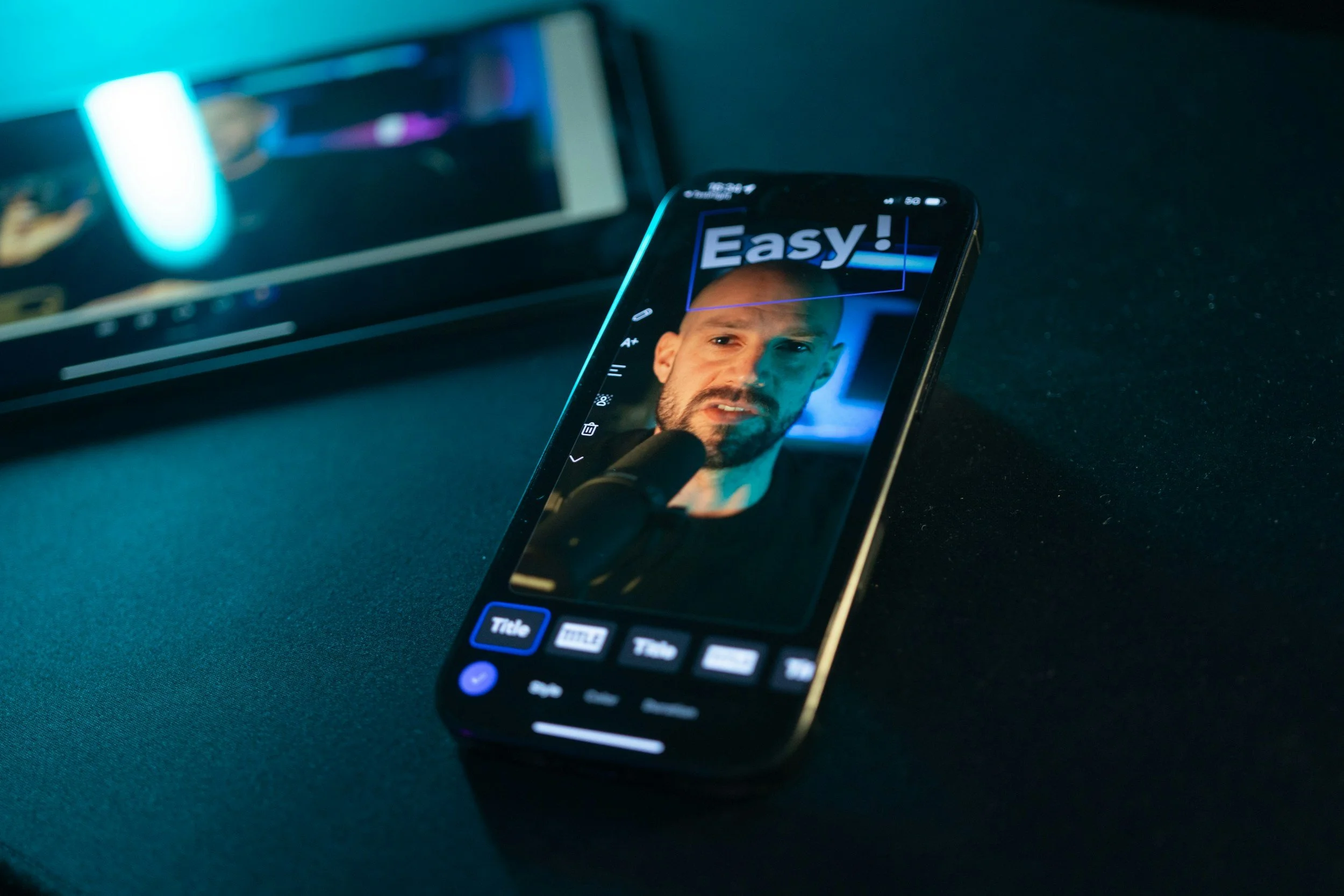
Workflow 3: High-Performing Videos → Evergreen Social System
Do you have a large library of existing content? That’s ripe for repurposing. Treating your top-performing videos as evergreen content assets can help you instantly upgrade your channel.
Step 1: Find your top 5-10 performing videos via YouTube Analytics.
Find what the audience is already enjoying (and what the algorithm is rewarding).
The key metrics to focus on are watch time and subscribers gained. Once you have those top videos, you’re ready to extract and repurpose.
Step 2: Extract the key ideas and quotes from the top-performing videos.
Find the top-replayed or key ideas from each video. These can become:
Short clips that can be recycled on a consistent basis
Carousel-style content or quote graphics
X or Threads social content
Blog ideas for future content
Step 3: Create and implement a 90-day content rotation calendar.
You’ll want to space your evergreen content out across each quarter to make sure nothing feels too repetitive.
Rotate the format as well, switching between a clip one week, a quote graphic or text social post the next, then a blog after that.
How Much Time Will This Take?
You’ll need a bit of time to do the initial content audit (1-2 hours to set up).
But once you find the top-performing videos, the initial time investment to build out the 90-day content calendar is worth having a quarter’s worth of content on autopilot.
A Checklist for Creating a Content Repurposing Workflow
Pick the workflow that fits your current format and start there. You can also optimize these workflows to fit your process, rather than overhauling your existing flows.
Remember, your goal isn’t a perfect system, but one that will boost your content’s performance and your team’s productivity.
Here are the steps to take first:
Audit your last 5-10 top content performers by watch time and subs gained.
Choose one of the above workflows that fit your current content format.
Set up a project tracking board that gives you a visual of how your repurposed content is moving through the pipeline.
Build a few helpful templates: clip naming, blog outlines, social captions, etc.
Run your workflow on an existing video, see how it all works, and then apply it to your next piece of future content.
As with any system, give it time as you try these content repurposing workflows. See what works, what doesn’t, and adapt it as necessary. Once you find one that works, repurposing your content will become a natural part of your creative process!
-
Repurposing transforms content into an entirely new format (e.g., turning a YouTube video into a blog post). Redistributing shares existing content across different channels without changing it. Refreshing updates old content with new stats or context. True repurposing requires rethinking and rebuilding your ideas for a specific medium.
-
It depends on the workflow, but most can be completed in 45 minutes to an hour. The YouTube-to-blog workflow takes about an hour, the podcast-to-YouTube system runs 30–60 minutes, and the evergreen content audit requires a 1–2 hour setup but then puts a full quarter of content on autopilot.
-
Start by auditing your last 5–10 top-performing pieces by watch time and subscribers gained. Then pick one workflow that matches your current content format. Don't try to overhaul everything at once. Run it on an existing piece first to test the process before applying it to future content.

Red 11 Media is an educational platform and creative studio focused on driving growth online through strategic content creation. We help creators, brands, and businesses understand how to build sustainable audiences across YouTube, podcasting, and long-form digital content.