
1Password and LastPass solve the same core problem but deliver very different experiences. 1Password leads on security with its unique Secret Key architecture, consistent cross-platform experience, and clean interface designed for professionals, families, and teams.
LastPass offers a free tier and lower entry pricing, suiting casual users with basic needs. After multiple security incidents affecting user trust, 1Password is the more reassuring long-term choice for anyone serious about password security.
Password managers aren’t exciting tools, and that’s exactly the point. The best ones fade into the background, quietly keeping your accounts secure while you focus on actual work. When they fail, though, they fail loudly, and usually at the worst possible time.
In this password manager comparison, we’ll review two of the most well-known password managers on the market: 1Password and LastPass. On the surface, they solve the same problem: storing passwords securely and making logins easier. In practice, they deliver very different experiences, especially when you factor in password security history, reliability, and long-term trust.
If you’re deciding between the two, this isn’t just about features. It’s about whether you want a password manager that works most of the time or one you can stop thinking about entirely.
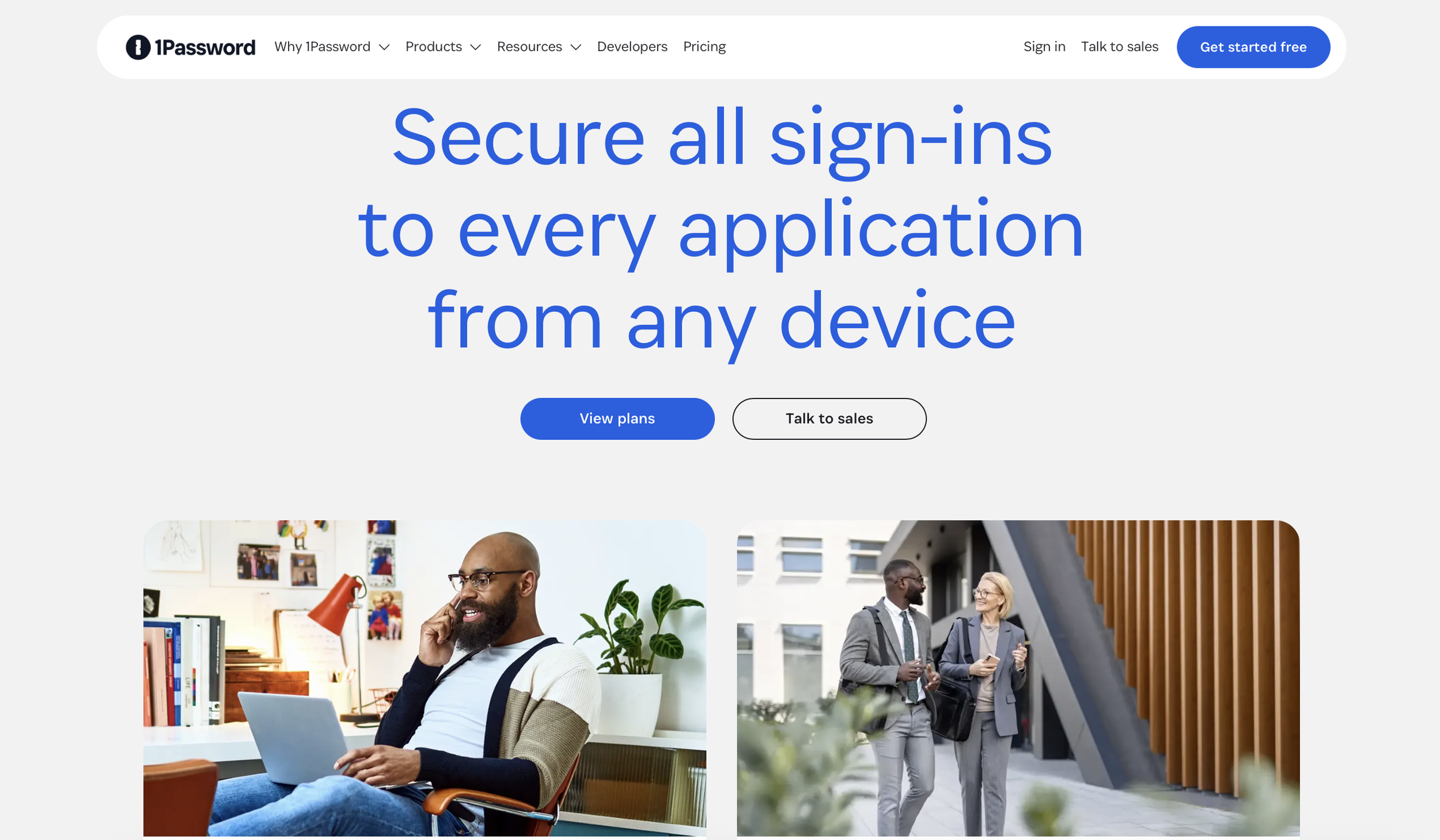
Table of Contents
Pricing
At first glance, LastPass looks like the more affordable option. It offers a free plan and slightly lower monthly pricing for individuals and families. That pricing model is designed to reduce friction at the entry level, which is appealing if you’re new to password managers or only managing a handful of accounts.
1Password takes the opposite approach. There’s no free plan, and that’s intentional. Instead of using feature restrictions to push upgrades, every 1Password plan includes full functionality. You’re paying for scale: additional users, shared vaults, and administrative controls, not for access to basic security features.
For individual users, 1Password typically costs a few dollars more per month than LastPass. For families and teams, pricing between the two platforms is closer than it first appears, especially once you account for the features that LastPass locks behind paid tiers.
The difference isn’t really about price. It’s about philosophy.
LastPass competes on accessibility.
1Password competes on consistency and trust.
Value: How Well Does Each Accomplish What It Says It Does?
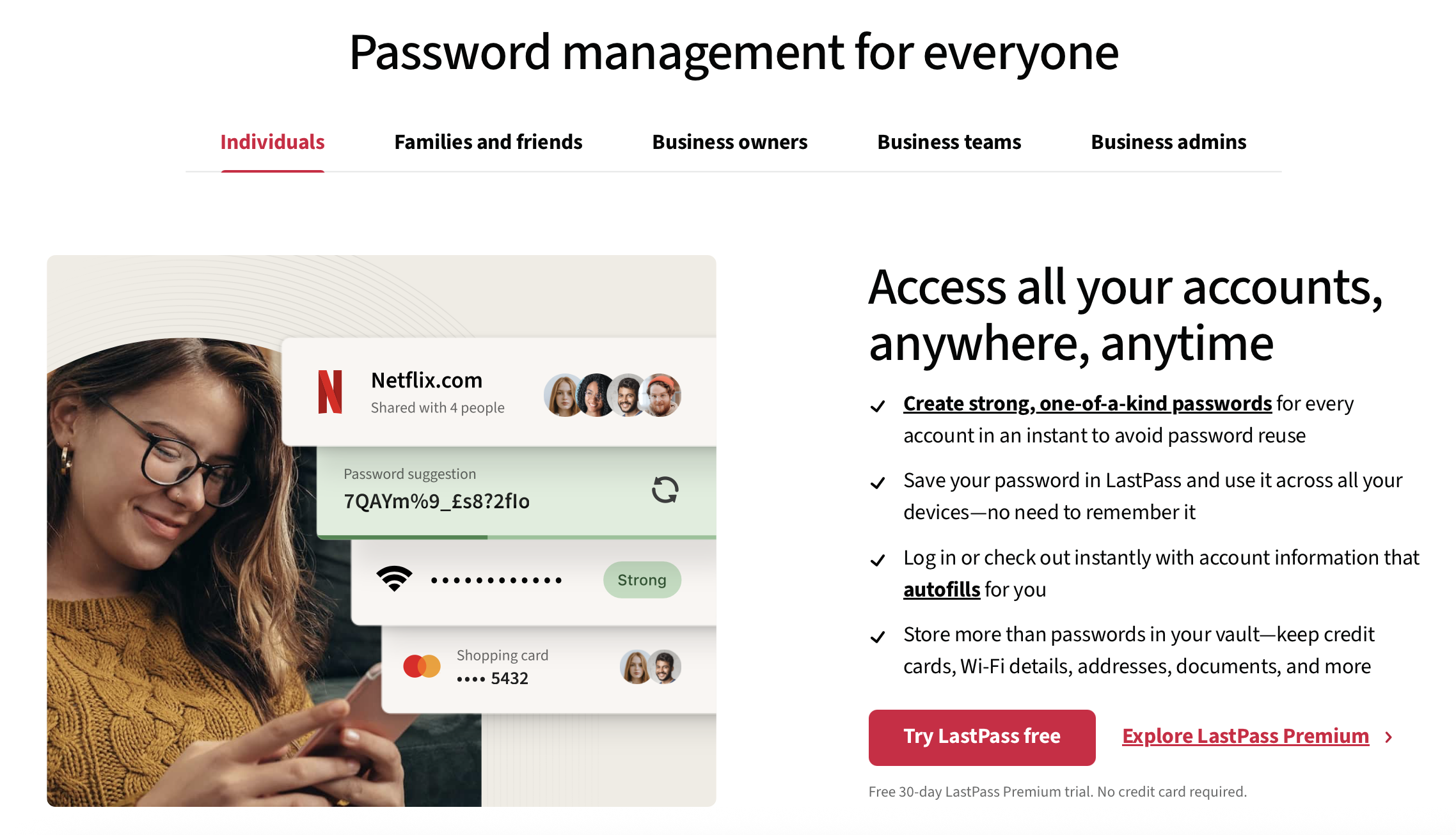
A password manager only delivers value if it removes friction without introducing new risk. In that sense, both tools technically do what they claim. The gap shows up in how reliably they do it and how confident you feel using them.
1Password feels intentionally designed to disappear once it’s set up.
Password capture works when you expect it to
Autofill behaves predictably across browsers and devices
Searching for credentials is fast, even in large vaults
You simply don’t find yourself checking settings or wondering whether something synced correctly; it just does.
More importantly, 1Password’s security model inspires confidence. Its zero-knowledge encryption, combined with an additional Secret Key unique to each user, creates a layered defense that protects your data even if your master password were ever compromised. The company has been transparent about its architecture for years, and that transparency matters.
LastPass, on the other hand, delivers a more uneven experience. For basic use, it works well enough:
Passwords are saved
logins autofill
syncing functions as expected (most of the time)
But reliability isn’t as consistent, especially across different browsers and devices.
That inconsistency became harder to ignore after LastPass experienced multiple security incidents in recent years. While encrypted vault data wasn’t directly exposed in plain text, the breaches shook user trust, and trust is everything when you’re handing over the keys to your digital life.
LastPass still functions. But it doesn’t feel as invisible or as reassuring as a modern password manager should.
Best Features Comparison
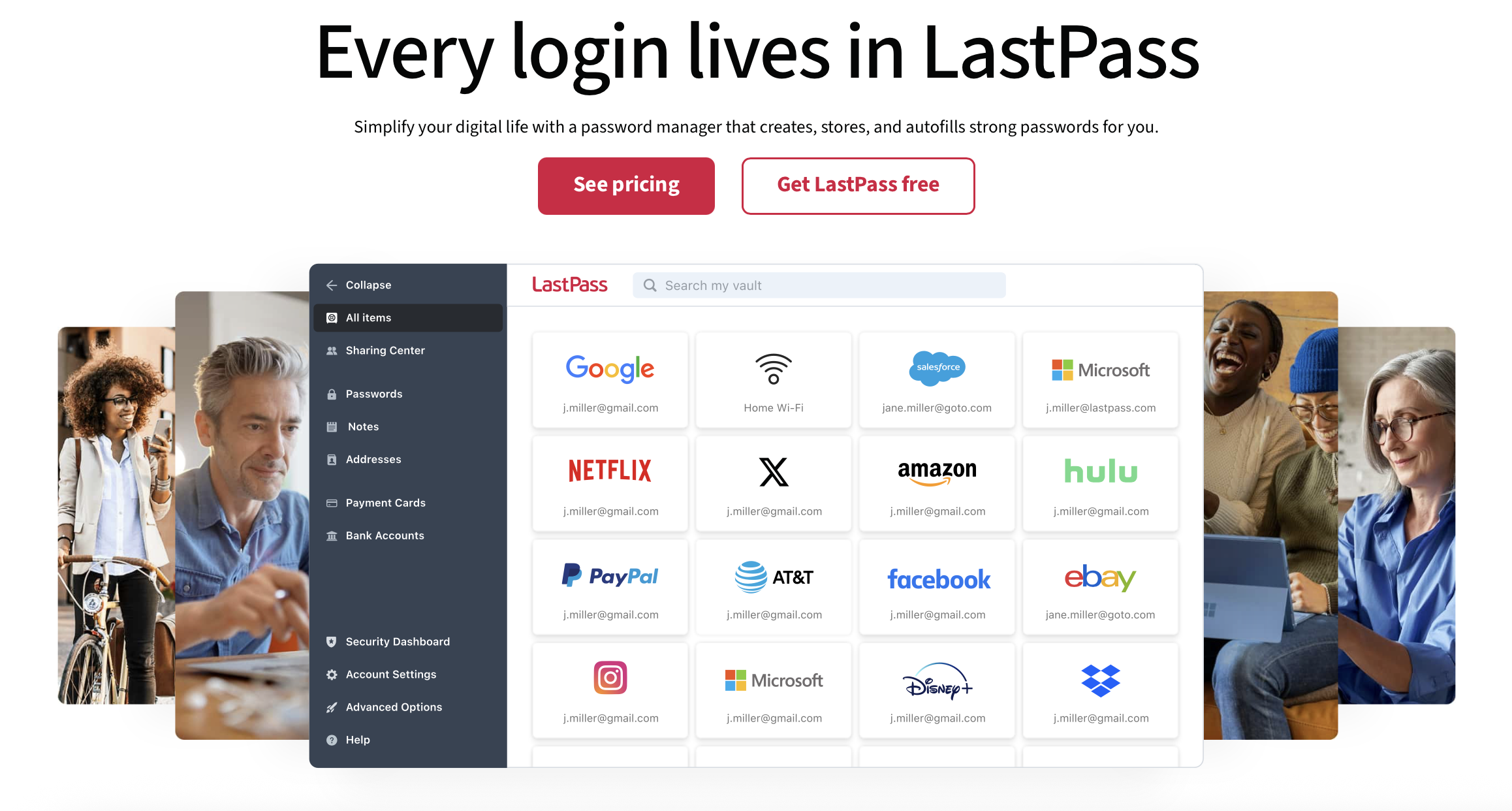
The real differences between 1Password vs LastPass show up once you move past surface-level functionality.
Password security is the most obvious gap. 1Password’s architecture was built from the start around the assumption that breaches happen. Its Secret Key adds an additional layer of protection that LastPass simply doesn’t have an equivalent for. Even if someone gained access to encrypted vault data, decrypting it would be practically useless without that extra key.
User experience is another area where 1Password consistently pulls ahead. The interface is clean, modern, and remarkably consistent across platforms. Whether you’re on macOS, Windows, iOS, Android, or a browser extension, the experience feels cohesive. That consistency reduces errors, which is an underrated part of good security.
LastPass’s interface feels more fragmented. Settings are buried deeper, the design feels dated, and autofill behavior can be hit-or-miss depending on the site you’re using. None of these issues is a deal-breaker on its own, but they add friction over time.
Securely sharing passwords is also handled very differently. 1Password uses shared vaults, which makes access control clear and intentional. You always know who has access to what, and revoking access is straightforward. This works exceptionally well for families, freelancers, and teams managing client accounts.
LastPass supports password sharing, too, but it feels more like an add-on than a core feature. Advanced sharing options are available only with paid plans, and permission management isn’t as intuitive.
For business and team use, the gap widens further. 1Password was clearly designed with teams in mind, offering strong administrative controls, audit logs, and scalable access management. LastPass offers business features as well, but they don’t feel as polished, and trust concerns carry more weight in professional environments.
Who Is Each Program For?
1Password is best suited for people who treat security as infrastructure, not an afterthought. That includes freelancers managing client logins, agencies collaborating across teams, creators with monetized platforms, and anyone who relies on dozens (or hundreds) of accounts to do their job.
It’s also a strong choice for families who want a simple, secure way to share passwords without constantly texting credentials back and forth. Once it’s set up, it fades into the background, which is exactly what you want.
LastPass is better suited for casual users with relatively simple needs. If you’re looking for a free password manager, don’t manage sensitive client data, and are comfortable accepting trade-offs, it can still serve as an entry-level option.
The issue isn’t that LastPass doesn’t work. It’s that many users have outgrown what it offers, especially as expectations around security and reliability have increased.
Is It Worth the Money / Should You Buy These?
For most people, especially professionals, 1Password is absolutely the best password manager and worth the cost. You’re not just paying for a password vault, you’re paying for peace of mind. The platform saves time, reduces risk, and removes the mental overhead of wondering whether your credentials are safe or properly shared.
That confidence compounds over time. The longer you use 1Password, the more valuable it becomes.
LastPass may still be worth considering if cost is your primary concern and your usage is minimal. But for long-term use, especially in professional or client-facing scenarios, it’s harder to justify choosing LastPass when stronger, more transparent options exist.
Final Thoughts
Choosing the best password manager isn’t about finding the cheapest tool that checks the right boxes. It’s about choosing something you can trust and forget about.
1Password has earned that trust through consistent performance, thoughtful design, and a security model that assumes the worst and plans accordingly. LastPass, while still functional, carries too much baggage to feel like a confident recommendation for most users in 2026.
If your passwords matter (and they do), 1Password is the safer long-term choice.
-
LastPass offers a free plan and lower monthly rates for individuals and families. 1Password does not have a free plan but offers full functionality across all paid plans, with prices reflecting scalability rather than basic access.
-
1Password uses zero-knowledge encryption and a unique Secret Key for each user, providing an additional layer of security. LastPass has experienced security incidents, which have affected user trust.
-
1Password offers a consistent user experience, shared vaults for credential sharing, and robust team features. LastPass provides basic password management with a free tier, with advanced sharing options requiring paid plans.
-
1Password is designed to be unobtrusive and consistent across platforms, while LastPass’s interface can feel fragmented and less intuitive, especially when managing permissions.
-
Both 1Password and LastPass offer family plans, but 1Password’s shared vaults provide clearer access control, making it more user-friendly for families.
-
1Password is ideal for business use due to its strong administrative controls and audit logs. LastPass offers business features, but they are less polished by comparison.
-
Both services provide tools and guides for exporting and importing data to facilitate migration. Users should follow security best practices during the process.
-
1Password is better for users who prioritize security and long-term reliability, such as professionals and families. LastPass is more suitable for casual users with basic needs and those looking for a free option.

Red 11 Media is an educational platform and creative studio focused on driving growth online through strategic content creation. We help creators, brands, and businesses understand how to build sustainable audiences across YouTube, podcasting, and long-form digital content.
